Gallery
Description
Short description (CurseForge field)
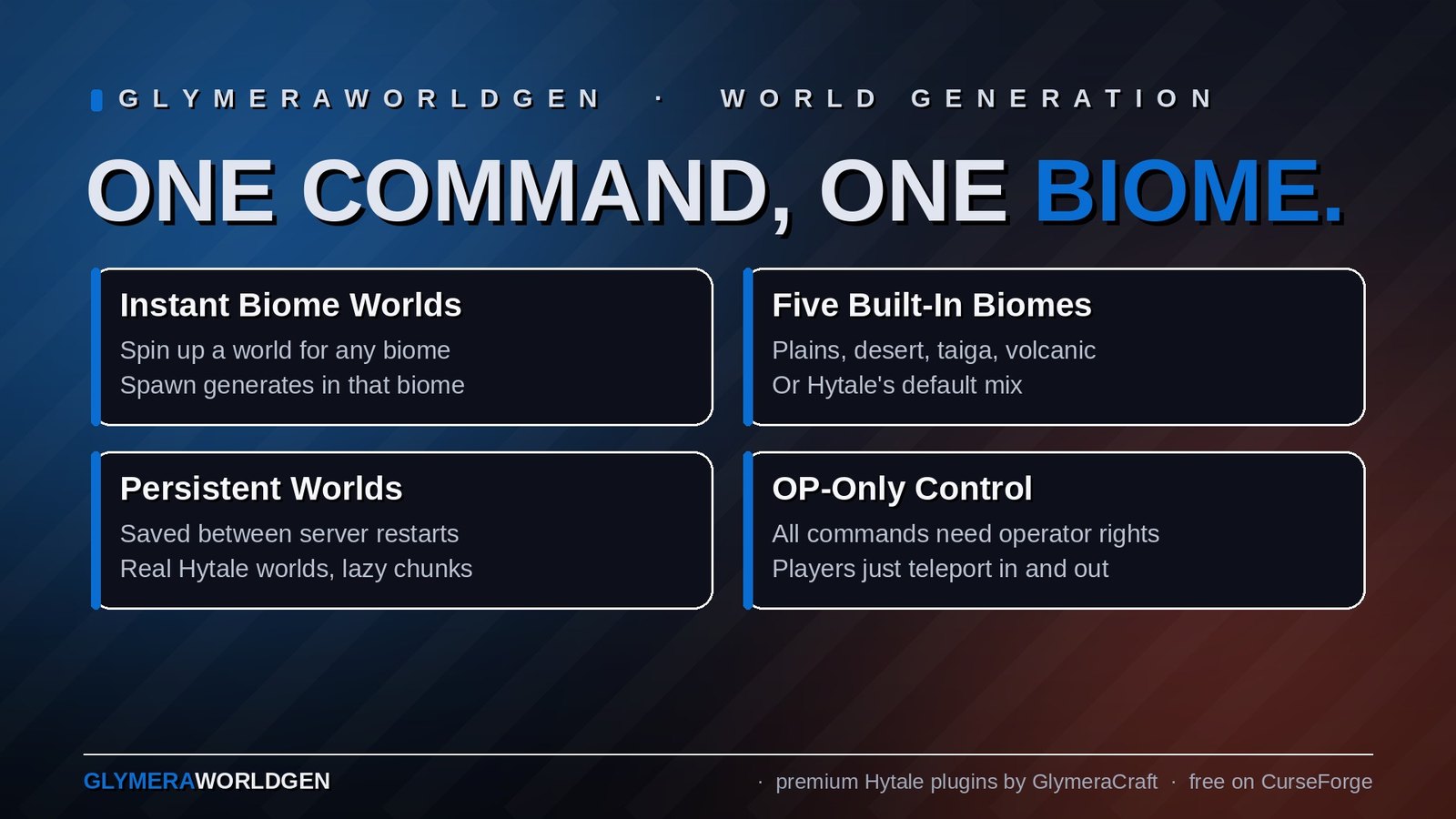
Spawn a separate world for any biome you can describe. Pick from five built-in biomes (plains, desert, taiga, volcanic, default), or define your own custom biome with 17 terrain parameters in a config file. One command, one world, one biome. Players can teleport in and out at will. Created worlds are saved between restarts.
GlymeraWorldGen - One Command, One Biome, One World
What is GlymeraWorldGen?
GlymeraWorldGen is a server-admin tool that turns biome variety into separate, persistent dimensions you can step in and out of. Spin up a desert world, a taiga world, a custom snow-and-quartz "world_8" — all from the same lobby, all on the same server, all from a single command.
Each world is a real Hytale world: it generates new chunks lazily, it remembers the players who slept in it, and it lives in universe/worlds/<name>/ like any other. The plugin's contribution is to make it trivial to assign a biome to one, change that biome later, and define your own biomes in a config file using 17 terrain parameters.
This plugin is OP-only by design. All commands require server-operator permission.
Commands
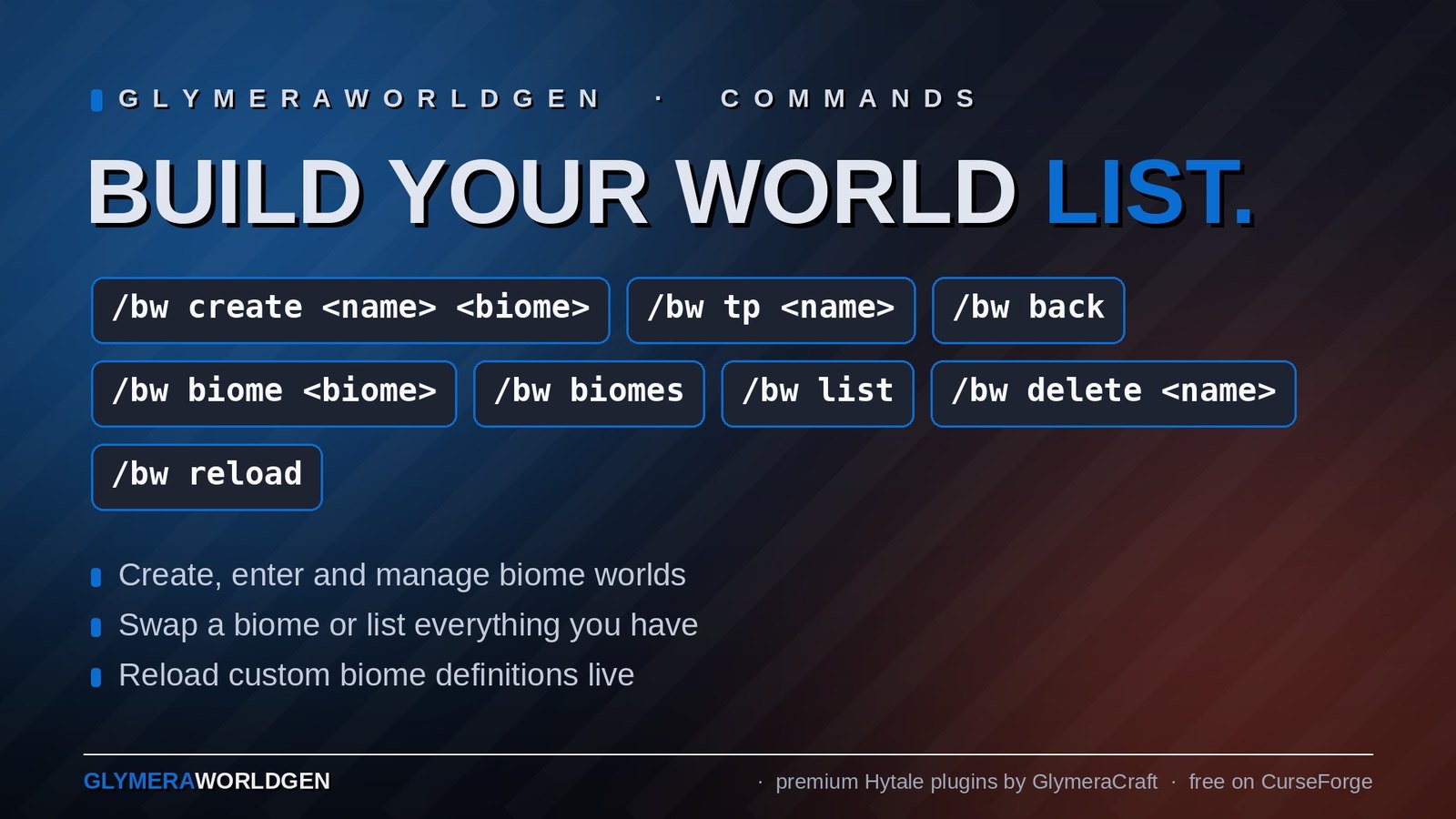
/bw create <name> <biome>
Create and load a new world named <name>, immediately assigning the given biome. The world's spawn region is generated in that biome from the very first chunk — players who teleport in land in the right terrain.
<biome> is one of:
none— create the world without assigning a biome. Useful if you want to load the world first and pick the biome interactively later (with/bw biome). The world generates with Hytale's default rules.plains— green, grassy, gentle hills (Hytale Zone1).desert— sand, sandstone, dry shore (Hytale Zone2).taiga— cold, conifer-friendly terrain (Hytale Zone3).volcanic— basalt, magma, hot shore (Hytale Zone4).default— the unmodified Hytale four-zone mix (continents containing all biomes).- Any custom biome key you defined in
config.json(see below).
If you mistype the biome name, the command refuses to create the world and lists the valid options.
/bw tp <name>
Teleport to a world's spawn point. Your previous world is remembered, so /bw back returns you to where you came from.
/bw back
Return to the world you were in before your last /bw tp. Useful for quick "step into this world to look around" admin loops.
/bw biome <biome>
Change the biome of the world you're standing in. Newly-loaded chunks use the new biome; chunks that were already generated keep their old terrain.
/bw biomes
List all available biomes (built-in + custom from config.json).
/bw list
List every world the plugin is managing, with its current biome assignment.
/bw delete <name>
Delete a managed world (the directory under universe/worlds/, the plugin's record of it, and any chunks). Requires confirmation.
/bw reload
Reload config.json from disk — useful after editing custom biome definitions without restarting the server.
Custom Biomes
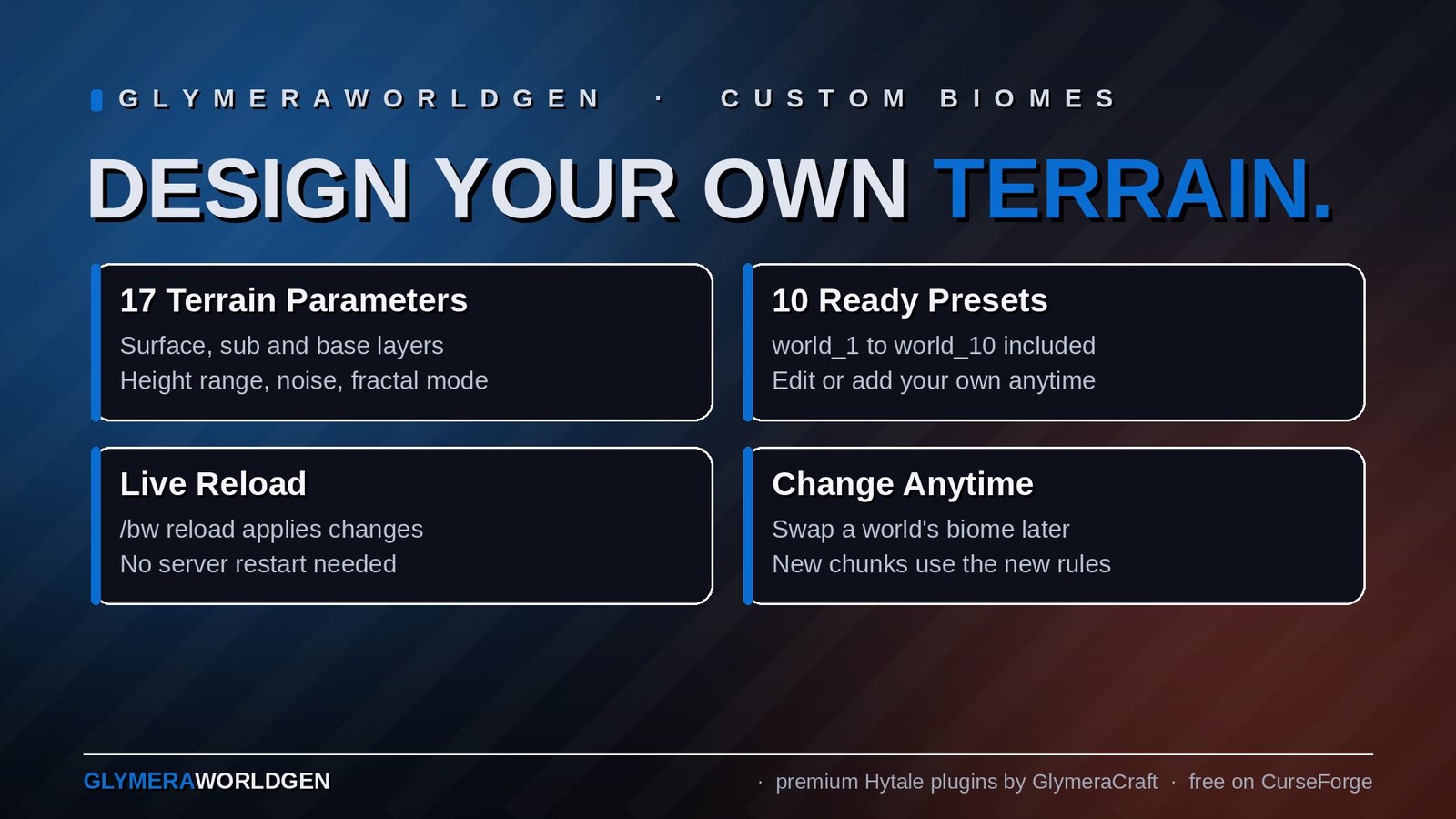
The plugin ships with five built-in biomes, but the real power is in defining your own. Open plugins/GlymeraWorldGen/config.json after first run and you will find a customBiomes section with 10 ready-to-use presets (world_1 to world_10) plus an inline _howTo and _parameters documentation block.
Each custom biome is described by up to 17 parameters:
| Parameter | Description |
|---|---|
surface |
Top layer block (e.g. Soil_Grass, Soil_Sand_White, Rock_Quartzite). REQUIRED. |
sub |
Layer immediately below surface (e.g. Soil_Dirt, Rock_Sandstone). REQUIRED. |
base |
Deep underground fill block (e.g. Rock_Stone, Rock_Basalt, Rock_Bedrock). REQUIRED. |
surfaceDepth |
Thickness of the surface layer in blocks (1-50, default 1). |
subDepthMin / subDepthMax |
Random-range thickness of the sub layer in blocks. |
heightMin / heightMax |
Lowest / highest terrain in blocks (1-319). Wide range = dramatic mountains and valleys; narrow range = mostly-flat. |
noiseType |
SIMPLEX or OLD_SIMPLEX. |
noiseScale |
Zoom level. Smaller = wide smooth hills, larger = tight chaotic terrain. |
noiseOctaves |
How many detail layers to stack (1-8). More octaves = more fine detail. |
noisePersistence |
How strongly each octave contributes (0.01-1.0). Higher = rougher. |
lacunarity |
How fast each octave gets finer (1.0-4.0). |
fractalMode |
FBM (natural rolling hills), BILLOW (soft puffy shapes), RIDGED (sharp mountain ridges). |
waterLevel |
Sea level (0-319). Set to 0 for a waterless world. |
waterFluid |
Which fluid fills the sea level (e.g. Water_Source, Lava_Source). |
tint |
Hex color tint for grass / surface ambient lighting. |
Once defined, the biome is selectable by its key:
/bw create my_island_world world_3
The custom biome's terrain rules are applied via reflection on the loaded chunk generator — Hytale doesn't natively support per-world biome overrides, so the plugin reaches into the running generator and rewrites its layer/heightmap/noise parameters in place.
Typical Workflow
# 1) Edit plugins/GlymeraWorldGen/config.json — define a biome under customBiomes
# 2) Reload the config without restarting the server
/bw reload

# 3) Create + immediately enter a desert world
/bw create scorched_dunes desert
/bw tp scorched_dunes

# 4) Decide it should actually be your custom snowy biome
/bw biome world_8

# 5) Hop back to the main world
/bw back

# 6) See what worlds you have
/bw list
Compatibility & Caveats
- Existing worlds in
universe/worlds/are not touched by the plugin. The plugin only manages worlds it created itself (or worlds you registered through/bw createfor the first time). - One world per command call. This isn't a bulk-create tool; the workflow assumes you compose your set of worlds deliberately.
- Memory usage scales with the number of loaded worlds and the number of players in each. Don't open dozens of worlds on a 4 GB server.
- Persistence is automatic. The world's chunks save to disk just like the main world, and the plugin's state (which biome each world is on) lives in
plugins/GlymeraWorldGen/config.json.
Permissions
All /bw … commands require server-operator permission (*). Non-OP players cannot create, delete, or biome-swap worlds. They can, however, freely use any of the worlds an OP teleports them into.
Asset Pack
The plugin ships its own runtime asset pack at mods/GlymeraWorldGen/ containing the Server/World/Default/Mask.json and Server/World/Default/Zones.json files Hytale needs to apply biome MaskMappings. The pack is regenerated on every plugin load — there's nothing to maintain by hand.
Changelog
GlymeraWorldGen - Changelog
v14.0.0 (2026-08-28)
Fixed
- Underground spawn when teleporting into a freshly generated world (Hytale 0.6.0): the engine's default spawn provider reads the heightmap of a chunk whose sections are not all written yet, so
/gworldteleports into a new world could land inside a cave. After the teleport the plugin now checks (2/6/15 s) whether the player is buried or below the column top; if so, the player is lifted onto the surface and that point is pinned as the world's spawn. Only applies to worlds that still use the world-gen default spawn provider - worlds with a custom/global spawn are never touched.
v12.0.0 (2026-08-12)
New: ore veins now follow the biome (requested by DrKoolAid on Discord for a zone-4-only challenge world).
Until now a re-themed world looked like the target biome but kept every area's original underground ore distribution — a volcanic world still had copper, gold and treasure veins everywhere. Root cause: ore veins are not part of Hytale's per-biome containers (which the plugin already copies) but live one level higher, as vein entries inside each zone's cave generator (Zones/<zone>/Cave/Caves.json → Ores.*). The plugin never touched that layer before.
- Built-in biomes (plains / desert / taiga / volcanic): every foreign zone's ore veins are now swapped to the target group's native set, role-matched exactly like the terrain containers (land → land, shore → shore, shallow-ocean → shallow-ocean). The deep-ocean zone keeps its vanilla terrain and its vanilla ores — mirroring the existing "deep ocean stays water" behavior. Example: a
volcanicworld now yields only iron, silver and adamantite on land, like real Zone 4. - Custom biomes: new optional config key
"ores". Values:zone1(copper/iron/gold/silver/treasure),zone2(adds thorium),zone3(cobalt instead of thorium),zone4(only iron/silver/adamantite); the preset namesplains/desert/taiga/volcanicare accepted as aliases. Omitted = native ores per area, exactly as before (fully backward compatible). Custom worlds are uniform, so the swap covers all zones including the former ocean areas. The_guidesection inconfig.jsondocuments the key. - Ore vein entries are identified by name — the native placement files carry exactly
Copper/Iron/Gold/Silver/Cobalt/Thorium/Adamantite/Treasure, while real cave types use area names (Grasslands_*,Firelands_*, …); verified against Assets.zip 0.5.7, no collision. The swap is performed on the live generator via the same in-place reflection pattern as the biome containers (the zone'sCaveGenerator.caveTypesarray is replaced;Zoneitself is a record and stays untouched). - Boot info logging removed (the per-world
patch(...)line and the ore-swap summary); config warnings and error traces remain.
Verified without a player via GlymeraSimLab on the dev server: force-generated fresh chunk regions at three far-apart locations in a volcanic world and exported the underground blocks. Result: over 6,000 ore blocks on land, exclusively Ore_Iron_* and Ore_Adamantite_* (silver veins are rarer and missed the samples; they ride in the same swapped set) — and a coastal sample correctly showed 6 native Ore_Copper_Stone on the deep-ocean seabed, confirming the ocean exception works.
Note: as always, only newly generated chunks are affected — existing terrain keeps its baked ores.
v11.0.0 (2026-08-12)
Maintenance release — no gameplay or generation behavior changes.
- Fixed: wrong version in the in-game help.
/bw(no arguments) showed=== GlymeraWorldGen v6.0.0 ===even though the plugin was v10. The help header and the runtime pack manifest now share a singleVERSIONconstant, so the displayed version can no longer drift from the release version. - Fixed:
config.jsonis now written atomically. The config (world→biome mapping + custom biomes) was previously overwritten in place on every/bw create,/bw deleteand/bw biome. A crash or power loss in the middle of that write could truncate the file — after the next restart every biome world would silently generate vanilla terrain in new chunks. The plugin now writes to a temp file and atomically moves it overconfig.json(with a plain-replace fallback on filesystems without atomic move). - Cleanup: removed the dead legacy Zones.json-rewrite path (~200 lines:
generateZonesJson, the per-biome mask-mapping builders and their color tables, plus an unused proxy helper). This code has had no callers since the v10 in-place-patch rewrite and implemented exactly the mechanism that stopped working on Hytale 0.5.x. Removing it prevents future confusion; the nativeZones.json/Mask.jsonreference pack is untouched.
Core fix: configured biomes were completely ignored from Hytale 0.5.x onward — every world generated the default vanilla landscape despite the chosen biome. Root cause: the old approach (rewrite the shared Zones.json at runtime → rebuild the generator → ChunkStore.setGenerator()) is no longer honored since 0.5.x — the freshly built generator is discarded / its thread pool is killed on the "double setGenerator", and generation continues with the vanilla default. (GlymeraFloatingIslands' own code literally warns about "ThreadPool-killing double setGenerator()".)
New mechanism: in-place patch of the live generator
Following the proven GlymeraFloatingIslands pattern (which survives Hytale updates):
- The biome is now applied directly to the live generator held by the ChunkStore — its biomes are set in place via reflection. No more setGenerator() (only used if the ChunkStore has no generator yet).
- Applied on AddWorldEvent (before the first chunks generate) and per freshly generated chunk (ChunkPreLoadProcessEvent) — this also catches generator swaps after a restart. Deduplicated per generator identity hash, O(1) once steady.
- No more Zones.json rewrite → no shared-file race with other worlds.
Built-in biomes (plains / desert / taiga / volcanic) — variety preserved
Sourced from the matching native zone group (plains = Zone1, desert = Zone2, taiga = Zone3, volcanic = Zone4). Instead of collapsing everything onto a single biome (monotone), each zone is mapped role-aware to a same-role zone of the target group (land → land tiers, shore → shore, shallow-ocean → shallow-ocean) and round-robined. Result: varied heights, vegetation and structures like a real native area — Hytale produces the variety; the plugin only decides which native biome goes where. Copies terrain, height, tint, water and cover/structures/environment (trees + prefabs now match the biome). Native unique prefabs (spawn/temple) are left untouched; deep ocean stays water.
Custom biomes (config customBiomes)
Still build synthetic containers from the 17 terrain parameters and are applied uniformly (a custom biome is a single defined biome). Cover/structures/sky are intentionally left native, because the config only defines terrain. (Possible future option: a decorFrom field to inherit trees/structures/sky from a native group.)
Compatibility / notes
- Built against Hytale 0.5.4. All custom container constructors verified against 0.5.4 (unchanged).
/bwcommands unchanged (list|create|tp|back|delete|biome|biomes|reload).- Already-generated chunks keep their old terrain — only newly generated chunks use the biome. Create a fresh world to test.
v9.0.0 (2026-05-29)
- Fix: Eliminated the
SEVERE Duplicate asset pack '...'error that appeared on every server boot after the first. The plugin generates its asset pack intomods/and Hytale's auto-scan already loads it at startup; the plugin then re-registered the same pack viaregisterPack(), which the engine flagged as a duplicate. The plugin now registers the pack only if it is not already loaded (AssetModule.getAssetPack(name) == null), mirroring the engine's own check. No functional change — assets load exactly as before, just without the log error. - Fix: The generated pack manifest now declares
"ServerVersion":"*"and is (re)written on every boot, clearing Hytale's "does not specify a target server version" warning (which Hytale states will become a hard error in a future version). Existing installs are upgraded automatically on the next start.
v6.0.0 (2026-05-17)
The big quality-of-life and stability pass. v5 produced loud "Failed to generate Unique-Prefab" / "FORCED Unique-Prefab" log spam on every server reboot for every world the plugin managed, and the /bw create flow could only set a biome after the spawn region was already generated. Both are fixed; /bw create now takes the target biome up front.
1. New: /bw create takes the biome as a second argument
The command signature is now:
/bw create <world-name> <biome>
where <biome> is one of: none (skip — same behavior as old v5 /bw create), plains, desert, taiga, volcanic, default, or any custom-biome key you defined under customBiomes in plugins/GlymeraWorldGen/config.json.
When <biome> is not none, the plugin pre-writes the world-pack Zones.json with the chosen biome's MaskMapping before Universe.loadWorld(...) is called, then runs applyBiome(...) from inside the thenAccept callback. The end result: Hytale generates the world's very first spawn chunks already in the chosen biome — no more "land in vanilla terrain, retreat to load some chunks elsewhere, watch the biome appear" two-step.
Existing worlds are not affected by this change; only newly-created worlds benefit.
The previous-style /bw biome <biome> command still works in case you want to change the biome of an existing world after the fact.
Unknown biome names are rejected up-front with a clear error, so you no longer create an orphan world with a typo'd biome string.
2. Fixed: SEVERE/FORCED Unique-Prefab log spam on every reboot
Reported by Superliberty on Discord (plugin_hilfe 2026-05-12):
SEVERE  [WorldGenerator] Failed to generate Unique-Prefab 'Spawn' ... maxDistance: 30.0
WARN    [WorldGenerator] FORCED Unique-Prefab 'Spawn' at Vector3i{x=0, y=137, z=0} after 5001 attempts!
SEVERE  [WorldGenerator] Failed to generate Unique-Prefab 'Temple' ... maxDistance: 100.0
WARN    [WorldGenerator] FORCED Unique-Prefab 'Temple' at Vector3i{x=0, y=119, z=0} after 5001 attempts!
— at every server start, for every world. Superliberty also noticed that his SimpleClaims-protected outpost at world coordinate (0,0) was getting clipped by the forced placement.
Root cause. The v3-v5 plugin shipped an ORIGINAL_MASK_JSON constant that lacked the UniqueZones section. Hytale's Zones.json still mapped pixel colors #ff0000 and #ffff00 to the zone names Zone1_Spawn and Zone1_Temple, but the Mask image had no rules generating those pixels, because the rules live in UniqueZones (in Mask.json). With nothing to find, the WorldGenerator looped 5001 times in vain and then forced both prefabs onto the world axis — exactly the spam Superliberty saw.
Fix. ORIGINAL_MASK_JSON now includes the UniqueZones section, byte-identical to Hytale's vanilla Server/World/Default/Mask.json (Zone1_Spawn at Distance 3000, Zone1_Temple at Distance 400 + MinDistance 250, with the exact Continent/Temperature/Intensity/Fade rules from Hytale Default). Plus, setup() no longer guards the file with if (!Files.exists) — the v5 pack is overwritten on every plugin load, so the fix takes effect on upgrade without admins having to manually delete the broken file.
After the fix: Spawn lands somewhere ~3000 blocks from the origin (not at (0,0)), Temple sits within ~400 blocks of Spawn, and the SEVERE/FORCED log lines are gone entirely.
3. Fixed: /bw biome <name> no longer throws "Could not find zone: Zone1_Spawn"
When the v6 Mask.json fix added UniqueZones back, /bw biome <name> immediately broke with WorldGenLoadException: Could not find zone: Zone1_Spawn. The reason: every per-biome MaskMapping in the plugin (buildSimpleMapping, buildTaigaMapping, buildVolcanicMapping, buildDefaultMapping) remapped #ff0000 and #ffff00 onto the biome's own tier1 zone. Once UniqueZones referenced Zone1_Spawn / Zone1_Temple by name, those zone names had to actually exist in the rewritten Zones.json — and they didn't.
All four mappings now point #ff0000 → Zone1_Spawn and #ffff00 → Zone1_Temple regardless of the selected biome. The unique spawn (Radius 35) and temple (Radius 20) zones are small, so the visual disruption of having a vanilla "Zone1" spot inside a colored biome is negligible — it's a few dozen blocks at most, around the world's spawn point.
Compatibility
- Existing worlds and their
customBiomesdefinitions are not touched. - The plugin's data file (
plugins/GlymeraWorldGen/config.json) keeps the same schema. Theworldsmap's stored values still range over"none"/ built-in / custom-biome keys. - The only behavior change you'll notice on existing worlds: the SEVERE/FORCED log lines stop appearing at server start. New worlds get the new biome-on-create flow.
Upgrade Note
If your previous server had the v5 plugin and you want existing worlds to also benefit from the Spawn/Temple-no-longer-forced behavior, you'll need to delete mods/GlymeraWorldGen/ (the side pack folder, NOT the JAR) once. The plugin rewrites a fresh pack with the correct Mask.json on next load. v5 worlds you've already played in stay where they are; only the world-generation rules update.
v5.0.0 (last released on CurseForge)
— last public release. Configurable custom biomes via config.json, /bw create|tp|back|biome|biomes|list|delete|reload, 5 built-in biomes (plains/desert/taiga/volcanic/default), 17 terrain parameters per custom biome, Reflection-based per-world generator override.
Only Marc can read this.