Gallery
Description
🏰 GlymeraStructures 🏰
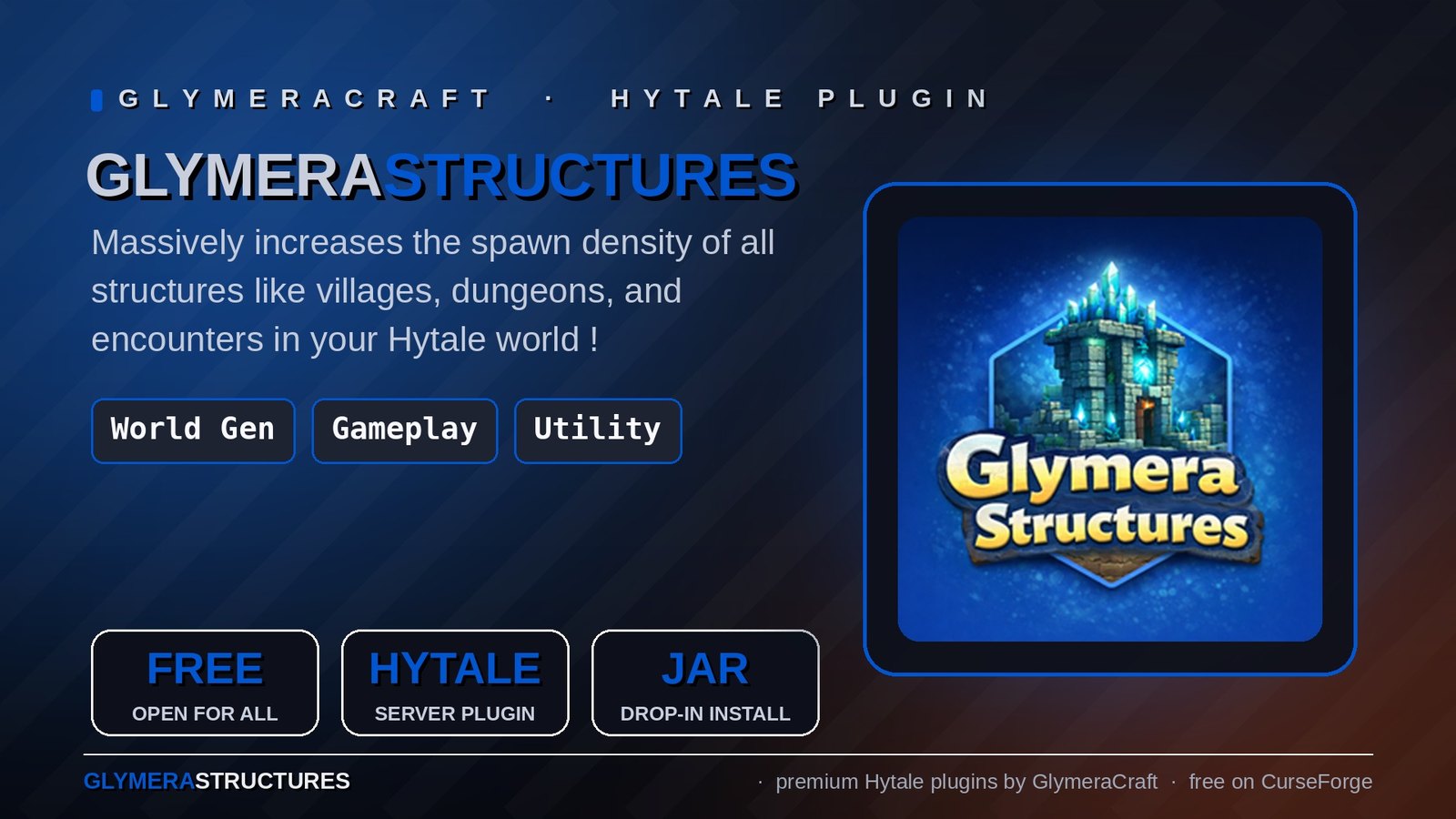
Massively boost the number of villages, dungeons, encounters and other structures in your Hytale world.
◆ What is GlymeraStructures?
GlymeraStructures dramatically increases the density of all generated structures in your Hytale world. Villages, dungeons, encounter outposts, faction camps, temples, cities, shipwrecks and more will appear far more frequently as you explore. The plugin reads all original PrefabPattern files from Hytale's Assets.zip and writes optimized overrides that remove the restrictive spawn filters, resulting in a much more populated and exciting world.
The effect is immediately visible: instead of walking for minutes without finding anything, you'll regularly discover structures scattered across the landscape. The boost can be toggled on and off at any time with a simple in-game command; the change takes effect the next time the server (or, in singleplayer, the world) is started.
◆ How it Works
Hytale uses several layered filters that drastically reduce where structures can spawn. By default, only a small fraction of candidate locations actually produce a structure. GlymeraStructures removes these bottlenecks:
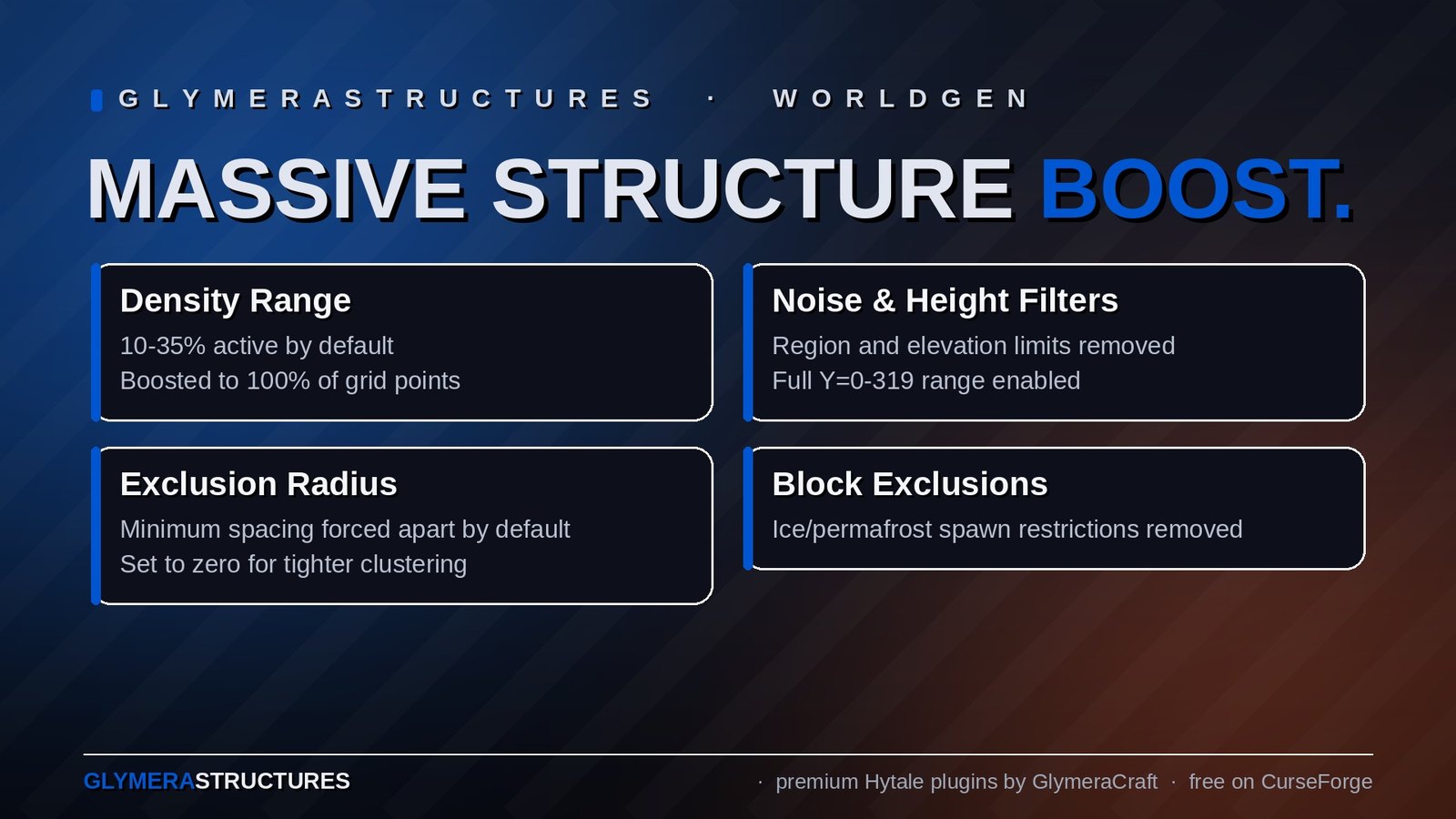
- Density Range - Originally only 10-35% of grid points are active. GlymeraStructures sets this to 100%, activating every single candidate location.
- NoiseMask Threshold - A spatial noise filter that restricts structures to specific regions. GlymeraStructures opens this filter completely, allowing structures everywhere the terrain supports them.
- HeightThreshold - Limits structures to narrow elevation bands (e.g. only Y=114-155). GlymeraStructures expands this to the full world height range (Y=0-319).
- ExclusionRadius - Forces minimum distances between structures (e.g. 100+ blocks apart). GlymeraStructures sets this to zero, allowing structures to generate right next to each other.
- Block Exclusions - Some structures are blocked from spawning on certain terrain types like ice or permafrost. GlymeraStructures removes these restrictions.
All changes are written as asset pack overrides - the original game files are never modified.
◆ Features
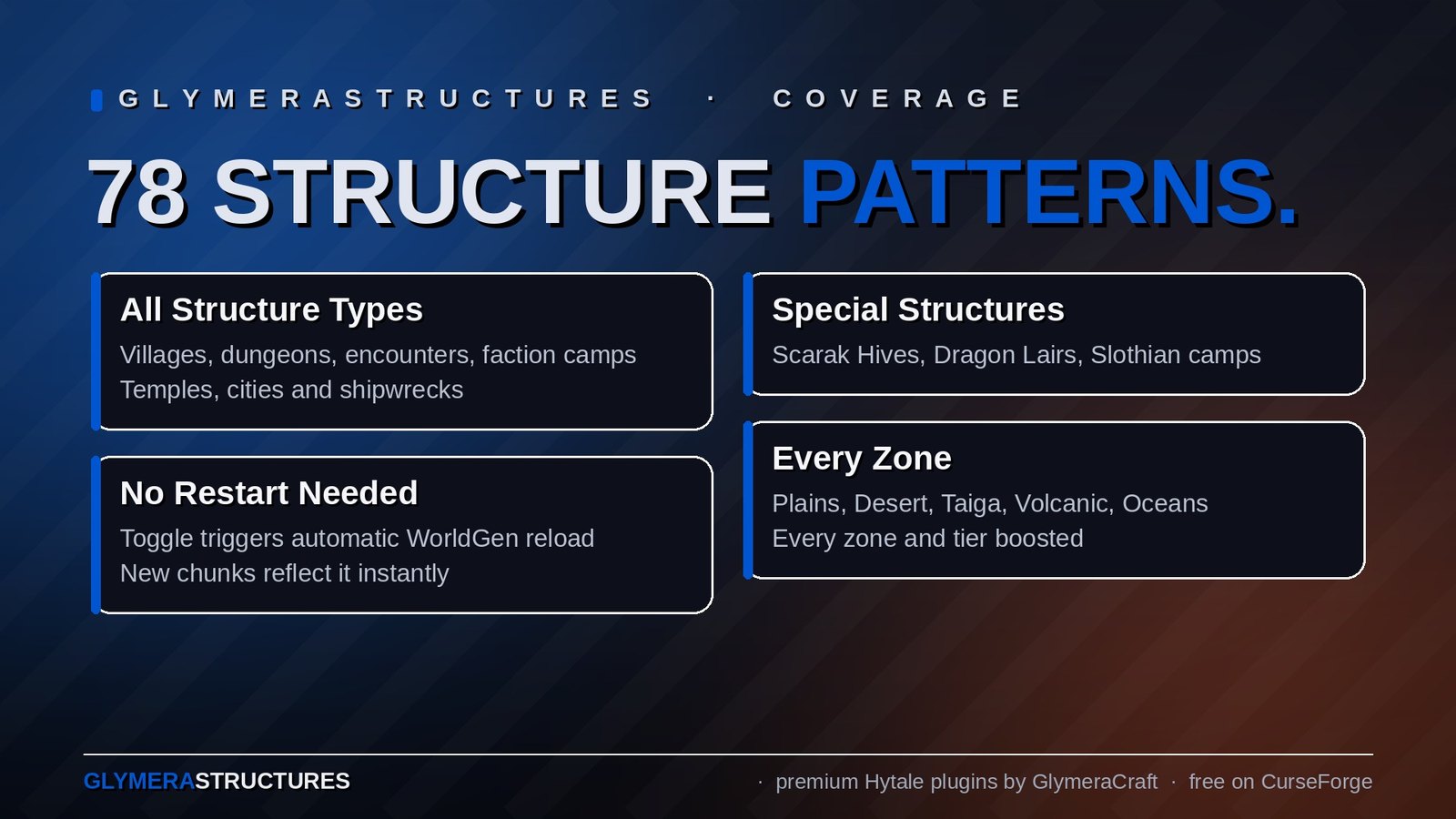
- Massive structure boost - All 78 PrefabPatterns across 9 categories are optimized for maximum spawn density.
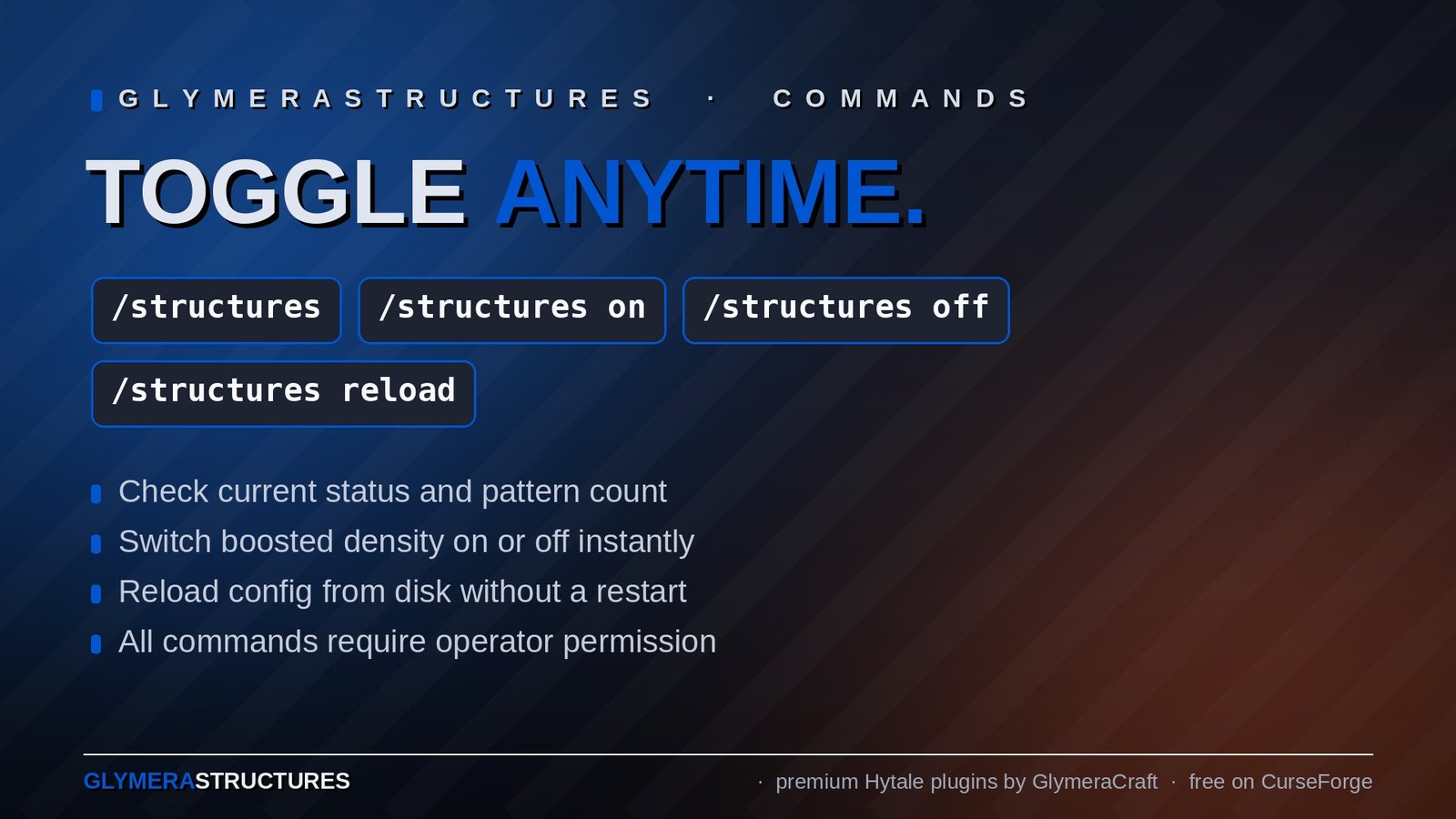
- In-game toggle - Switch between boosted and vanilla mode with
/structures onand/structures off. After the next restart, all newly generated chunks use the new setting. - Works everywhere - Dedicated servers, hosting providers and singleplayer: the plugin reads the patterns from the assets the running game has loaded, no paths to configure.
- Safe and reversible - Original game files are never touched. The plugin writes override files that can be toggled off at any time. Already generated chunks are not affected.
- Operator-only commands - Only server operators can toggle the effect. Regular players cannot change structure settings.
- Persistent config - The on/off state is saved to config.json and survives server restarts.
- All structure types supported - Villages, dungeons, encounters, faction camps, temples, cities, shipwrecks, and special structures (Scarak Hives, Dragon Lairs, Slothian camps).
- All zones covered - Plains, Desert, Taiga, Volcanic, and Oceans. Every zone and tier is boosted.
◆ Structure Categories (78 Patterns)
- Encounters - Outpost camps and encounter points across all zones
- Factions - Feran and Outlander faction camps
- Incidentals - Small structures, farms, ruins, oases
- Dungeons - Challenge dungeons in every zone and tier
- Temples - Temple entrance structures
- Villages - Kweebec, Outlander, Hedera, Yeti, Feran, and Trork settlements
- Cities - Large city structures in the Volcanic zone
- Shipwrecks - Ocean shipwrecks
- Special - Scarak Hives, Dragon Lair, Slothian Water camps
◆ Commands
| Command | Description |
|---|---|
| /structures | Show current status (on or off) and pattern count |
| /structures on | Enable boosted structure density (operator only) |
| /structures off | Restore vanilla structure density (operator only) |
| /structures reload | Reload config from disk (operator only) |
All commands require operator permission. Regular players see "Only operators can use this command."
◆ Configuration
The plugin auto-generates a config file at plugins/GlymeraStructures/config.json:
| Parameter | Default | Description |
|---|---|---|
| enabled | true | true (boosted) or false (vanilla) |
| assetsPath | "../Assets.zip" | Optional. Only needed if the log or chat reports that no assets were found: path to Assets.zip or to an unpacked assets folder |
◆ Installation
- Stop your Hytale server
- Copy GlymeraStructures.jar into your server's
mods/folder (singleplayer: the game's Mods folder) - Start your server
- Explore new areas to see the increased structure density!
No additional dependencies or asset packs required — everything is included in the single JAR file.
◆ Important Notes
- The boost only affects newly generated chunks. Areas you have already explored will not change.
- To see the full effect, explore in a new direction or generate a fresh world.
- Toggling off and on does not remove or add structures in already-loaded chunks. It only affects future chunk generation.
- If
/structuresreports 0 patterns, the chat and the server log list the locations that were tried; setassetsPathin the config in that case.
◆ Support
Having issues or questions? Leave a message here or visit our Discord!
Developed by GlymeraCraft
The GlymeraStructures Team
Changelog
GlymeraStructures - Changelog
v8.0.0 (2026-09-06) — works in singleplayer and on any server layout
- Fix:
/structures onreported "0 patterns" in singleplayer (and on any server whose folders are not laid out like the standard dedicated download). The plugin used to look for Hytale'sAssets.zipat a fixed place relative to the server's working directory and wrote its override pack tomods/next to it. In singleplayer the game keepsAssets.zipinside the installation and loads mods from its own mods folder, so nothing was found, nothing was written and the only feedback was a bare "0". - The plugin now reads the patterns from the asset pack the running server has loaded itself. That is the right source wherever the server runs: dedicated servers, hosting providers and singleplayer. The old relative path, an
Assets.zipnext to the server folder and an unpacked assets folder remain as fallbacks; a customassetsPathin the config still takes precedence. - The override pack is written to the mods directory the plugin jar was loaded from (dedicated server:
mods/GlymeraStructures/exactly as before; singleplayer: the game's mods folder), so it is picked up on the next start. - Clear feedback: one status line in the server log at startup (assets source, override folder, number of patterns written), a warning if no assets were found, and
/structures on|reload|statusnow show the assets source and the override folder. If nothing could be written, the chat lists what was tried. /structures statusshows the real plugin version (older builds printed a stale "4.0.0").- Reminder: the boost applies when the world is (re)started - after toggling, restart the server or, in singleplayer, leave and re-enter the world, then explore new areas. Already generated chunks do not change.
- Dedicated servers behave exactly as before (same 78 pattern files, same folder). Config file location and keys are unchanged. Requires Hytale 0.6.x.
v7.0.0 (2026-08-28) — Hytale 0.6.0 (Update 6)
- Rebuilt for Hytale 0.6.0 (Update 6). Requires server 0.6.0 or newer; this version does not run on 0.5.x, and older versions of this plugin do not run on 0.6.0.
- Migrated to the 0.6.0 APIs (network protocol hytale/3, new command-permission API, block/chunk/entity API changes). Everything that was open to players before is open to players again.
- Upgrade: delete the old jar from
mods/, drop in the new one and keep the plugin's data folder — configs and saved data carry over unchanged. Restart the server.
v6.0.0 (2026-05-29)
- Fix: Eliminated the
SEVERE Duplicate asset pack '...'error that appeared on every server boot after the first. The plugin generates its asset pack intomods/and Hytale's auto-scan already loads it at startup; the plugin then re-registered the same pack viaregisterPack(), which the engine flagged as a duplicate. The plugin now registers the pack only if it is not already loaded (AssetModule.getAssetPack(name) == null), mirroring the engine's own check. No functional change — assets load exactly as before, just without the log error. - Fix: The generated pack manifest now declares
"ServerVersion":"*"and is (re)written on every boot, clearing Hytale's "does not specify a target server version" warning (which Hytale states will become a hard error in a future version). Existing installs are upgraded automatically on the next start.
Only Marc can read this.