Gallery
Description
GlymeraSchematic - Bring Your Minecraft Builds to Hytale
Missing your Minecraft home? Bring it to Hytale! GlymeraSchematic imports .schem, .litematic and legacy .schematic files straight into your Hytale world — 1595 block mappings, correct orientation, zero drops on place, and mega-builds stream in without freezing your server.
What is GlymeraSchematic?
You've spent hundreds of hours building your dream castle, village, cathedral or gothic skyscraper in Minecraft, and now you're moving to Hytale. GlymeraSchematic loads any Minecraft schematic file, translates every block into its closest Hytale counterpart, and places the entire structure into your world with a single command — no manual block-by-block copying, no broken orientations, no chunks full of random stone.
Whether you grabbed a build off Planet Minecraft, exported your own world with Litematica, or pulled a .schem out of FastAsyncWorldEdit, it works.
How It Works
1. Drop the file in the imports folder
Put any of these formats into plugins/GlymeraSchematic/imports/:
.schem(Sponge v1 / v2 / v3) — the modern WorldEdit / FAWE format.litematic(Litematica mod export).schematic(legacy pre-1.13 format — see note below)
2. Stand where you want it
Fly or walk to the position where you want the bottom-north-west corner of the structure to end up.
3. Import
/gsch import <filename>
The plugin resolves all blocks through the bundled mapping table, places them in two smart passes (stable blocks first, fragile ones like torches and plants second, so nothing drops), and confirms how many blocks were placed.
Optional rotation: /gsch import <filename> N|E|S|W rotates the whole build 0/90/180/270 degrees.
4. Change your mind?
/gsch undo
Restores the area to exactly how it was before the last import, block by block, with correct rotations.
Features
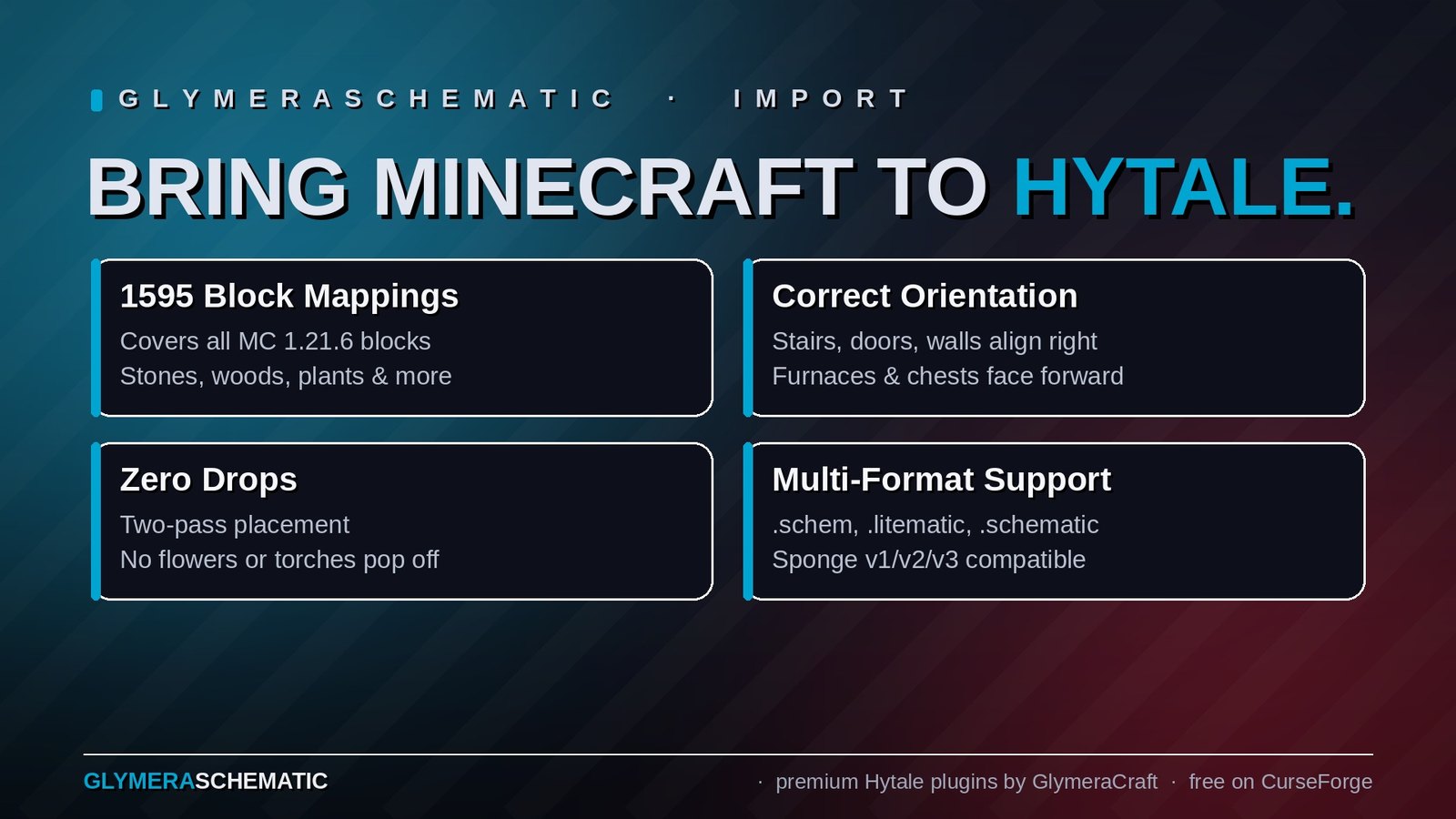
- 1595 block mappings covering essentially all Minecraft 1.21.6 blocks — stones, woods, metals, glass, wool/concrete, plants, crops, leaves, stairs, slabs, walls, fences, doors, trapdoors, signs, banners, carpets, copper variants, sculk, froglights, mushrooms, pottery, heads, and more
- Proper block orientation — stairs point the right way, doors open on the correct hinge, walls connect to neighbours, trapdoors hang on the right side, furnaces face forward, chests face the player-side
- Zero drops during import — two-pass placement puts all support-providing blocks down first, then the fragile ones (plants, torches, rails, buttons, pressure plates, signs, beds, ...). No flowers fall, no torches pop.
- No mining lag afterwards — every imported block is marked as "deco" and receives a full block-update pass, so connection state, lighting and block-entity data are fully initialised from the start
- Tree-decay immunity — log floors, wood beams and artistic log sculptures stay put even if they're nowhere near a natural tree
- Building-stability — neighbours of a block you mine out don't collapse; the deco marker survives on the remaining imported blocks
- Schematic integrity preserved — what was symmetrical in Minecraft stays symmetrical in Hytale
- Unknown blocks become air, never visible stone placeholders, so your grass fields stay grassy
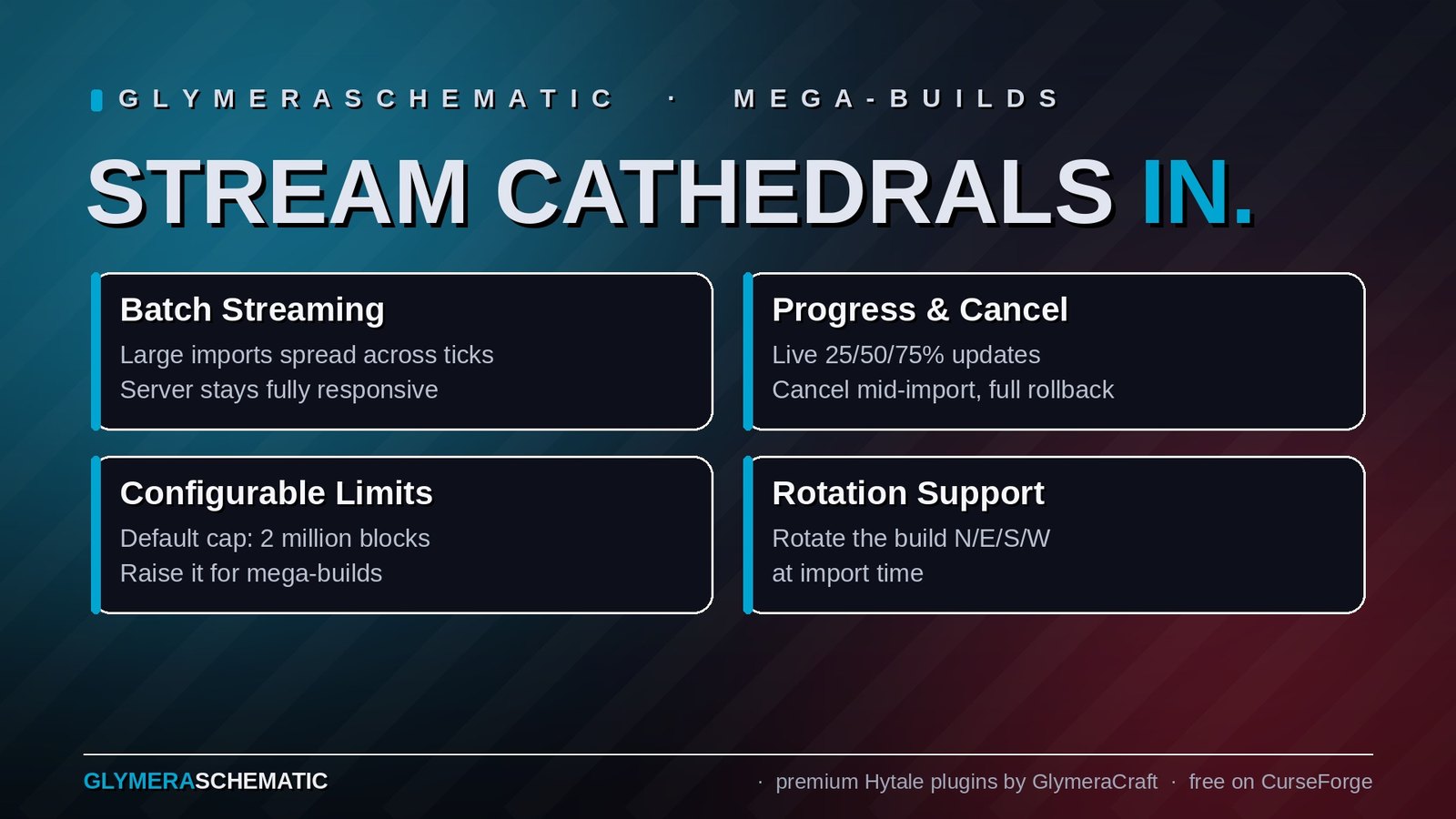
- Rotation support at import time — pick which cardinal direction the build faces in the world
- Undo — full per-block snapshot-based rollback after any import
- Mega-build streaming (new in 3.0) — large imports are placed in batches across ticks instead of one giant operation, so the server stays responsive while a cathedral materialises. Progress messages at 25/50/75%, and
/gsch cancelaborts mid-import with a full rollback - Configurable size limit (new in 3.0) — the 2-million-cell cap is now just a config default; raise
maxBlocksinconfig.jsonand import multi-million-block cities - No asset pack required — everything ships in the single JAR
Commands
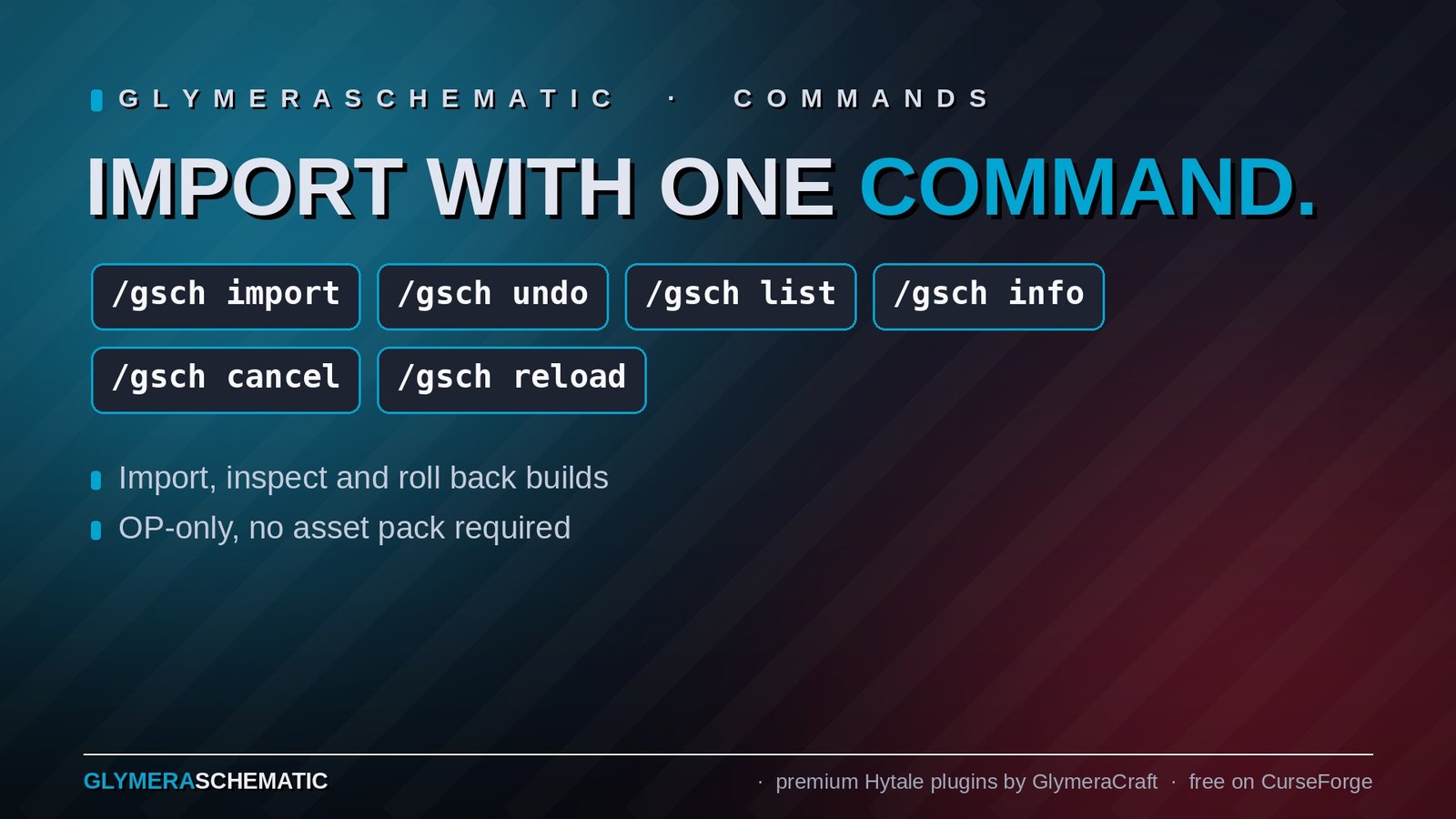
All commands are OP-only. Prefix is /gsch.
| Command | Description |
|---|---|
/gsch list |
List every schematic file currently in the imports folder |
/gsch info <filename> |
Show dimensions, block count and palette size of a schematic |
/gsch import <filename> [N\|E\|S\|W] |
Import at your position, optional rotation |
/gsch undo |
Roll back the most recent import |
/gsch cancel |
Abort a running streaming import and roll back everything placed so far |
/gsch reload |
Re-read the mapping file and config after editing |
/gsch read |
Inspect the block under / next to you (ID, rotation, yaw/pitch/roll) — handy for debugging mappings |
/gsch test |
Place a small test volume around you (developer tool) |
/gsch teststairs |
Place eight straight stairs in all four directions to verify rotation |
/gsch calibrate |
Place calibration blocks to verify Hytale's yaw convention |
Supported Formats
| Format | File extension | Support |
|---|---|---|
| Sponge Schematic v1 / v2 / v3 | .schem |
Full — block-state properties (facing, half, shape, connections, ...) parsed completely |
| Litematica | .litematic |
Full — same internal format as Sponge, identical fidelity |
| Legacy Minecraft Schematic (pre-1.13) | .schematic |
Block types yes, orientations no. The legacy format stores data values numerically, without block-state strings. Stairs, doors, walls, trapdoors etc. will be placed in their default orientation. For orientation-sensitive builds, use a converter (WorldEdit, Litematica) to upgrade to .schem or .litematic first. |
Configuration
Block mapping — plugins/GlymeraSchematic/mapping.json (created on first start)
This is the complete Minecraft → Hytale block translation table, 1595 entries. Edit any mapping to re-route specific blocks (e.g. prefer Wood_Redwood_Planks instead of Wood_Goldenwood_Planks for oak_planks on your server), then /gsch reload to apply without restarting.
Blocks not in the table are placed as air — which keeps unknown / modded blocks from producing random stone artefacts.
Limits & streaming — plugins/GlymeraSchematic/config.json (created on first start)
| Setting | Default | Meaning |
|---|---|---|
maxBlocks |
2,000,000 | Hard upper limit — imports above this cell count (width × height × length, air included) are refused. Raise it to import mega-builds. |
batchThreshold |
100,000 | Above this cell count the import streams in batches across ticks instead of being applied in one shot. |
batchSize |
10,000 | Cells processed per batch. |
batchIntervalMs |
50 | Milliseconds between batches (50 = one server tick). |
/gsch reload applies config changes live — no server restart needed.
One thing to keep in mind when raising maxBlocks: the undo snapshot lives in memory (~40 bytes per placed block, so a 10-million-block import holds roughly 400 MB until the next import or restart). Give your server the RAM to match your ambitions.
Installation
- Place
GlymeraSchematic-3.0.0.jarin your server'smods/folder. - Start (or restart) the server.
- Drop schematic files into
plugins/GlymeraSchematic/imports/. /gsch import <filename>.
No external asset pack, no manifest tweaking, no Hytale version lock — the plugin declares ServerVersion: "*" and works with any current build.
Good to Know
- The plugin uses a family-specific rotation calibration per block type (stairs / trapdoors / doors / chests / walls / fences all have slightly different render defaults in Hytale — the plugin applies the correct offset per family)
- Walls/fences/panes reconstruct their connection axis from the source schematic's connection properties (north/south/east/west = none/low/tall or true/false), so T-junctions and L-corners come out right
- Hytale has no built-in corner-stair variants; MC's
shape=inner_left/outer_rightetc. are rendered as straight stairs. Visible but generally acceptable - Hytale logs have no
axisproperty, so Minecraft log-orientations (horizontal logs, pillars) collapse to upright. Use Hytale's own beams / decorative wood variants for horizontal runs - Banners, candle cakes, hanging signs and a few redstone-internal blocks are intentionally skipped (placed as air) because there is no reasonable Hytale equivalent
Made with care by Glymera for the Hytale community
Changelog
GlymeraSchematic - Changelog
v4.0.0 (2026-08-28) — Hytale 0.6.0 (Update 6)
- Rebuilt for Hytale 0.6.0 (Update 6). Requires server 0.6.0 or newer; this version does not run on 0.5.x, and older versions of this plugin do not run on 0.6.0.
- Fixed block rotation when pasting (stairs, logs and other rotated blocks came out in one orientation) — the 0.6.0 block API changed what the rotation argument means.
- Migrated to the 0.6.0 APIs (network protocol hytale/3, new command-permission API, block/chunk/entity API changes). Everything that was open to players before is open to players again.
- Upgrade: delete the old jar from
mods/, drop in the new one and keep the plugin's data folder — configs and saved data carry over unchanged. Restart the server.
v3.0.0 (2026-08-04)
Configurable import limit
- The maximum import size is no longer hard-coded. A new config file
plugins/GlymeraSchematic/config.jsonis created on first start: maxBlocks(default 2,000,000) - hard upper limit; imports above this
cell count are refused. Raise it if you want to import mega-builds.batchThreshold(default 100,000) - above this cell count the import
streams in batches instead of being applied in one shot.batchSize(default 10,000) - cells processed per batch.batchIntervalMs(default 50) - milliseconds between batches
(50 ms = one server tick)./gsch reloadnow re-reads the config as well as the mapping, so you can
raise the limit without restarting the server.- Note when raising the limit: the undo snapshot is kept in memory
(roughly 40 bytes per placed block, e.g. ~400 MB for a 10-million-block
import), so make sure your server has the RAM for it.
Large imports no longer freeze the server
- Previously the entire import ran in a single step on the world thread -
the reason the old 2-million cap existed at all. Imports above
batchThresholdnow stream in batches across ticks: the server stays
responsive, other players keep playing normally while the build appears. - Streaming imports report progress at 25% / 50% / 75%, then finish with the
usual placement statistics. - Placement semantics are unchanged: the same two-pass order (stable blocks
first, then fragile ones like torches and plants), then deco-marking, then
the block-update pass. Small imports behave exactly as before. /gsch undoof a large snapshot streams as well.
New command: /gsch cancel
- Aborts a running streaming import and rolls back every block that was
already placed, also in batches. Handy when you picked the wrong spot for
a cathedral.
Verified with
- A real 8.3-million-cell Litematica build (Notre-Dame de Paris,
127 x 218 x 301, ~410,000 placed blocks): streamed import, cancel with
rollback, and streamed undo.
v2.0.0 (2026-05-26)
- Compatibility port for the current Hytale server builds (updated engine
math imports). No functional changes.
v1.0.0 (2026-04-24)
- First release: .schem (Sponge v1/v2/v3), .litematic and legacy .schematic
import with 1595 block mappings, family-calibrated rotations, two-pass
placement (zero drops), deco-marking (no tree decay / support collapse),
full block-update pass, per-block undo snapshot.
Only Marc can read this.