Gallery
Description
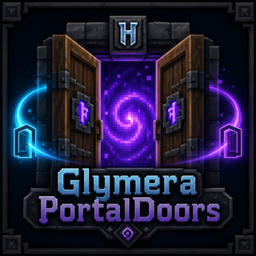
GlymeraPortalDoors - Doors That Teleport
Requires Hytale 0.6.0 or newer (since v5.0.0). For 0.5.x servers use v4.0.0.
Portal variants of all 16 Hytale doors. Pair two doors with a Life Essence in hand, walk through an open one, and teleport to its partner. Each door still opens and closes, with an animated portal-ring effect inside its frame.
What is GlymeraPortalDoors?
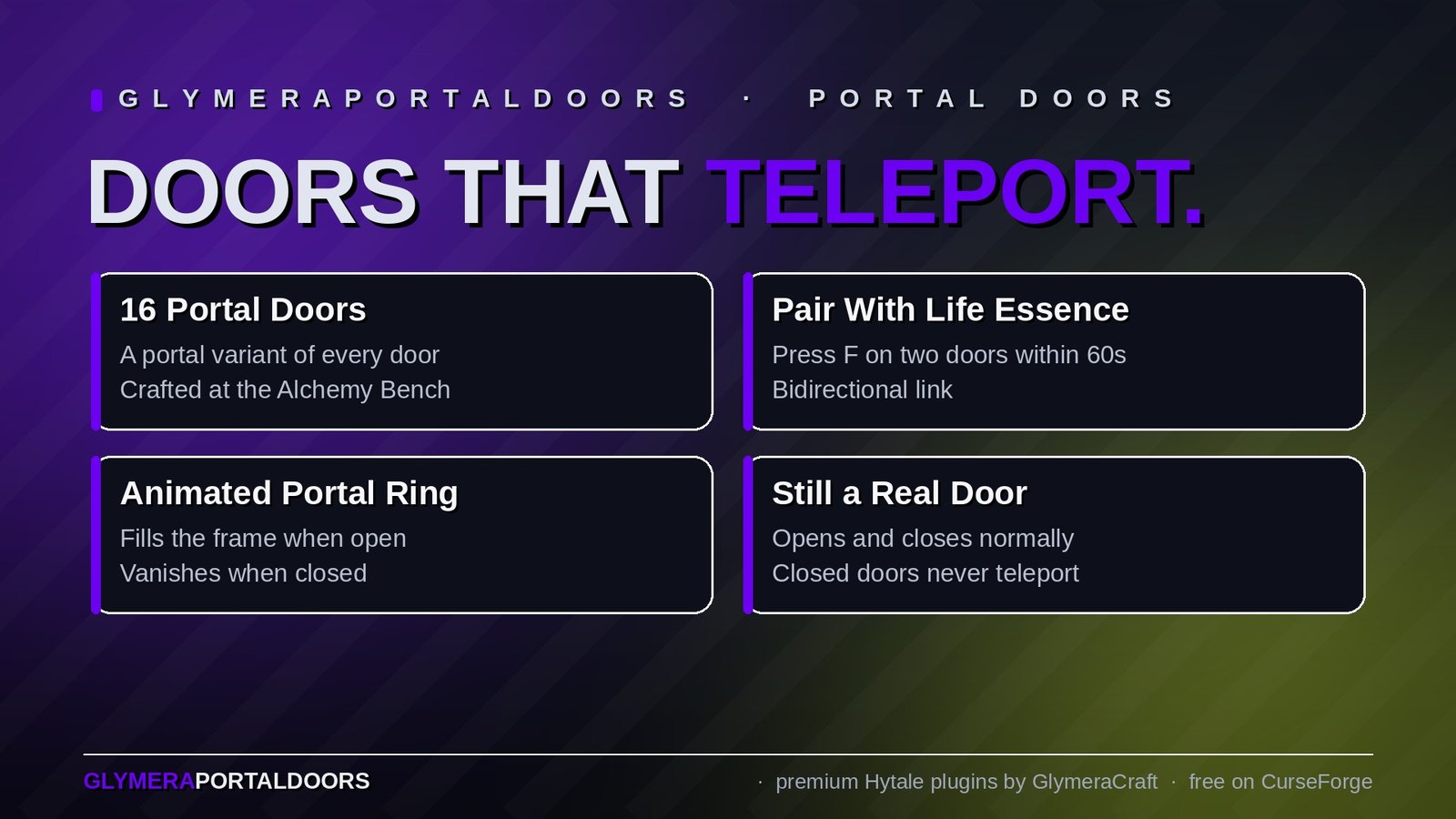
Adds a Portal version of every standard Hytale door (16 in total), craftable alongside the original. Every portal door is a fully functional door that also acts as a teleporter when paired with another portal door of your choice. Walk through one open portal door and you come out of the other, on the side you faced when you placed that door.
A rotating, shimmering portal-ring effect fills the door frame when the door is open, vanishes when it's closed.
How It Works
Crafting
All 16 Portal-Door variants are crafted at the Alchemy Bench, under the Misc tab:
- The original door's ingredients (e.g. 2x Wood Lightwood Softwood for the Crude variant)
- + 15x Life Essence
The category craftingEnabled toggle in the config allows server owners to disable the recipe entirely.
Setting up a Teleport Pair
- Place two Portal-Doors anywhere in the same world.
- Take one Life Essence into your hand.
- Press
F(use) on the first door → "Pairing started." - Within 60 seconds, press
Fon the second door → "Portal-Doors paired!"
The doors are now bidirectionally linked. Walking through one open door teleports you to the other.
Using
Fwith an empty hand on a portal door: normal open/close.Fwith Life Essence on a portal door: start/finish pairing.- Walk through an open paired portal door: teleport to the partner. You arrive on the side the partner's owner was facing when placing the partner door, looking away from it.
- Walking through a closed door does nothing (no teleport, no effect).
What's Included
All 16 standard Hytale door variants have a Portal version:
| Door Type | Portal Variant |
|---|---|
| Crude Door | Crude Door (Portal) |
| Ancient Wooden Door | Ancient Wooden Door (Portal) |
| Sandswept Door | Sandswept Door (Portal) |
| Feran Door | Feran Door (Portal) |
| Frozen Castle Door | Frozen Castle Door (Portal) |
| Lost Civilization Wooden Door | Lost Civilization Wooden Door (Portal) |
| Bamboo Door | Bamboo Door (Portal) |
| Kweebec Door | Kweebec Door (Portal) |
| Lumberjack Door | Lumberjack Door (Portal) |
| Tavern Door | Tavern Door (Portal) |
| Dark Temple Door | Dark Temple Door (Portal) |
| Earth Temple Door | Earth Temple Door (Portal) |
| Overgrown Temple Door | Overgrown Temple Door (Portal) |
| Light Temple Door | Light Temple Door (Portal) |
| Wind Temple Door | Wind Temple Door (Portal) |
| Simple Wooden Door | Simple Wooden Door (Portal) |
Ownership
- The player who places a portal door becomes its owner.
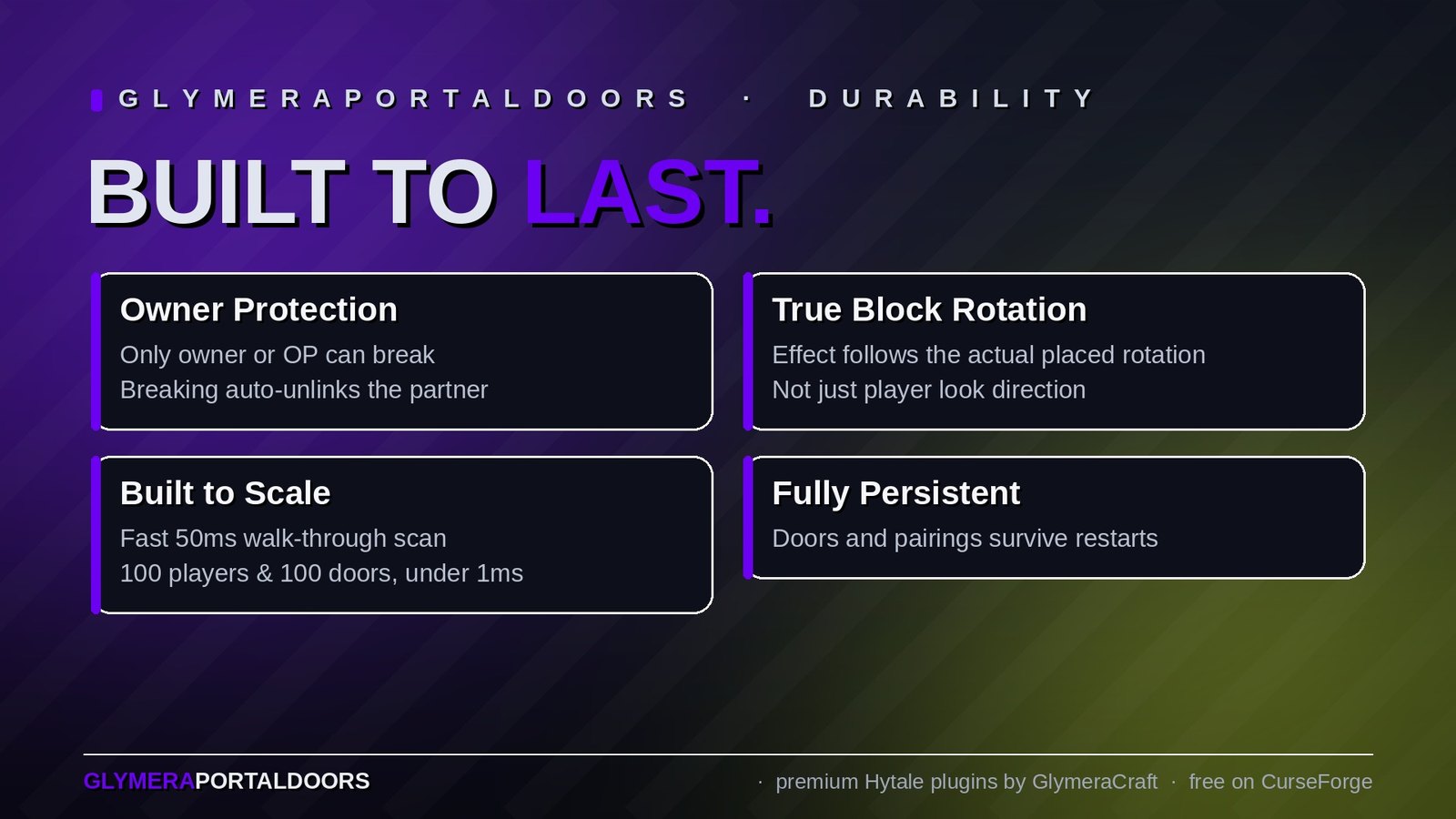
- Only the owner (or a server OP) can break the door or change its pairing.
- When a door is broken, its partner is automatically unlinked.
Commands
| Command | Who | Description |
|---|---|---|
/gpd |
OP | Show tuning summary |
/gpd pitch / yaw / roll <rad> |
OP | Adjust particle rotation (radians) |
/gpd scale <float> |
OP | Adjust particle scale |
/gpd cy <float> |
OP | Adjust vertical centre offset |
/gpd width / height <float> |
OP | Grid span (reserved for future layouts) |
/gpd cols / rows <int> |
OP | Grid count (reserved) |
/gpd orient <0-3> |
OP | Which Direction axis receives door.yaw: 0=yaw, 1=pitch, 2=roll, 3=off |
/gpd show |
OP | Print current tuning values |
All /gpd commands are operator-only (enforced since v6.0.0; up to v5.0.0 any player could run them). They exist for visual fine-tuning; the built-in defaults are already correct. Tuned values apply live to every door on the server but are not saved - a restart returns to the defaults. width/height/cols/rows are stored but have no visual effect yet.
Configuration
File: plugins/GlymeraPortalDoors/config.json (created on first start)
| Setting | Default | Description |
|---|---|---|
craftingEnabled |
true |
Informational: set to false to discourage crafting (actual recipe is embedded in the asset pack and currently always active) |
Persistence
- Door positions, ownership, and pairings are stored in
plugins/GlymeraPortalDoors/doors.json. - Server restart: all doors and pairings survive.
- Chunk reload: door data is preserved; it is only removed from the registry when the block is confirmed replaced by another block type.
- The actual facing direction is read live from the placed block's rotation - if Hytale rotates a door differently than the player's head direction, the particle and the exit position follow the real block rotation.
Performance
- Fast scan (50 ms): iterates online players and does an O(1) hashmap lookup per player to find a matching portal door. Walk-through detection uses a 3x3x2 cell lookup + radius check, plus a fallback position from the previous scan to catch fast runners.
- Slow tick (1.5 s): particle respawn and rotation refresh per door. Reads the block's actual rotation index and corrects
door.yawif it drifted. - Teleport guard: per-player 3-second cooldown, cleared via last-position scrub to prevent double-triggers.
Scaling: 100 players x 100 paired doors is still well under 1 ms of CPU per second.
Features
- 16 Portal-Door variants - one for every standard Hytale door
- Native-looking animated portal effect (Hytale's PlayerSpawn_Portal rings, repositioned and reoriented to fit the door frame)
- Effect and teleport only active when the door is open - closing a portal door disables the portal entirely
- Owner-only breaking / pairing - griefing protection built in
- Life Essence as pairing "key" - intuitive, reuses existing Hytale resources
- Bidirectional pairs - paired doors update each other automatically when one is broken or re-paired
- Real block rotation - particle and exit direction follow the actual placed block, not just the player's look vector
- Phantom-block cleanup on break - prevents the invisible residue that 2-block-tall doors can leave behind when
IsDoor=false
Installation
- Place
GlymeraPortalDoors-6.0.0.jarin your server'smods/folder. - Start (or restart) the server.
- Everything is embedded in the JAR - no external asset folders needed.
Good to Know
- Portal-Doors are independent items from the original doors. Both recipes coexist; the original craft still lives at the Builders Bench, the Portal variant lives at the Alchemy Bench.
- Each portal door acts as a normal door. Pairing and teleport are additive features.
- Walking through a closed portal door does nothing. Players can still open and walk through normally without any teleport side-effects.
- The portal-ring effect auto-rotates with the door. If you demolish an old door and place a new one in a different orientation, the effect updates itself within 1.5 seconds.
- Pairings are exclusive: pairing a door to a new partner automatically breaks its previous pairing on both sides.
Made with care by Glymera for the Hytale community
Changelog
GlymeraPortalDoors — Changelog
v6.0.0 (2026-08-29)
Fixed
/gpdparticle-tuning commands are operator-only now. They adjust the portal particle effect for every door on the server and were meant for admins; up to v5.0.0 any player could run them. Non-operators get "Only operators can use this command." Pairing, teleport and door ownership are unchanged.- Upgrade: replace the jar, keep the data folder (
doors.jsoncarries over), restart.
v5.0.0 (2026-08-28) — Hytale 0.6.0 (Update 6)
- Rebuilt for Hytale 0.6.0 (Update 6). Requires server 0.6.0 or newer; this version does not run on 0.5.x, and older versions of this plugin do not run on 0.6.0.
- Migrated to the 0.6.0 APIs (network protocol hytale/3, new command-permission API, block/chunk/entity API changes). Everything that was open to players before is open to players again.
- Upgrade: delete the old jar from
mods/, drop in the new one and keep the plugin's data folder — configs and saved data carry over unchanged. Restart the server.
v4.0.0 (2026-05-30)
Changed (performance only — no gameplay change)
- The walk-through detection scan (which runs 20 times per second) now uses a
primitive long-keyed, per-world spatial index of doors instead of building String
lookup keys (and rebuilding a world set) on every scan. This removes almost all
per-scan memory allocation in the hot path, lowering steady CPU use and GC pressure,
especially when many doors are placed.
Unchanged
- Detection radius, pairing, teleport, ownership, particle rendering, persistence
(doors.json), config (craftingEnabled), and all OP-only/gpdtuning commands.
Notes
doors.json/config.jsonfully compatible; no migration. Server restart required
to load the new JAR.
v3.0.0
- Internal build (Hytale Stable 5 compatibility). No separate changelog was recorded.
v2.0.0 (2026-04-22)
Changed
- All player-facing chat messages translated from German to English:
- Placement confirmation ("Portal door placed...")
- Ownership warnings on break and pair ("Not your portal door!...")
- Pairing start, success, and cancel messages
- Removal confirmation
- Source header comment translated to English.
- Default
config.json_commentfield translated to English.
Unchanged
- All gameplay logic (pairing, teleport, particle rendering, owner tracking).
- OP-only
/gpdtuning subcommands remain English (unchanged). - Item display names in
Server/Languages/en-US/server.langremain English (unchanged).
Notes
- No config migration required. Existing
doors.jsonandconfig.jsonare fully compatible. - Server restart required for the new JAR to load.
v1.0.0 (2026-04-21)
Added
- Initial release.
- 16 portal door furniture variants (Ancient, Crude, Desert, Feran, Frozen Castle, Human Ruins, Jungle, Kweebec, Lumberjack, Tavern, Temple Dark/Earth/Emerald/Light/Wind, Village).
- Pairing via right-click with Ingredient_Life_Essence in hand; click two doors within 60 seconds.
- Walk-through teleport to the paired door.
- Owner tracking: only the owner or an OP may break or re-pair a door.
- Custom particle system (
GPD_DoorPortal) rendered inside the door frame when open. - Persistence:
plugins/GlymeraPortalDoors/doors.jsonstores all registered doors and pairings. - Config:
plugins/GlymeraPortalDoors/config.json—craftingEnabledtoggle. - OP-only
/gpdtuning subcommands (pitch, yaw, roll, scale, width, height, cols, rows, cy, orient, show) for live particle adjustment.
Only Marc can read this.