Gallery
Description
GlymeraPortal - Physical Teleporter Networks
Place teleporter pads in the world and build your own fast-travel network. Walk onto a pad, pick your destination, step off at the other end facing the right way.
What is GlymeraPortal?
GlymeraPortal replaces Hytale's native teleporter system with a player-owned portal network. Instead of a single fixed warp per pad, each teleporter connects to all your other pads automatically. Step on, choose where to go, and arrive in front of the destination portal facing away - ready to keep walking.
Key differences from native Hytale teleporters:
- Native teleporters are 1:1 (one pad → one fixed warp destination). GlymeraPortal is many-to-many (every pad connects to all your other pads).
- Native teleporters show a settings page where you pick from all server warps. GlymeraPortal shows a filtered destination menu - you only see your own network.
- Native teleporters require manual warp configuration. GlymeraPortal is automatic - place a pad and it joins your network instantly.
- Native teleporters have no ownership. GlymeraPortal has full per-player ownership with public/private visibility.
- Native teleporters land you on the pad (can re-trigger). GlymeraPortal places you in front of the pad facing away, preventing re-trigger loops.
Features
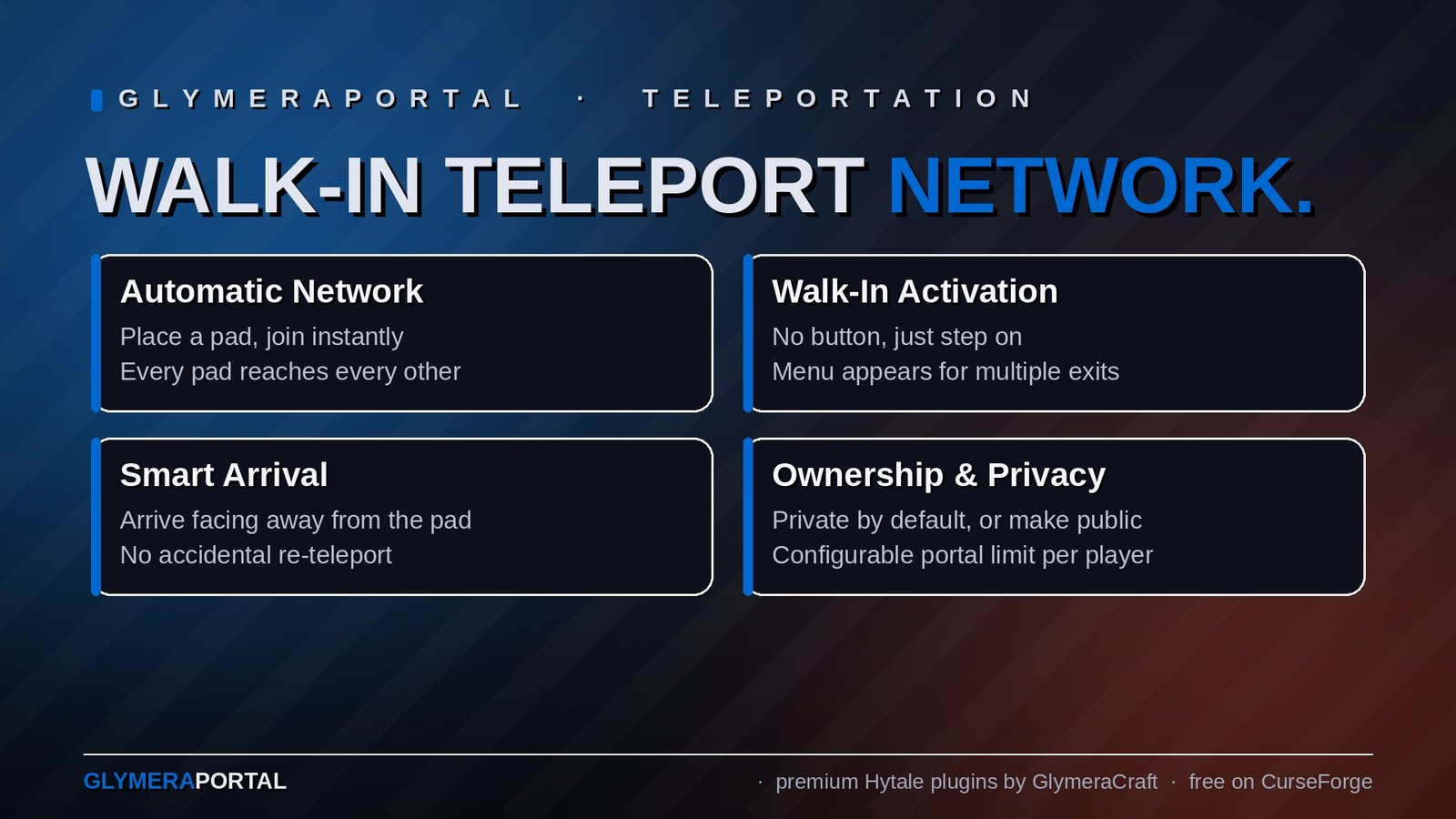
Automatic Network
- Place a teleporter pad → it joins your personal network automatically
- All your pads see each other as destinations
- Remove a pad → it disappears from all destination lists instantly
- Works cross-world - teleport between any worlds on the server
Walk-In Activation
- Simply walk onto a pad to activate it - no button press needed
- Single destination? You teleport instantly
- Multiple destinations? A dropdown menu appears
- You stay in place while browsing the menu - no disorienting movement
Smart Arrival
- Arrive 1.5 blocks in front of the destination pad, not on top of it
- Face away from the portal - walk straight to continue your journey
- Arrival direction matches the pad's NESW orientation (set when placed)
- No collision with the destination pad = no accidental re-teleport
Ownership & Privacy
- Every pad belongs to the player who placed it
- Private (default): Only you can see and use your pads
- Public: Other players can use your public network (but can't modify it)
- Only the pad owner can rename it or change its visibility
- Only the pad owner (or an OP) can break it
Portal Limit
- Configurable maximum portals per player (default: 5)
- OPs can place unlimited portals
- Clear message when the limit is reached
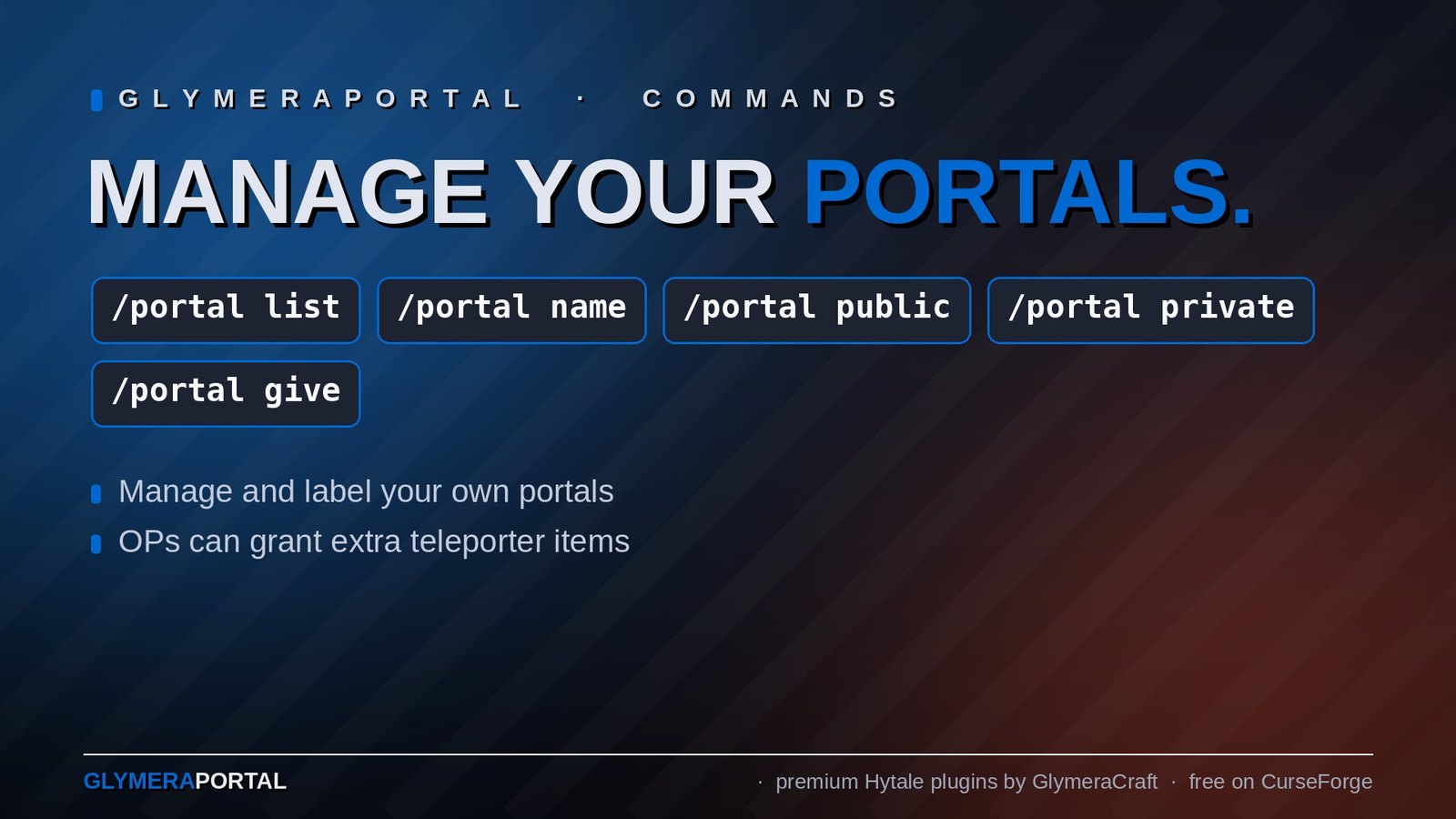
Commands
For Everyone
| Command | Description |
|---|---|
/portal list |
List your portals with coordinates and visibility |
/portal name <name> |
Rename the nearest portal (within 10 blocks) |
/portal public |
Make the nearest portal public |
/portal private |
Make the nearest portal private |
For OPs Only
| Command | Description |
|---|---|
/portal give <count> |
Give yourself teleporter items (1-64) |
/portal reload |
Reload portal data and config from disk |
/portal list |
Shows all portals from all players |
How It Works
Placing
- Right-click with a Teleporter item to place the pad
- The pad faces the direction you're looking (snapped to N/E/S/W)
- After 2 seconds, the pad activates (particles + sound)
- It's now part of your portal network
Using
- Walk onto an active pad
- If you have exactly one other pad → instant teleport
- If you have multiple pads → dropdown menu appears
- Pick a destination → teleport to that pad's exit position
Network Rules
- Owner on own pad: sees all own pads as destinations
- Non-owner on public pad: sees all public pads from that pad's owner
- Non-owner on private pad: blocked ("This is a private portal")
Configuration
config.json (plugins/GlymeraPortal/config.json)
{
  "maxPortalsPerPlayer": 5
}
Maximum number of portals a non-OP player can place. OPs are unlimited.
Portal Data (plugins/GlymeraPortal/portals.json)
Automatically managed - stores all portal positions, owners, names, visibility and warp IDs.
Crafting
Teleporters are crafted at an Arcane Bench (Arcane_Portals category):
| Input | Quantity |
|---|---|
| Azure Wood | 8 |
| Mana Crop | 2 |
| Rock (any) | 10 |
Output: 2 Teleporter pads | Required Memories Level: 5
Installation
- Place
GlymeraPortal-1.0.0.jarin your server'smods/folder - Start (or restart) the server
- Done! Config and data files are auto-generated on first run.
Good to Know
- The plugin uses Hytale's native Teleporter block with a custom asset pack (embedded in the JAR)
- Pads emit ambient portal sounds and blue particle effects when active
- Cross-world teleport is fully supported - pads in different worlds connect seamlessly
- Breaking a pad requires the correct tool (GatherType: Benches)
- The portal limit message clearly tells players their current count vs maximum
Made with care by Glymera for the Hytale community
Changelog
GlymeraPortal - Changelog
v9.0.0 (2026-08-31) — Fixes pads placed before v8 (invisible pads, broken chunk graphics)
- Pads placed with v4.0.0–v6.0.0 work and render again. v7/v8 dropped the block's
Activestate definition; pads stored in that state became unknown blocks (server log:Failed to find block '*GlymeraTeleporter_State_Definitions_Active' in chunk section!) - invisible, no teleport, and the surrounding chunk section could render see-through. The state is back as an alias of the current block, so the stored blocks resolve again. No world edits, no rebuild of pads, nothing to do in-game. - Everything from v8.0.0 is unchanged (nothing in Hytale's warp registry, single teleport without hop, 200 ms activation, GUI, links, permissions).
- Upgrade: replace the jar in
mods/and restart. If you already broke and re-placed pads, just place them again as usual.
v8.0.0 (2026-08-31) — Nothing left in Hytale's warp registry, no more hop
- Glymera pads no longer appear in the native teleporter menu or in
/warp. Until v6 every pad left two entries in Hytale's warp registry (a hidden self-warp plus the rune name the engine gives every placed teleporter), and the native teleporter's target dropdown listed them to everyone - including the coordinates of private pads. Pads now target themselves through their block component; nothing of the plugin is registered any more. Existing entries are cleaned up automatically after the first start - no rebuild of pads, no config change. - No more split-second hop onto the entry pad. The plugin now redirects Hytale's own teleport in place (body and head rotation) - one teleport, correct facing on arrival.
teleportModedefaults tomutate; set it toreplaceinplugins/GlymeraPortal/config.jsonfor the old behaviour. - Pads activate 200 ms after placement (was 2 s). Links, GUI, public/private and limits are unchanged.
v6.0.0 (2026-08-28) — Hytale 0.6.0 (Update 6)
- Rebuilt for Hytale 0.6.0 (Update 6). Requires server 0.6.0 or newer; this version does not run on 0.5.x, and older versions of this plugin do not run on 0.6.0.
- Migrated to the 0.6.0 APIs (network protocol hytale/3, new command-permission API, block/chunk/entity API changes). Everything that was open to players before is open to players again.
- Upgrade: delete the old jar from
mods/, drop in the new one and keep the plugin's data folder — configs and saved data carry over unchanged. Restart the server.
v5.0.0 (2026-08-26) — No more "press F" prompt on pads
- Looking at a Glymera Teleporter no longer shows the "press F" hint. The pad had inherited the "usable" flag from Hytale's native teleporter, where F opens the settings page - on our pads it did nothing.
- The right-click shortcut to the edit page is gone with it: open the GUI with
/portal. Teleport behaviour, links and the GUI itself are unchanged. - Contains v4.0.0 (rewrite: own block, GUI, explicit links).
v4.0.0 (2026-08-25)
Complete rewrite. Portals are now managed in a GUI and linked explicitly.
New
- Own block "Glymera Teleporter" (green-tinted pad). Hytale's native teleporter is left completely untouched - both systems can coexist on the same server.
- GUI (
/portalor right-click your pad): lists all your portals with world and coordinates; rename, make public/private, link and unlink - all by button. - Explicit links: a pad only leads to the pads you linked it to. One link = instant travel, several links = destination menu. Links are two-way and only between pads of the same owner.
- Public/private per pad: private pads admit only the owner; on a public pad guests reach the owner's public links. OPs pass through every pad.
- Recipe switch:
craftingEnabledinplugins/GlymeraPortal/config.json(default true),/portal reloadapplies it live. OPs can always/portal give <n>. - Correct exit orientation: the exit side is the side you stood on when placing the pad; you arrive 1.5 blocks in front of it, facing away, walking straight on.
- Config
teleportMode(defaultreplace= the plugin issues its own teleport, which is the only variant where the arrival facing is applied;mutatekept for experiments) anddebugLog(logs arrival position + facing after each trip).
Changed
- Pads placed with v1-v3 (native blocks) are released back to Hytale on first load: their warp is cleared and the native settings page works again. Replace them with Glymera Teleporters.
/portal name|public|privatecommands removed - use the GUI./portal list,/portal give,/portal reloadremain.- Data file
portals.jsonkeeps its format (new fields: links, exit side).
v3.0.0 (2026-08-25)
Maintenance release after a full code review. No change to how portals are used.
Fixed
- Native placement limit no longer applies. The Teleporter item now uses its own place interaction (
GlymeraPortal_Place) instead of Hytale'sTeleporter_Place, which enforced a world-wide cap of 2-8 pads depending on the placing player's Memories level. Only the plugin'smaxPortalsPerPlayerlimit counts now. - Foreign warps are no longer deleted. Placing a pad used to remove any non-portal warp within 2 blocks (any height) - an admin
/warp setnext to a pad was silently lost. Removed. - Ghost portals. If another plugin cancels the placement (plot protection etc.) or the block is missing when the warp is created, the registry entry is dropped instead of counting against the player's limit forever. Same check at server start for portals whose chunk is loaded.
- Atomic data file.
portals.jsonis written via temp file + rename (a crash mid-write can no longer leave an empty file); a leftover.tmpis recovered on load. - Warp creation on the world thread. Warp registry and block activation are no longer touched from the scheduler thread.
- Message spam. "This is a private portal." / "No destinations available." are sent at most every 10 s per player while standing on a pad.
Changed
- Logging: plugin now reports portal creation/removal, warp creation, ghost cleanup and every swallowed error to the server log with the
[GPortal]prefix. - Item definition restored to native parity (
PhysicalMaterialId,TextureComputedColor); settings page stays disabled.
v2.0.0 (2026-05-28)
- API port for the May server update (Vector3d -> org.joml). No functional change.
v1.0.0 (2026-04-13)
- Initial release: player-owned portal networks, walk-in activation, destination menu, public/private portals,
/portalcommands.
Only Marc can read this.