
Gallery
Description
GlymeraPlots - Protect Your Land, Control Weather & Time!
A full plot protection system with per-plot weather AND time-of-day control, world whitelist and DebugShape border visualization. Claim areas, protect blocks, trust friends, and set custom weather and a fixed time of day on your property.
What is GlymeraPlots?
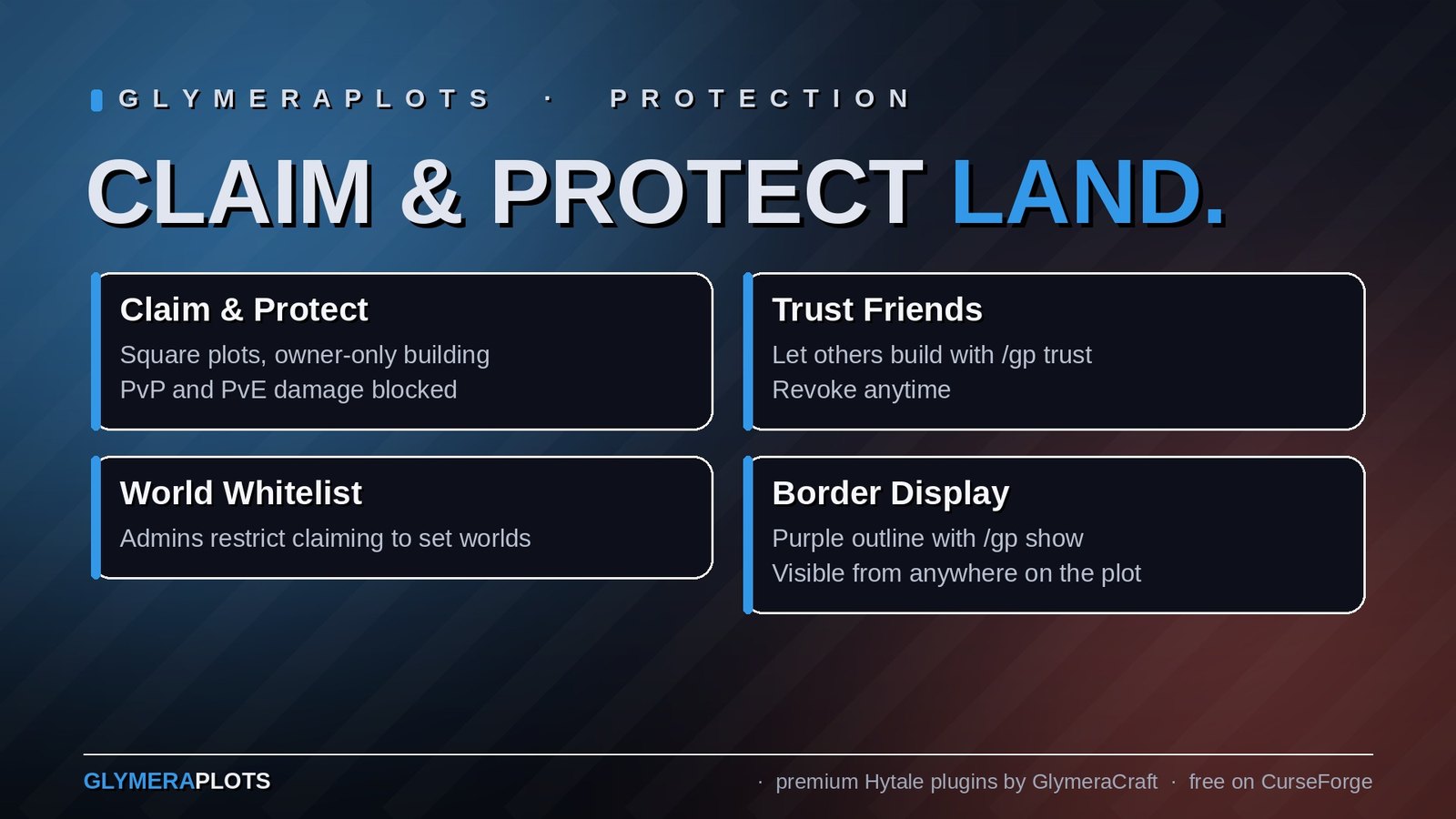
GlymeraPlots lets players claim square plots of land and protect them from other players. Nobody except the owner (and trusted players) can break, place or interact with blocks on a protected plot. PvP and PvE damage are also blocked on plots.
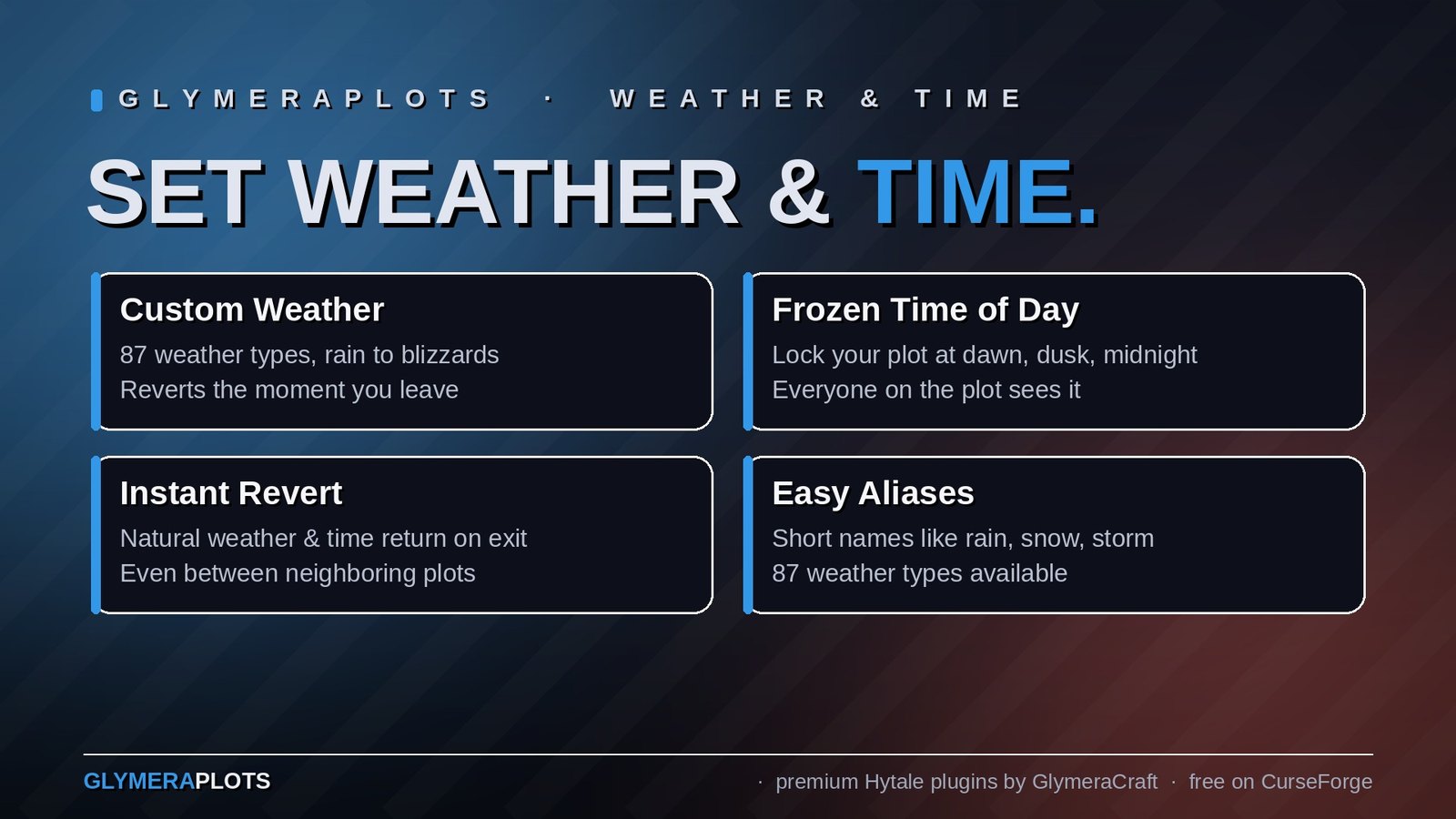
Plot owners can set custom weather on their plots - rain, snow, thunderstorms, fireflies and more. Every player entering the plot sees the custom weather. Leave the plot - on foot or by teleport, or by stepping straight onto a neighbouring plot with different weather - and the exact natural world weather everyone else sees returns immediately.
Owners can also freeze the time of day on their plot - keep it permanently at midday, midnight, dusk, or any of several presets. The sky stays at that time for everyone on the plot and snaps back to normal world time the moment they leave.
The /gp show command toggles a purple DebugShape border around your plot - clean lines along all four edges with vertical pillars at the corners. The display follows your Y-position and stays visible from any distance, no flickering, no particle limitations.
Server admins can restrict plot claiming to specific worlds via a whitelist.
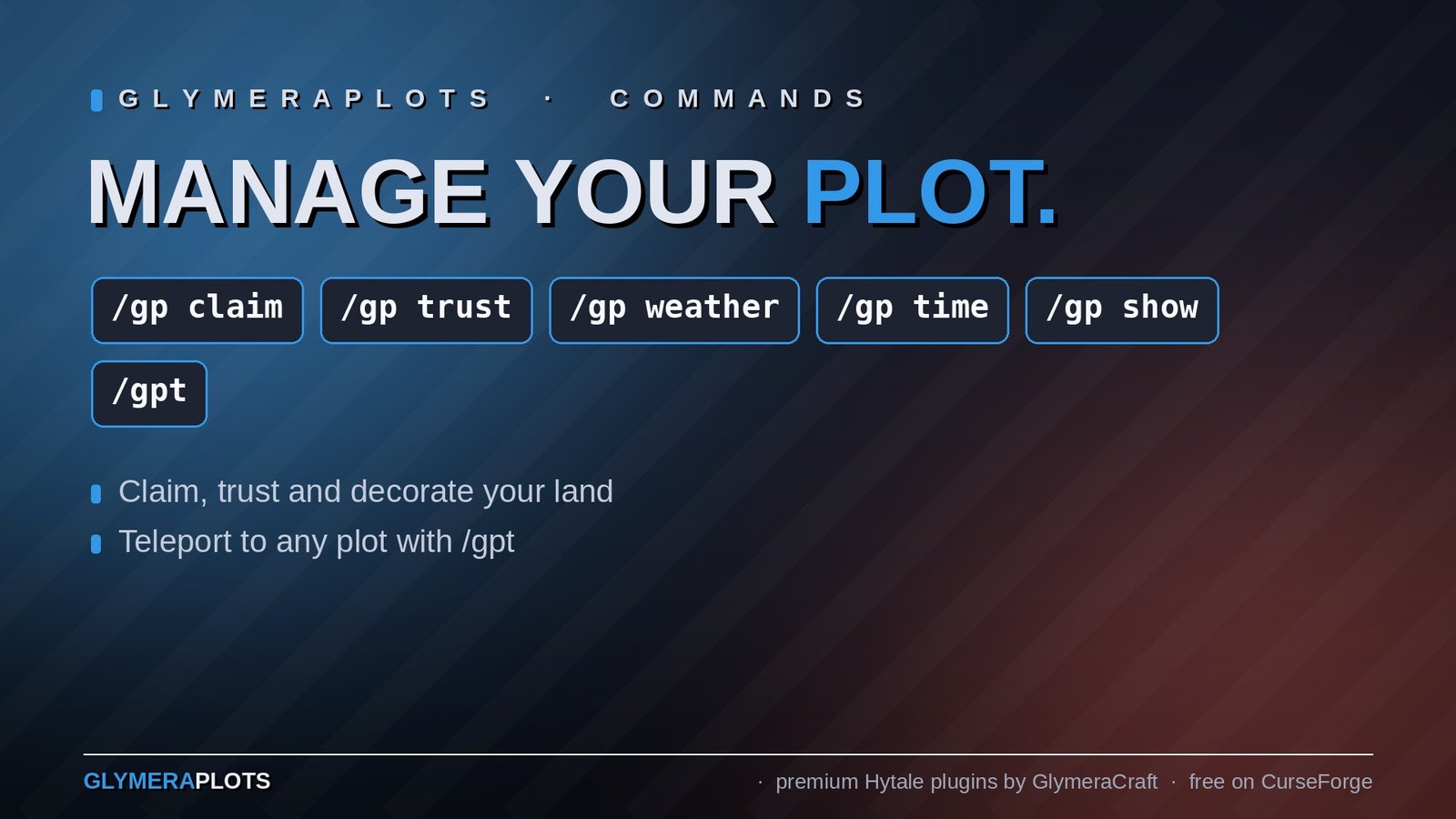
Commands
Plot Management
| Command | Who | Description |
|---|---|---|
/gp claim |
Everyone | Claim a plot centered on your position |
/gp remove |
Owner | Remove the plot you're standing on |
/gp trust <player> |
Owner | Allow a player to build on your plot (must be online) |
/gp untrust <player> |
Owner | Remove a player's trust from your plot |
/gp list |
Everyone | Show all your plots with coordinates, weather and trusted players |
/gp info |
Everyone | Show detailed info about the plot you're standing on |
/gp show |
Everyone | Toggle plot border display (purple DebugShape lines) |
/gp testprotect |
Everyone | Toggle test mode - blocks you on your own plots for testing |
Weather Control
| Command | Who | Description |
|---|---|---|
/gp weather <type> |
Owner | Set custom weather on your plot |
/gp weather clear |
Owner | Remove weather override, return to natural weather |
/gp weather list |
Everyone | Show all available weather types and aliases |
Time Control
| Command | Who | Description |
|---|---|---|
/gp time <time> |
Owner | Freeze your plot at a fixed time of day |
/gp time clear |
Owner | Remove the time override, return to normal world time |
/gp time list |
Everyone | Show all available time-of-day presets |
Teleport
| Command | Who | Description |
|---|---|---|
/gpt <number> |
Owner | Teleport to your plot by number (works across worlds) |
Weather Types
Short aliases for easy use:
| Alias | Hytale Weather | Description |
|---|---|---|
sunny |
Zone1_Sunny | Clear sky, bright |
cloudy |
Zone1_Cloudy_Medium | Overcast |
foggy |
Zone1_Foggy_Light | Light fog |
rain |
Zone1_Rain | Rainy |
rain_light |
Zone1_Rain_Light | Light drizzle |
storm |
Zone1_Storm | Heavy storm |
snow |
Zone3_Snow | Snowfall |
snow_heavy |
Zone3_Snow_Heavy | Heavy snowfall |
snow_storm |
Zone3_Snow_Storm | Blizzard |
sandstorm |
Zone2_Sand_Storm | Desert sandstorm |
thunder |
Zone2_Thunder_Storm | Thunderstorm |
blood_moon |
Blood_Moon | Blood moon event |
fireflies |
Zone1_Sunny_Fireflies | Sunny with fireflies |
azurewood |
Zone1_Azurewood_Fireflies | Azurewood fireflies |
northern_lights |
Zone3_Northern_Lights | Aurora borealis |
swamp |
Zone1_Swamp | Swamp atmosphere |
void |
Void | Void (very dark) |
desert |
Zone2_Sunny | Desert sun |
desert_haze |
Zone2_Desert_Haze | Desert with heat haze |
spooky |
Zone4_Spooky | Spooky atmosphere |
lava |
Zone4_Lava_Fields | Volcanic/lava glow |
You can also use the full Hytale weather name directly (e.g. Zone1_Swamp_Rain, Zone4_GhostForest). There are 87 weather types in total.
Note: Some weather types are designed for specific biomes and may look unusual in other environments. Experiment!
Time of Day
Freeze your plot's sky at a fixed time with /gp time <time>:
| Time | Sky |
|---|---|
dawn |
Sunrise |
morning |
Mid-morning |
midday |
Brightest point (noon) |
afternoon |
Early afternoon |
dusk |
Sunset |
evening |
Late evening |
night |
Night |
midnight |
Darkest point |
The time is frozen - the sun does not move - and applies to everyone standing on the plot. /gp time clear restores normal, advancing world time. Like weather, it reverts the instant a player leaves the plot.
Plot Protection
Protected actions on plots (for unauthorized players):
- Block breaking - Blocked with message
- Block placing - Blocked with message
- Block mining/damage - Silently cancelled
- Block interaction (chests, doors, etc.) - Blocked with message
- PvP - Players cannot attack each other on plots
- PvE - Unauthorized players cannot attack mobs on plots
- EvP - Mobs/environment cannot damage players on plots
Who is authorized:
- The plot owner (always, unless test-protect mode is on)
- Trusted players added via /gp trust
Border Display
/gp show toggles a visual border around your plot:
- Technology: Uses Hytale's
DebugShape.Cube(same as GlymeraChunkGrid) instead of particles - Appearance: Purple lines (RGB 0.78, 0.36, 1.0) at 60% opacity - 4 horizontal edges along the plot boundary plus 4 vertical pillars at the corners
- Toggle: Stays on until you type
/gp showagain (no timer) - Follows you: The border's Y-position matches your current height, so it's always at eye level
- No distance limit: DebugShapes have no CullDistance - the full 101-block border is visible from anywhere inside the plot
- No flickering: 500ms refresh with 2s display time, shapes overlap smoothly
- Minimal network traffic: Only 8 shapes per refresh (4 edges + 4 pillars)
Note: If /grid (GlymeraChunkGrid) is active at the same time, the chunk grid's ClearDebugShapes may briefly hide the plot border for up to 500ms per refresh cycle. Both displays recover automatically.
Configuration
Config file: mods/de.glymera_GlymeraPlots/config.json
{
  "_guide_plotRadius": "Size of each plot side = (2 * plotRadius + 1). Default 50 = 101x101 blocks.",
  "plotRadius": 50,
  "_guide_maxPlots": "Maximum number of plots a player can own.",
  "maxPlots": 3,
  "_guide_allowedWorlds": "World whitelist: only these worlds allow plot claiming. Empty list = ALL worlds allowed.",
  "allowedWorlds": []
}
| Setting | Default | Description |
|---|---|---|
plotRadius |
50 | Half-size of plot. Total size = (2 * radius + 1). Default = 101x101 blocks |
maxPlots |
3 | Maximum number of plots per player |
allowedWorlds |
[] (empty) | World whitelist. Empty = all worlds allowed. Add world names to restrict claiming |
Config changes require a server restart to take effect.
Installation
- Place
GlymeraPlots-8.0.0.jarin your server'smods/folder - Start (or restart) the server
- Done! Config and data files are created automatically.
No asset pack needed (IncludesAssetPack: false).
Data Storage
- Plot data:
mods/de.glymera_GlymeraPlots/plots.json- All plots with owners, positions, trusted players, weather and time settings - Config:
mods/de.glymera_GlymeraPlots/config.json- Server settings with guide texts
All data survives server restarts. Weather settings are stored by name and resolved lazily after server startup.
Technical Details
- Weather & time system: Uses PacketAdapters to intercept outgoing
UpdateWeatherand time packets - while on an override plot the native packets are blocked and the plot's values are sent via packet-identity bypass. A position scanner (500ms interval) detects plot entry/exit, including via teleport. Weather is set withUpdateWeather; time is frozen per-player withUpdateEditorTimeOverride(paused). On leaving, time is restored withClearEditorTimeOverride, and weather is restored by clearing the player'sWeatherTrackerso the engine re-asserts the exact world weather everyone sees - reliable even while standing still and when a plot is removed. - Plot detection: Square (Chebyshev) distance check from plot center. Plots cannot overlap (minimum distance = 2x plot radius).
- Border display: Uses
DebugShape.CubeviaDisplayDebugpackets. 8 shapes per refresh: 4 horizontal bars (one per edge, scaled to full plot side length) and 4 vertical pillars (20 blocks tall) at the corners. 500ms refresh interval, 2s display time, noClearDebugShapesin render loop (shapes auto-expire). Toggle state tracked inConcurrentHashMapsets. Y-position read fromPlayerRef.getTransform()on ScheduledExecutor thread. - Protection: 5 ECS event systems (BreakBlock, PlaceBlock, DamageBlock, UseBlock, Damage) with
RootDependency.lastSet(). Entity damage usesDamageModule.getFilterDamageGroup().
Made with care by Glymera for the Hytale community
Changelog
GlymeraPlots - Changelog
v9.0.0 (2026-08-28) — Hytale 0.6.0 (Update 6)
- Rebuilt for Hytale 0.6.0 (Update 6). Requires server 0.6.0 or newer; this version does not run on 0.5.x, and older versions of this plugin do not run on 0.6.0.
- Migrated to the 0.6.0 APIs (network protocol hytale/3, new command-permission API, block/chunk/entity API changes). Everything that was open to players before is open to players again.
- Upgrade: delete the old jar from
mods/, drop in the new one and keep the plugin's data folder — configs and saved data carry over unchanged. Restart the server.
v8.0.0 (2026-05-29)
Fixed: plot weather now clears reliably when you leave
- Leaving a plot — by walking or teleporting, and when crossing straight into an adjacent plot with different weather — now restores the weather immediately and to the exact weather everyone else in the world sees.
- Previously the weather could linger noticeably (sometimes well over a second): the reset only guessed "clear" and then waited for the game's next natural weather sync. The plugin now clears the player's weather tracker so the engine itself re-asserts the real world weather — the same mechanism Hytale uses after a teleport. Works even while standing still, and for every player at that spot.
- Position scanner tightened from 1000 ms to 500 ms for snappier transitions.
New: fixed time-of-day per plot
/gp time <time>freezes the sky on your plot at a chosen time: dawn, morning, midday, afternoon, dusk, evening, night, midnight./gp time clearremoves the override and restores normal world time./gp time listshows the options.- The time is frozen (the sun does not move) and applies to everyone standing on the plot. Like weather, it reverts to normal world time the moment a player leaves.
Behaviour: clean reset when a plot is removed
- When a plot is removed (
/gp remove), its weather and time overrides are cleared for everyone standing on it — instantly for the player removing it, and within the next scan for anyone else. - Anyone who later walks onto the freed area sees only normal world weather and time; nothing lingers.
v5.0.0 (2026-04-13)
Reworked: Plot Border Display (DebugShape)
/gp showis now a toggle instead of a 30-second timer. Type it once to turn the border on, type it again to turn it off.- Replaced particles with DebugShape.Cube: The old
Candle_Fireparticle system (spawned every 5 blocks, refreshed every 4 seconds) has been completely replaced withDisplayDebugpackets usingDebugShape.Cube- the same technology as GlymeraChunkGrid. - Purple border lines: 4 horizontal edges scaled to the full plot side length (101 blocks at default radius), plus 4 vertical pillars (20 blocks tall) at the corners. Color matches the Glymera theme (RGB 0.78, 0.36, 1.0) at 60% opacity.
- Y-position follows the player: The border stays at your current height instead of being locked to where you stood when you typed the command.
- No distance limit: DebugShapes are not affected by CullDistance. The full plot border is visible from anywhere, unlike the old particles which were only visible within ~10 blocks.
- No flickering: 500ms refresh interval with 2s display time. Shapes overlap smoothly.
- Minimal network traffic: Only 8 shapes per refresh cycle (4 edges + 4 pillars), down from 80+ particle spawns.
Implementation Details
- New fields:
showPlayers(ConcurrentHashMap keyset),showPlayerPlots(ConcurrentHashMap),showRenderTask(ScheduledFuture) - Render task runs on
HytaleServer.SCHEDULED_EXECUTORat 500ms interval - Player position read via
PlayerRef.getTransform()(no world thread needed) - No
ClearDebugShapesin render loop to avoid clearing shapes from other plugins (e.g. GlymeraChunkGrid). Shapes auto-expire afterDISPLAY_TIME(2s).ClearDebugShapesonly sent on toggle-off and shutdown. - 4x4 column-major transformation matrix per shape: translation = center position, scale = dimensions (sideLen x LINE_THICKNESS x LINE_THICKNESS for edges, LINE_THICKNESS x PILLAR_HEIGHT x LINE_THICKNESS for pillars)
- Plot boundary calculated as: minX = centerX - radius, maxX = centerX + radius + 1 (block at centerX+radius is still inside the plot, border is at its outer edge)
Removed
SpawnParticleSystem/Candle_Fireparticle renderingPositionimport (no longer needed)activeShowTasksmap (replaced byshowPlayers+showPlayerPlots)- 30-second auto-cancel timer
- 4-second particle respawn task
v4.0.0 (2026-04-06)
New Features
- Per-Plot Weather Control: Plot owners can set custom weather on their plots via
/gp weather <type>. 21 short aliases (sunny, rain, storm, snow, thunder, etc.) plus all 87 native Hytale weather types supported. Weather applies to ALL players entering the plot and automatically resets to natural weather when leaving. - World Whitelist: New
allowedWorldsconfig option. Empty list = all worlds allowed (default). Add world names to restrict where players can claim plots. - Config Guide Texts: Config file now includes
_guide_*fields explaining each setting directly in the JSON.
Weather Implementation
- Uses PacketAdapters (outbound PacketFilter) to intercept native
UpdateWeatherpackets - no fighting with the native WeatherSystem - Position scanner (1s interval) detects plot entry/exit
- Thread-bypass pattern (same as GlymeraHUD) ensures own packets pass through the filter
- Weather names stored persistently in plots.json, indices resolved lazily after server startup (fixes asset map not-ready-at-boot issue)
Bug Fixes
- Config not overwritten on shutdown: Removed
saveConfig()fromshutdown()to prevent manual config edits (e.g. whitelist changes) from being overwritten by in-memory values when the server stops. - Weather survives restarts: Weather indices are now resolved lazily via
ensureWeatherIndex()instead of duringloadPlots(), fixing the issue whereWeather.getAssetMap()was not yet initialized at plugin setup time.
Commands Added
/gp weather <type>- Set plot weather (owner only)/gp weather clear(also: reset, off, none) - Remove weather override/gp weather list- Show available weather types with aliases
Config Changes
- Added:
allowedWorlds(List, default: empty) - Added:
_guide_*explanation fields for all settings
v3.0.0 (2026-03-17)
- Plot border visualization with
/gp show(candle fire particles, 30 seconds) - Test-protect mode via
/gp testprotect - Cross-world teleport via
/gpt <number>
v2.0.0 (2026-03-17)
- ECS-based protection (BreakBlock, PlaceBlock, DamageBlock, UseBlock, Damage)
- PvP, PvE and EvP protection on plots
- Trust system (
/gp trust,/gp untrust) - Plot info and list commands
v1.0.0 (2026-02-19)
- Initial release - Basic plot claiming and block protection
Only Marc can read this.