
Gallery
Description
GlymeraPermissions - Command Access Control
Control which commands your players can use. Whitelist or blacklist mode, subcommand-level precision, instant in-game management - no restart needed.
What is GlymeraPermissions?
Hytale has no built-in command permission system. By default, every command registered by any plugin is available to every player - unless the plugin developer manually added an OP check. If they forgot, the command is wide open.
GlymeraPermissions fixes this at the server level. It scans all registered commands at startup and restricts access based on your configuration. Commands blocked by GlymeraPermissions require OP status to execute. Commands you whitelist remain available to everyone.
Important: GlymeraPermissions adds a security layer on top of existing plugins. It can block commands that a plugin left open, but it cannot override restrictions that a plugin enforces internally. If a plugin has its own OP check built in, that check still applies even if GlymeraPermissions allows the command. Think of it as a gate before the door - GlymeraPermissions can close the gate, but it cannot open a locked door behind it.
Pure server-side plugin - no client mod required.
How It Works
On server startup, GlymeraPermissions scans all registered commands (including subcommands). Depending on your chosen mode:
- Whitelist mode (default, recommended): All commands without existing permissions are blocked for non-OPs. Only commands you explicitly whitelist are available to everyone.
- Blacklist mode: All commands remain open. Only commands you explicitly blacklist are restricted to OPs.
Commands that already have permissions set by their own plugin are not touched - they are already protected.
OPs always have full access to all commands regardless of GlymeraPermissions settings.
Commands
| Command | Description |
|---|---|
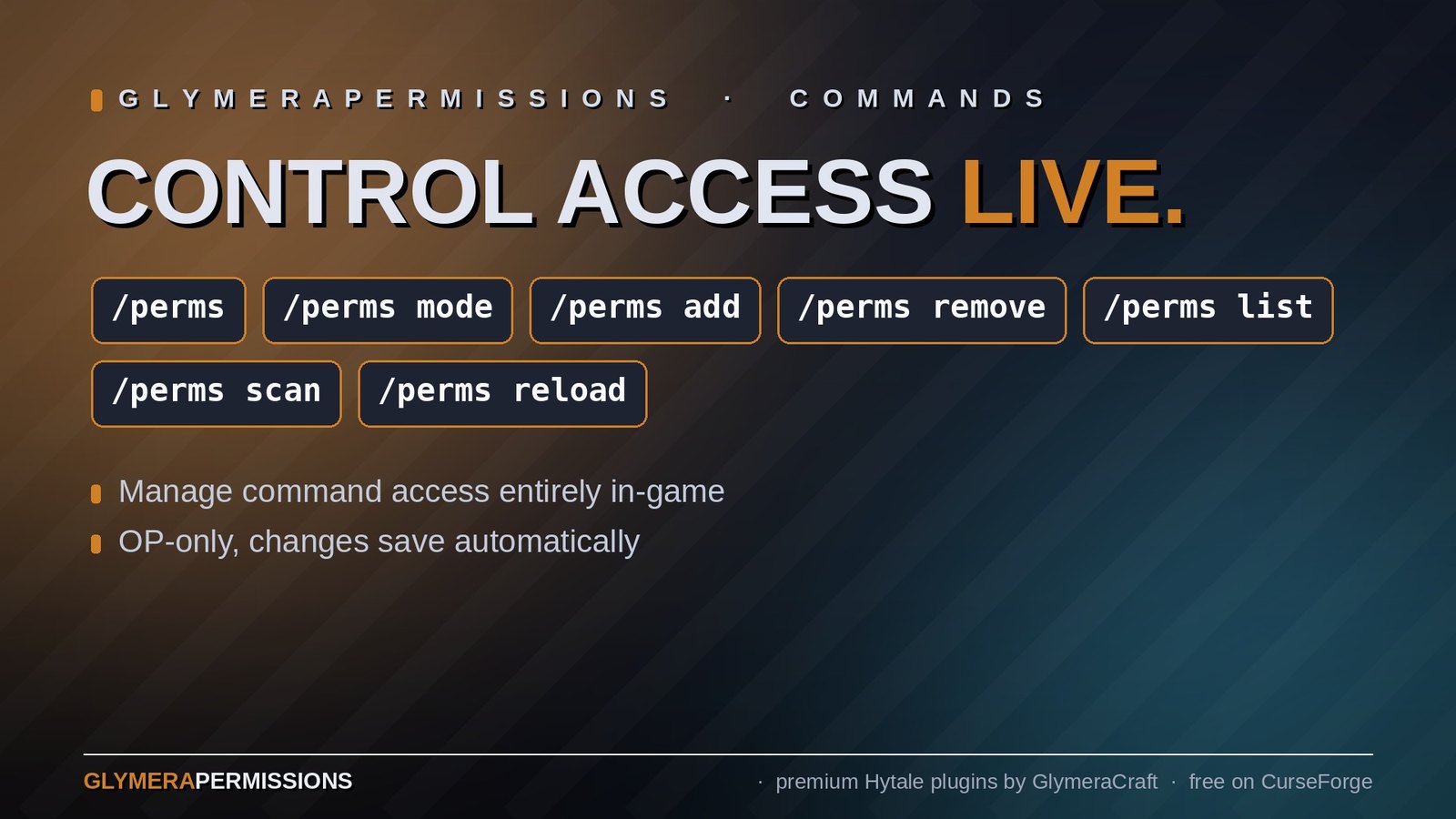
/perms |
Show current status and statistics |
/perms mode whitelist\|blacklist |
Switch between modes |
/perms add <command> |
Add command to active list (e.g. tpp or tpp.set) |
/perms remove <command> |
Remove command from active list |
/perms list |
Show all entries in the active list |
/perms scan |
Re-scan all commands (e.g. after hot-reload) |
/perms info <command> |
Show permission details for a command |
/perms reload |
Reload config from file |
All /perms commands are OP-only.
Subcommand Precision
You can control access at the subcommand level using dot notation:
/perms add tpp→ allows ALL/tppsubcommands (set, del, show, name)/perms add tpp.set→ allows ONLY/tpp set, rest stays blocked/perms add tpp.show→ allows ONLY/tpp show
This works at any depth for nested subcommands.
Configuration
Config file is generated at first startup:
mods/de.glymera_GlymeraPermissions/config.json
{
  "mode": "whitelist",
  "whitelist": [
    "help",
    "tell",
    "msg",
    "w"
  ],
  "blacklist": [],
  "logBlocked": true
}
| Setting | Default | Description |
|---|---|---|
mode |
"whitelist" |
"whitelist" or "blacklist" |
whitelist |
["help","tell","msg","w"] |
Commands available to all players (whitelist mode) |
blacklist |
[] |
Commands restricted to OPs (blacklist mode) |
logBlocked |
true |
Log restricted commands to console on scan |
Changes made via /perms commands are automatically saved to config.
Installation
- Place
GlymeraPermissions-1.0.0.jarin your server'smods/folder - Start (or restart) the server
- Done! Default whitelist mode is active.
Features
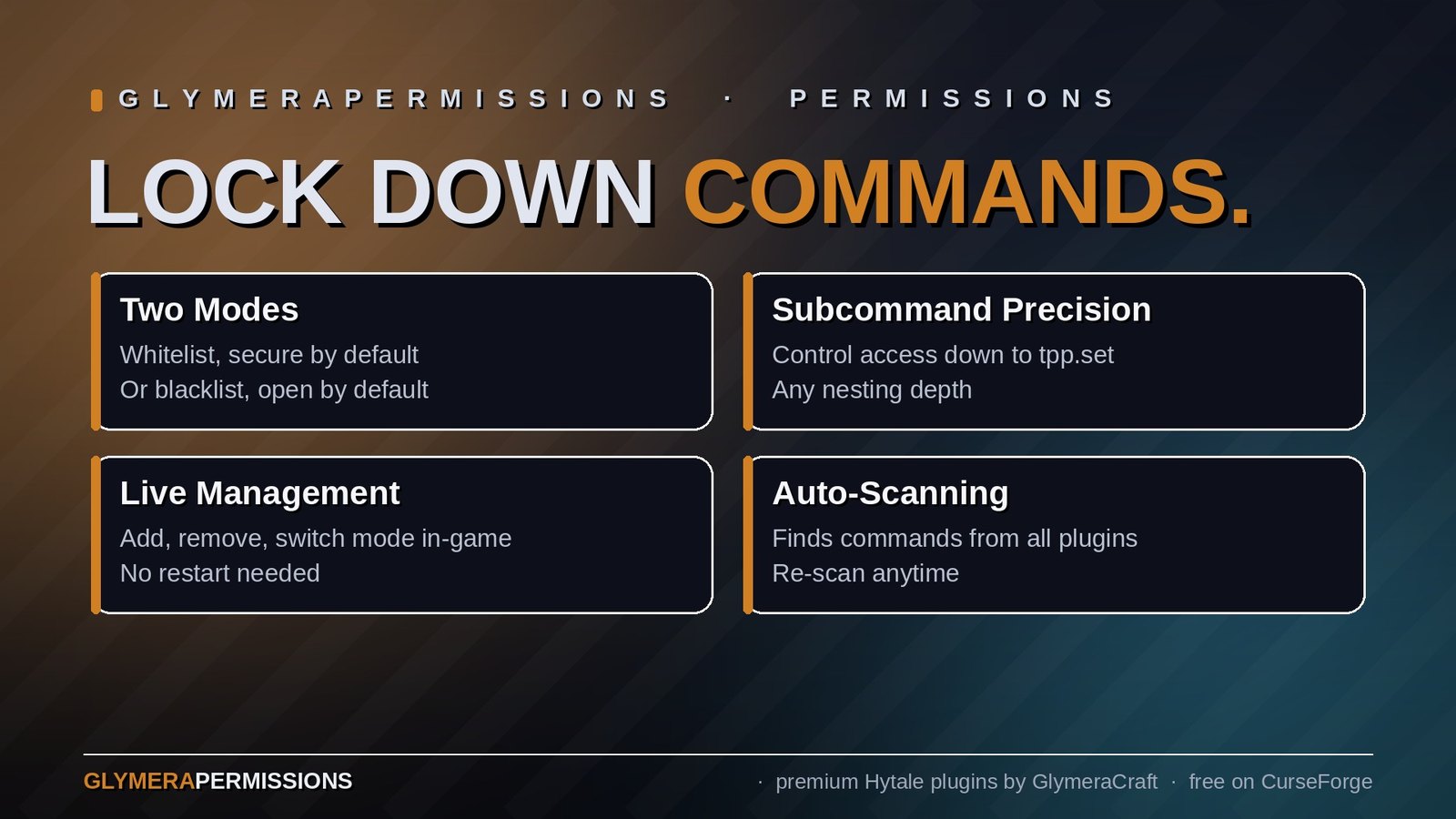
- Two modes - Whitelist (secure by default) or blacklist (open by default)
- Subcommand precision - Control access down to individual subcommands
- Live management - Add/remove/switch mode in-game, no restart needed
- Automatic scanning - Finds all commands from all plugins at startup
- Re-scan on demand -
/perms scanafter hot-reloading plugins - Non-destructive - Only adds restrictions, never removes existing ones
- OP passthrough - Operators always have full access
- Console logging - See exactly which commands were restricted
- No asset pack - Pure server-side, no client downloads needed
Good to Know
- GlymeraPermissions runs its scan 3 seconds after startup to ensure all plugins have registered their commands
- Commands that already have permissions from their own plugin are skipped
- GlymeraPermissions cannot grant access to commands that are internally restricted by their source plugin
- The
/permscommand itself is always OP-only and cannot be accidentally locked out - Compatible with all other Glymera plugins
Made with care by Glymera for the Hytale community
Changelog
GlymeraPermissions - Changelog
v3.0.0 (2026-08-28) — Hytale 0.6.0 (Update 6)
- Rebuilt for Hytale 0.6.0 (Update 6). Requires server 0.6.0 or newer; this version does not run on 0.5.x, and older versions of this plugin do not run on 0.6.0.
- Migrated to the 0.6.0 APIs (network protocol hytale/3, new command-permission API, block/chunk/entity API changes). Everything that was open to players before is open to players again.
- Upgrade: delete the old jar from
mods/, drop in the new one and keep the plugin's data folder — configs and saved data carry over unchanged. Restart the server.
Only Marc can read this.