Gallery
Description
GlymeraParticles - Player Particle Effects
Let your players wear glowing particle effects on themselves and decorate their builds with particles on blocks. A built-in shop, live previews, slider-based fine-tuning, and a token economy - all server-side, no client mod.
What is GlymeraParticles?
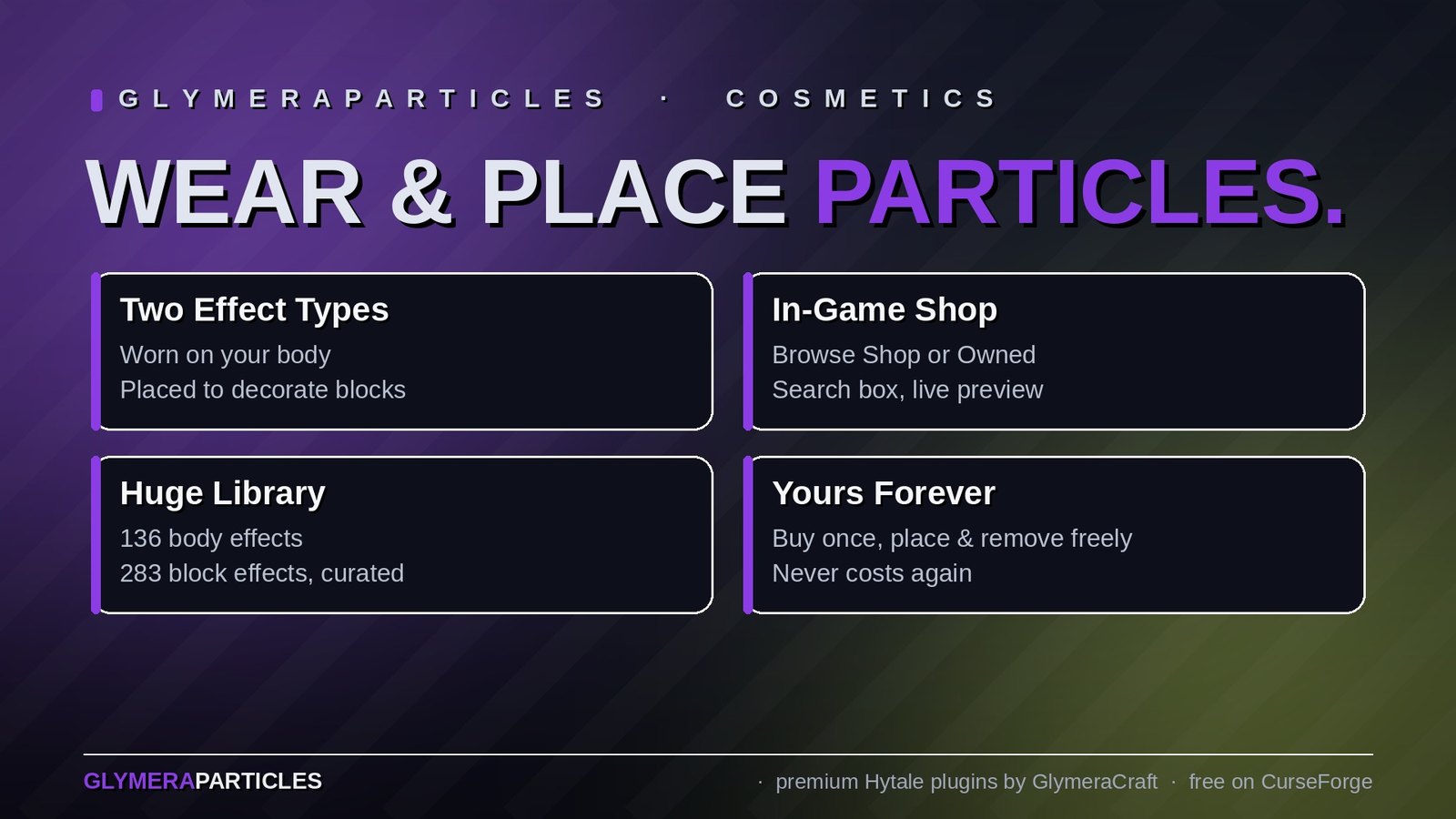
GlymeraParticles is a PlayerParticles-style cosmetic system for Hytale. Players open a clean in-game window, preview hundreds of native Hytale particle effects live, and buy the ones they like with a craftable token. Effects come in two flavours:
- Body effects - worn on your character and follow you around (one at a time).
- Block effects - placed on top of blocks to decorate your builds (place as many as you like, up to a configurable cap).
Everything you buy is yours forever - remove and re-place freely, it never costs a thing again. The plugin ships with a hand-curated default library (136 body effects + 283 block effects, each with sensible default size, height and rotation), so it works great out of the box with zero setup.
Pure server-side plugin - no client mod required. Clean-room: only native Hytale particles are used.
How It Works
- Type
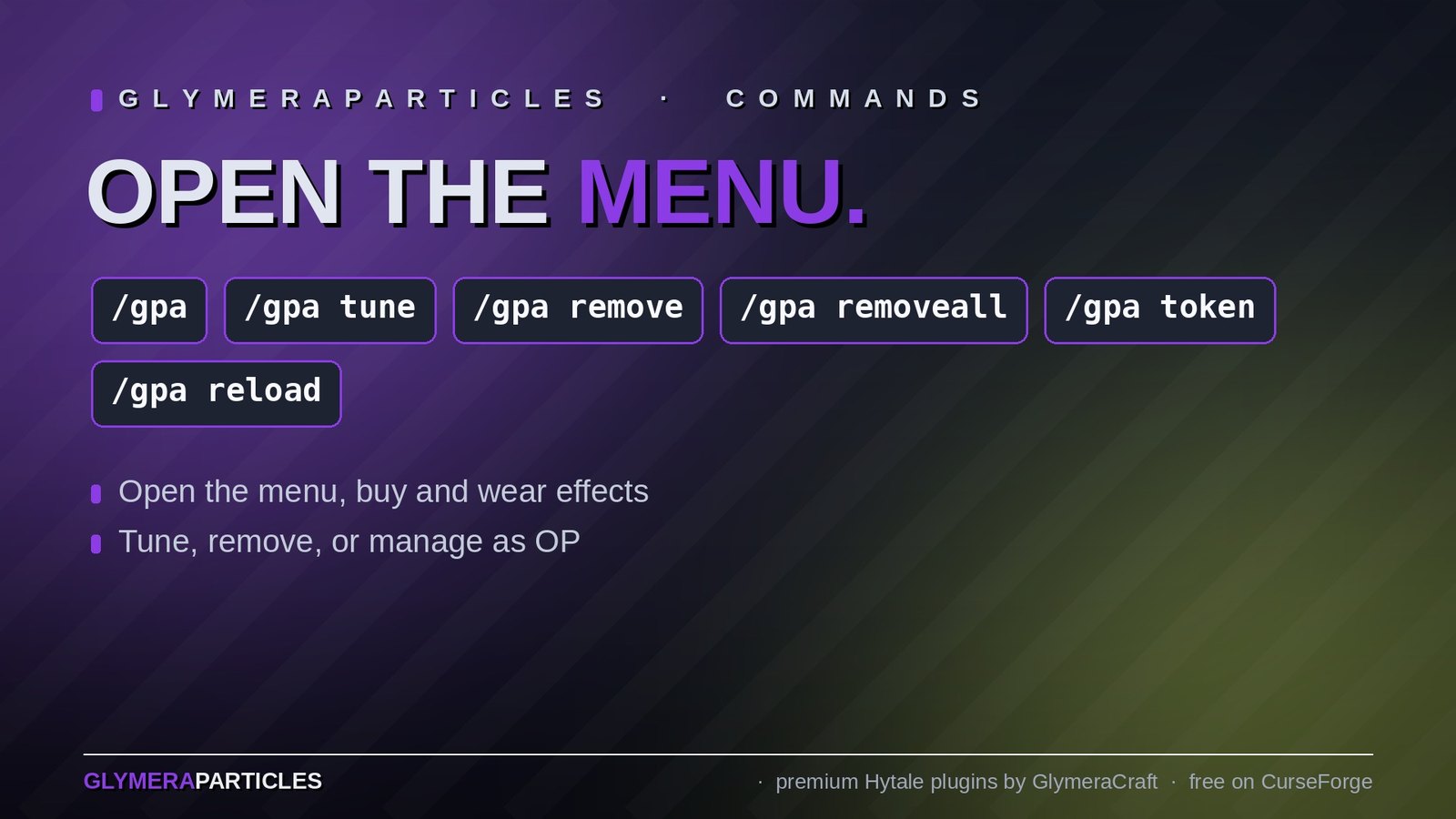
/gpato open the particle menu. - Switch between the Body and Blocks tabs, and between Shop (all) and Owned.
- Click Preview on any effect to see it live - body effects appear on you (you're automatically switched to third-person), block effects appear on the block in front of you.
- Click Buy to purchase it for one token (operators buy for free).
- Wear a body effect, or Place a block effect.
The Menu (/gpa)
A single tabbed window does it all:
- Body / Blocks tabs
- Shop (all) to browse everything buyable, Owned to see just your collection
- A search box to filter long lists instantly
- Live preview for every effect
- Per-row Buy / Wear / Place buttons
- Footer buttons: Remove nearest and Remove all mine
Tokens & Crafting
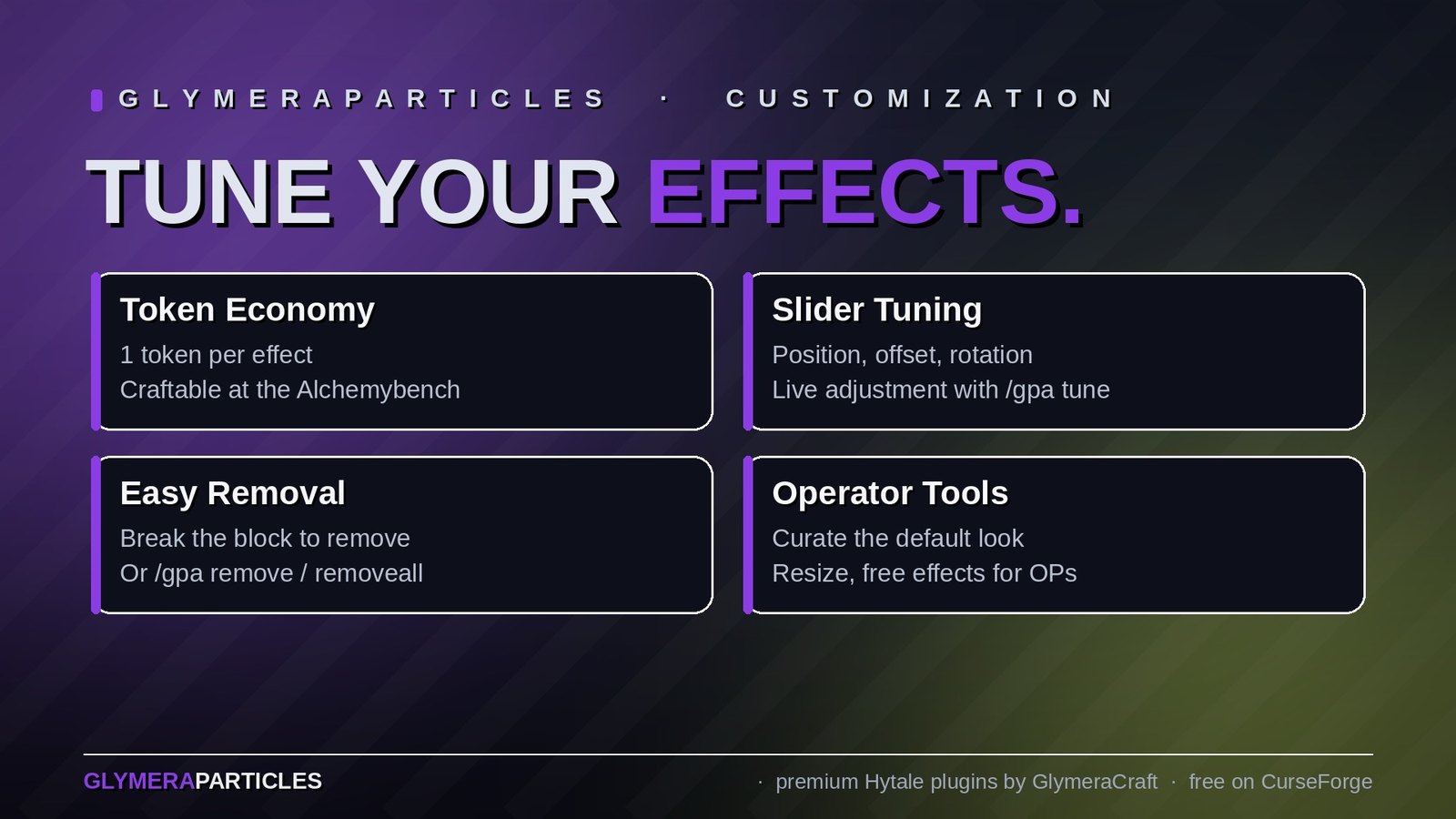
Each acquired effect costs 1 Particle Token (body or block). Operators are never charged.
| Input | Bench | Output |
|---|---|---|
| 2x Life Essence (Concentrated) + 2x Fire Essence | Alchemybench | 1x Particle Token |
The recipe and the token item are fully configurable, and the recipe can be turned off entirely.
Adjusting Block Effects
Stand next to one of your placed block effects and type /gpa tune to open a slider window. Drag to adjust the effect live:
- Position - height, offset X, offset Z
- Rotation - yaw, pitch, roll
- Reset button returns it to the curated default
By default players cannot resize block effects (so your curated look stays intact and nobody spams giant particles) - operators can resize, and you can allow players to resize via config.
Removing Effects
- Break the block an effect sits on - the effect is removed with it.
/gpa remove- removes your nearest block effect./gpa removeall- removes all of your effects at once.- In the menu: Remove nearest / Remove all mine buttons.
Operator Tools
| Command | What it does |
|---|---|
/gpa blockstudio |
Slider window to set the per-particle default size / position / rotation that ships to players |
/gpa size <n> |
Resize the block effect you look at (operators only) |
/gpa removeplayer <name> |
Remove ALL effects belonging to a player |
/gpa token |
Give yourself 16 tokens |
/gpa reload |
Reload the config |
Operators get everything in the menus for free, can resize, and see/remove any player's effects.
Configuration
Generated at first startup: mods/de.glymera_GlymeraParticles/config.json
| Setting | Default | Description |
|---|---|---|
paymentItemId |
Glymera_Particle_Token |
The item used to pay for effects |
tokenCost |
1 |
Tokens charged per acquired effect |
recipeEnabled |
true |
Whether the token is craftable at the Alchemybench |
maxActiveOnBlock |
10 |
How many block effects each player may have placed |
allowPlayerResize |
false |
Whether normal players may change a block effect's size |
blockMinScale / blockMaxScale |
0.1 / 2.0 |
Size range for block effects |
blockMaxOffset |
2.0 |
How far a block effect may be nudged from its anchor |
The body and block menus and per-particle defaults are also config-driven, but ship pre-filled so you don't have to touch them.
Installation
- Place
GlymeraParticles-1.0.0.jarin your server'smods/folder - Start (or restart) the server
- Type
/gpa- done!
Features
- Two effect types - worn on the body, or placed on blocks
- In-game shop + collection in one tidy window, with search
- Live previews - on your character (auto third-person) or on the block in front of you
- Slider fine-tuning for block effects (position + rotation), with size locked for players
- Token economy - craftable, configurable, free for operators
- Permanent ownership - buy once, place and remove forever
- Break to remove - knock out the block and the effect goes with it
- Hand-curated defaults - 136 body + 283 block effects ready to go
- Operator curation tools - set the defaults that ship to your players
- Clean-room & server-side - only native Hytale particles, no client mod
Made with care by Glymera for the Hytale community
Changelog
GlymeraParticles — Changelog
v4.0.0 (2026-08-28)
Fixed
- Menu messages still said
/gp: the command was renamed to/gpain v3.0.0 (it collided with GlymeraPlots'/gp), but six messages in the particle menu still pointed to the old name - including a non-existent/gp unapply. They now say/gpa …(/gpa unwear,/gpa token,/gpa place,/gpa remove,/gpa tune).
v2.0.0 — Crash-safe saving + preview fix
Sturdier, lighter data storage — and a preview that no longer lingers after a relog.
Crash-safe, much lighter saving
- Atomic writes. Player data (data.json), the preset file and config.json are now written to a temporary file and then atomically renamed into place (with a .bak kept of the previous version). A server crash or kill during a save can no longer leave a half-written, corrupted file behind.
- Routine actions no longer rewrite everything. The block-preset catalog (the curated defaults shipped with the plugin) moved into its own presets.json, which is written only when an admin actually edits a preset (/gp setdefault). Buying, placing or removing an effect now writes just the small, player-scoped data instead of re-serializing the entire catalog on every single change — and a save is skipped entirely when nothing actually changed.
- Automatic migration. On first start the presets move out of data.json into presets.json by themselves. Nothing to configure, and your existing data is untouched.
Why: on a busy server every purchase/placement used to rewrite the whole data file (mostly unchanging catalog data). This keeps saving fast and robust no matter how large the server gets — without pulling in a database.
Fix — preview no longer "sticks" across a relog
- If you started an effect preview (on yourself or on a block) and logged out while it was still showing, the preview could resume when you logged back in — and a body preview would keep your actually-worn effect hidden until it expired. Previews are transient, so they are now cleared the moment you disconnect. Logging back in shows your real worn effect immediately.
v1.0.0 — Initial release
Player particle effects for Hytale: wear a glowing aura on your body or decorate builds with particles on blocks. In-game shop, live previews, slider tuning, a token economy and a large set of curated effects — fully server-side, no client mod required.
Only Marc can read this.