Gallery
Description
GlymeraMerchant - Gold, Shops, NPC Merchants & Paid Commands!
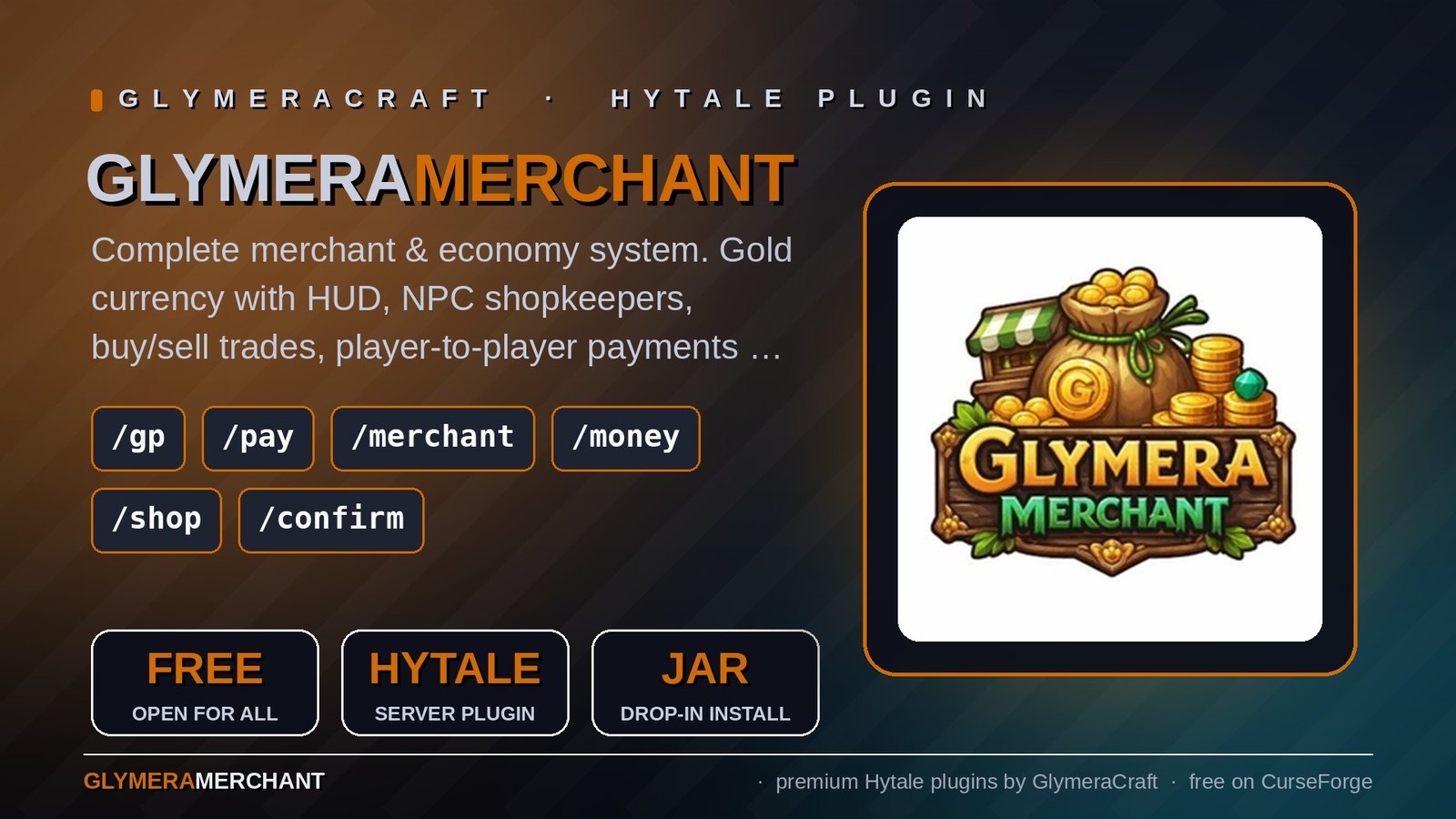
A complete economy system for your Hytale server: currency, persistent gold balances, NPC shop keepers, a full shop UI, player-to-player trading and a unique paid commands feature that lets you charge gold for any command from any plugin.
What is GlymeraMerchant?
GlymeraMerchant adds a full gold-based economy to your server. Players earn, spend and trade gold. Admins place NPC merchants in the world that sell and buy items through a visual shop interface. Every player sees their balance in a permanent HUD element in the top-right corner.
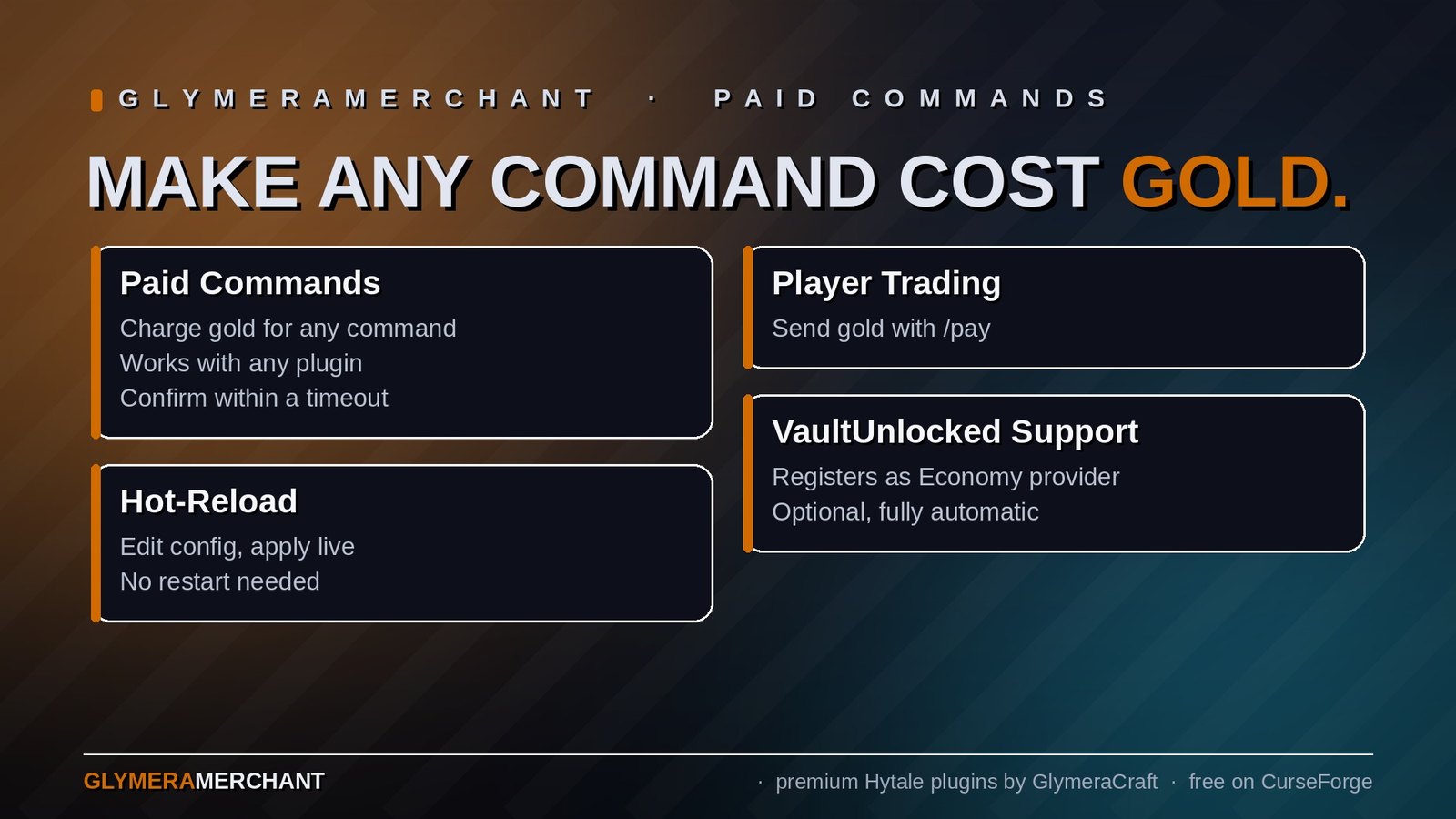
The Paid Commands feature is what makes this plugin special: you can make any command from any plugin cost gold. Want /gp claim to cost 500 gold? Just add it to the config. The player runs the command, gets asked to confirm the price, and only then is the gold deducted and the command executed. No changes to the other plugin required.
Features
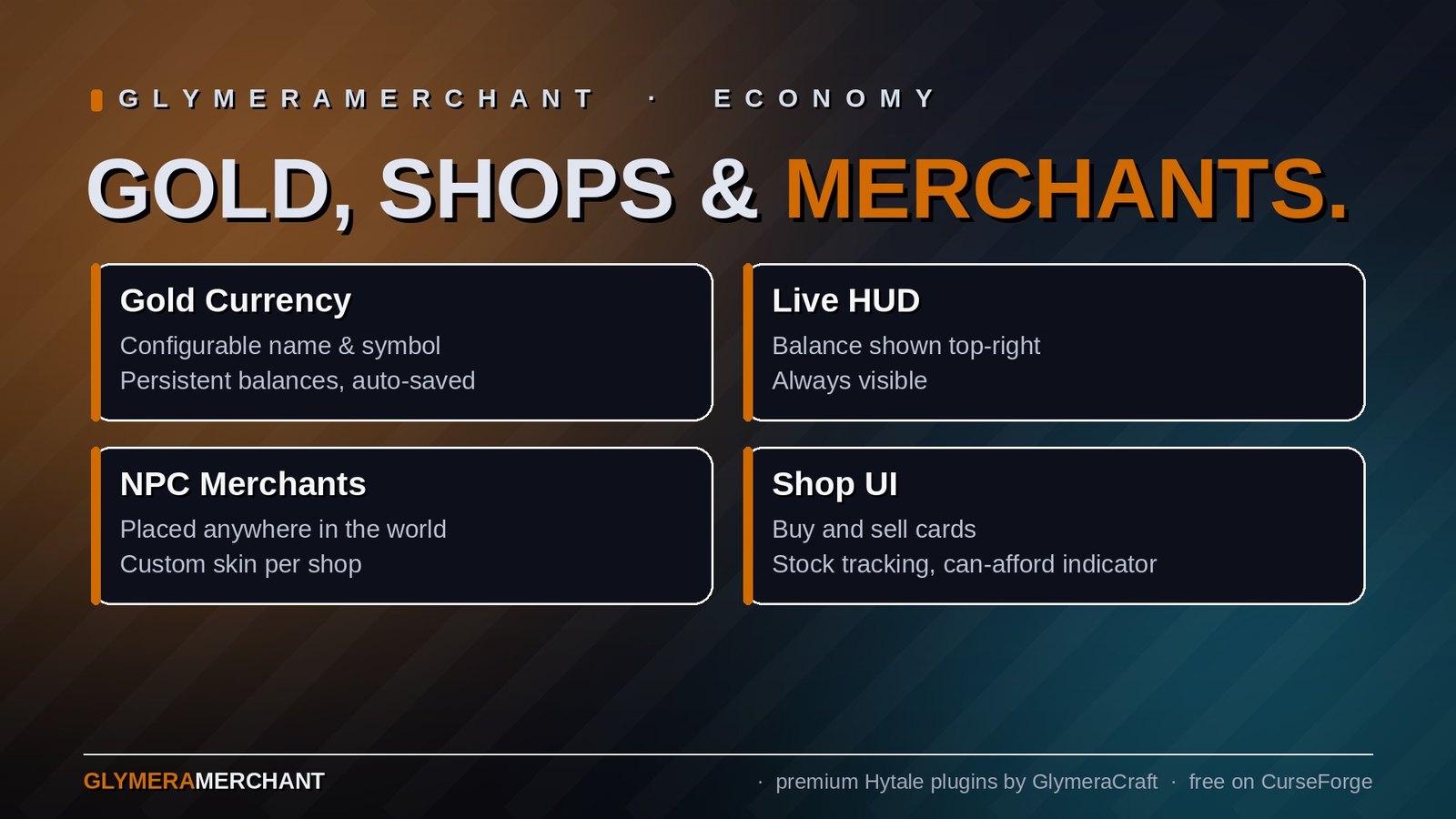
- Gold currency with configurable name, symbol and max balance
- Starting balance for new players (default: 100)
- Persistent balances saved to JSON, auto-saved every 5 minutes
- Live HUD showing current gold balance (top-right corner, always visible)
- Visual shop UI with buy and sell cards, stock tracking, can-afford indicators
- NPC merchants that stand in the world, look at nearby players and open their shop on interaction
- Custom NPC skins - choose any Hytale creature model as your merchant's appearance
- Player-to-player payments via
/pay - Paid commands - charge gold for any command from any plugin
- VaultUnlocked support - registers as Economy provider so any VaultUnlocked-compatible plugin can use your gold system
- Hot-reload - edit the config and apply changes with
/merchant reload, no restart needed
Commands
For Everyone
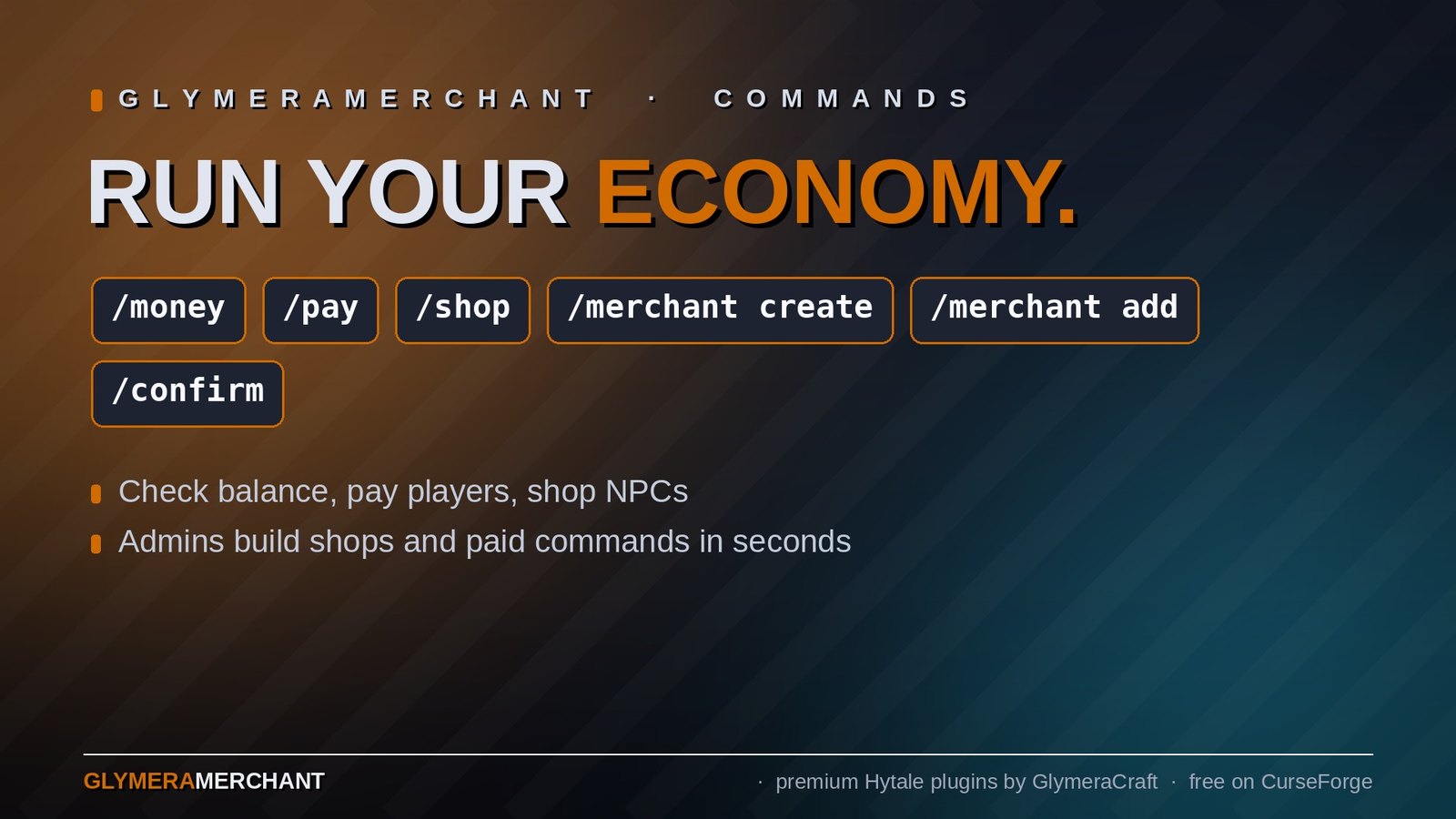
| Command | Description |
|---|---|
/money |
Check your current gold balance |
/pay <player> <amount> |
Send gold to another player |
/shop |
Open the shop of the nearest merchant NPC (within 8 blocks) |
/shop <type> |
Open a specific shop by name (e.g. /shop weaponsmith) |
/confirm |
Confirm a paid command and pay the gold |
For OPs Only
| Command | Description |
|---|---|
/money give <player> <amount> |
Give gold to a player |
/money take <player> <amount> |
Take gold from a player |
/merchant create <name> |
Create a new shop and pick a skin |
/merchant create <name>:<filter> |
Create shop with skin filter (e.g. myshop:cow) |
/merchant add <name> buy <price> |
Add the item in your hand as a buyable item |
/merchant add <name> sell <price> |
Add the item in your hand as a sellable item |
/merchant remove <name> |
Remove the item in your hand from a shop |
/merchant spawn <name> |
Spawn an NPC for an existing shop at your location |
/merchant delete |
Delete the nearest merchant NPC |
/merchant list |
List all shops and their trade counts |
/merchant types |
List all available NPC appearances |
/merchant reload |
Reload config (shops, paid commands, settings) |
Paid Commands
This is the standout feature: make any command from any plugin cost gold, without modifying that plugin.
How It Works
- Admin adds a command to the
paidCommandssection in the config - Player types the command (e.g.
/gp claim myplot) - The command is intercepted before it executes
- Player sees: "Claiming a plot costs 500 G. Type /confirm within 15s to proceed."
- Player types
/confirmwithin the timeout - Gold is deducted and the command executes normally
If the player doesn't have enough gold, they are told immediately. If they don't confirm in time, the request expires and they need to run the command again.
Config Example
"paidCommandOpExempt": true,
"paidCommandTimeout": 15,
"paidCommands": {
  "gp claim": { "cost": 500, "description": "Claiming a plot" },
  "tpp set": { "cost": 100, "description": "Setting a teleport point" },
  "bw create": { "cost": 1000, "description": "Creating a biome world" }
}
- Key = command prefix without
/(matches the command and anything after it) - cost = gold price
- description = shown to the player in the confirmation message (optional, defaults to the command itself)
- paidCommandOpExempt = if
true, OPs never have to pay (default:true) - paidCommandTimeout = seconds the player has to type
/confirm(default:15)
Shop System
Setting Up a Shop (In-Game)
- Type
/merchant create myshop- a skin selection UI opens - Click on the appearance you want for your merchant NPC
- The NPC spawns at your position with an empty shop
- Hold an item and type
/merchant add myshop buy 150to add it as a buyable item for 150 gold - Hold another item and type
/merchant add myshop sell 30to make it sellable for 30 gold - Players can now interact with the NPC or use
/shop myshopto open the shop
Shop UI
- Buy cards (green) show items players can purchase, with price and can-afford indicator
- Sell cards (blue) show items players can sell back to the shop
- Items can be buy-only, sell-only, or both (with different prices)
- Optional stock limits per item
- Balance updates live in the shop title bar after each transaction
- If the player's inventory is full when buying, the item drops on the ground
Configuration
The full config is at plugins/GlymeraMerchant/config.json and is auto-generated on first start.
| Setting | Default | Description |
|---|---|---|
startBalance |
100 |
Gold given to new players on first join |
currencyName |
"Gold" |
Name of the currency (shown in messages) |
currencySymbol |
"G" |
Short symbol after amounts (e.g. 500 G) |
maxBalance |
999999 |
Maximum gold a player can hold |
allowShopCommand |
true |
If false, players must walk to NPC merchants instead of using /shop |
paidCommandOpExempt |
true |
OPs skip payment for paid commands |
paidCommandTimeout |
15 |
Seconds to confirm a paid command |
paidCommands |
{} |
Commands that cost gold (see above) |
merchants |
{} |
Shop definitions with trades |
VaultUnlocked Support
GlymeraMerchant automatically registers as an Economy provider with VaultUnlocked if it is installed. This means any plugin that uses VaultUnlocked for economy (checking balances, depositing, withdrawing) will use GlymeraMerchant's gold system - no configuration needed.
- Optional: VaultUnlocked is not required. GlymeraMerchant works perfectly fine on its own.
- Automatic: If VaultUnlocked is in your
mods/folder, the integration activates automatically. - Compatible: Works with any plugin that uses the VaultUnlocked Economy API (Vault2).
Installation
- Place
GlymeraMerchant-2.0.0.jarin your server'smods/folder - (Optional) Place
VaultUnlocked-Hytale.jarinmods/for cross-plugin economy support - Start (or restart) the server
- The config and data folders are created automatically
- Edit
plugins/GlymeraMerchant/config.jsonto configure shops and paid commands - Use
/merchant reloadin-game to apply changes
Data Storage
| File | Purpose |
|---|---|
plugins/GlymeraMerchant/config.json |
All settings, shops and paid commands |
plugins/GlymeraMerchant/data/balances.json |
Player gold balances (UUID -> amount) |
plugins/GlymeraMerchant/data/merchants.json |
Spawned NPC merchant positions and types |
All data persists across server restarts. Balances are auto-saved every 5 minutes and on shutdown.
Good to Know
- Merchant NPCs survive server restarts - they are tracked by position and respawned automatically
- NPCs use a custom role (
GlymeraMerchantNPC) so cleanup never touches wild NPCs - The gold HUD works alongside GlymeraHUD if installed (multi-HUD support)
- Paid commands use packet-level interception - they work with commands from any plugin without compatibility issues
- Skin selection UI supports filtering (type
/merchant create myshop:horseto only show horse-like models) - The
/shopcommand can be disabled in the config to force players to visit NPC merchants in person
Made with care by Glymera for the Hytale community
Changelog
GlymeraMerchant - Changelog
v8.0.0 (2026-08-30) — Merchants vanishing on Hytale 0.6 fixed
Fixed
- Merchant NPCs no longer disappear when nobody is near them or after a server restart.
Hytale 0.6 loads and ticks the world in 32-block cubes (sections), each on its own. When no
player is near, a section stops ticking and the engine drops every non-persistent entity in
it - which is exactly what merchants are since v5 (so they can never duplicate). Nothing tells the plugin when that section wakes up again, so the old
"re-create on chunk load" path never ran and the NPC stayed gone. Saved data was never lost;
only the visible NPC was missing.
Changed
- New presence keeper: every 2 seconds the plugin checks each saved merchant whose NPC is
missing and re-creates it as soon as a player is within 64 blocks and its section is loaded
and ticking (appearance is re-applied as before). - Merchants are no longer spawned while nobody is near them (on chunk load or at server start);
that only made the engine park them and logEntity has moved into a chunk that isn't currently loaded!every few seconds. Cost is negligible (a few distance checks per merchant
every 2 s).
Notes
merchants.json, balances, shops, prices and commands are unchanged.- v5's ghost cleanup (duplicate merchant removal) still runs.
v7.0.0 (2026-08-28) — Hytale 0.6.0 (Update 6)
- Rebuilt for Hytale 0.6.0 (Update 6). Requires server 0.6.0 or newer; this version does not run on 0.5.x, and older versions of this plugin do not run on 0.6.0.
- Migrated to the 0.6.0 APIs (network protocol hytale/3, new command-permission API, block/chunk/entity API changes). Everything that was open to players before is open to players again.
- Upgrade: delete the old jar from
mods/, drop in the new one and keep the plugin's data folder — configs and saved data carry over unchanged. Restart the server.
v6.0.0 (2026-08-17)
Fixed
- The plugin loads again on servers and solo worlds without VaultUnlocked. Since v4.0.0 the
supposedly optional VaultUnlocked integration was effectively a hard dependency: the Vault
provider lived inside the main plugin class, so the JVM tried to resolve the VaultUnlocked
classes while loading the plugin itself — before theClass.forNameguard could ever run.
Without VaultUnlocked installed, the plugin failed to load with
NoClassDefFoundError: net.milkbowl.vault2.economy.Economy, which is exactly what happened
when creating a new solo world (reported by 17Stang on CurseForge, 2026-08-17).
Changed
- All VaultUnlocked-facing code moved into a separate bridge class that is only loaded when
VaultUnlocked is actually present. The integration itself is unchanged: with VaultUnlocked
installed, GlymeraMerchant still registers as the Economy provider (verified viavault-info).
Notes
- No data or config changes. Balances, merchants and all commands are untouched.
- Verified on Hytale 0.5.9 and 0.5.8, each with and without VaultUnlocked installed.
v5.0.0 (2026-06-04)
Fixed
- Merchant NPCs no longer duplicate. Previously the Hytale engine persisted every spawned
merchant NPC to the world, so on each restart a saved copy was rehydrated and a fresh one
was spawned frommerchants.json— merchants multiplied over time. The old cleanup ran on the
first player join with fixed delays and missed any merchant whose chunk had not loaded yet.
Changed
- Merchant NPCs are now spawned non-persistent: the engine never writes them to the chunk,
so no copy can ever be rehydrated on restart. Each merchant is (re)spawned frommerchants.json
when its chunk loads — exactly one per saved merchant, every time. A one-time cleanup on chunk
load removes any duplicate merchants left over from older versions. - Removed the old boot-time and first-join respawn/sweep logic (replaced by the per-chunk respawn).
Notes
- This release is purely the duplication fix. The economy core, the VaultUnlocked provider hook,
player trading, all shop/trade GUIs, the money HUD and the/money/pay/merchant/shop
commands are unchanged. Existing balances andmerchants.jsondata are fully compatible.
v4.0.0 (2026-06-04)
Fix: VaultUnlocked integration restored
- Re-enabled the Economy provider hook. During the Stable-5 migration the entire VaultUnlocked integration (the
GlymeraEconomyProviderclass and itsregister/unregistercalls) had been commented out to get the plugin to compile, so the deployed build silently lost the economy-provider feature. This release restores it. - Verified on Hytale Stable-5 with
VaultUnlocked-Hytale 2.19.1. The provider implements all 48 abstract methods of the Stable-5net.milkbowl.vault2.economy.Economyinterface and compiles cleanly against it. - Confirmed live via the
vault-infoconsole command, which now reportsEconomy: GlymeraMerchant— any VaultUnlocked-compatible plugin uses our gold balances again. - No behavioural change when VaultUnlocked is not installed: the integration stays optional and the plugin runs standalone as before.
v2.0.0 (2026-04-06)
New Feature: VaultUnlocked Integration
- Economy Provider: GlymeraMerchant now registers as an Economy provider with VaultUnlocked. Any plugin that uses VaultUnlocked for economy (balance, deposit, withdraw) will automatically use our gold system.
- Optional dependency: Works with or without VaultUnlocked installed. If VaultUnlocked is present, we register as provider during
setup()so other plugins find us in theirstart(). If not installed, the plugin works exactly as before. - Full Vault2 API: Implements
net.milkbowl.vault2.economy.Economywith all required methods (getBalance, deposit, withdraw, has, format, account management). Single currency, no shared accounts. - Manifest: Added
OptionalDependenciesforTheNewEconomy:VaultUnlockedto ensure correct class loader visibility and load order.
New Feature: Paid Commands
- Command toll system: Server admins can now charge gold for any command from any plugin. If a player runs a paid command, it is blocked and they are asked to confirm with
/confirmwithin a configurable timeout. Gold is deducted on confirmation and the command is then executed normally. - Packet-level interception: Uses
PacketAdapters.registerInbound()to interceptChatMessagepackets before they reach theCommandManager. On/confirm, the packet message is rewritten to the original command and passed through the normal pipeline - no reflection or command wrapping needed. - OP exempt: Operators can be exempted from paying (configurable, default: true)
- Configurable timeout: Admins set how many seconds players have to type
/confirm(default: 15) - Prefix matching: Config key
"gp claim"matches/gp claim,/gp claim myplot, etc. - Balance check upfront: Players are told immediately if they can't afford the command, before being asked to confirm
Config Changes
- New top-level fields:
paidCommandOpExempt(bool),paidCommandTimeout(int) - New section:
paidCommands(object) - keys are command prefixes (without/), values havecost(long) and optionaldescription(string) /merchant reloadnow also reloads paid commands and shows their count- Guide section updated with paid command documentation
v1.0.0 (2026-03-21)
- Initial release - Currency system, HUD, Shop UI, NPC Merchants, Player Trading
Only Marc can read this.