Gallery
Description
GlymeraLightBlock - Craftable Light Sources
Light blocks you can craft, place and manage. The block vanishes on placement and leaves behind a permanent, invisible light source.
What is GlymeraLightBlock?
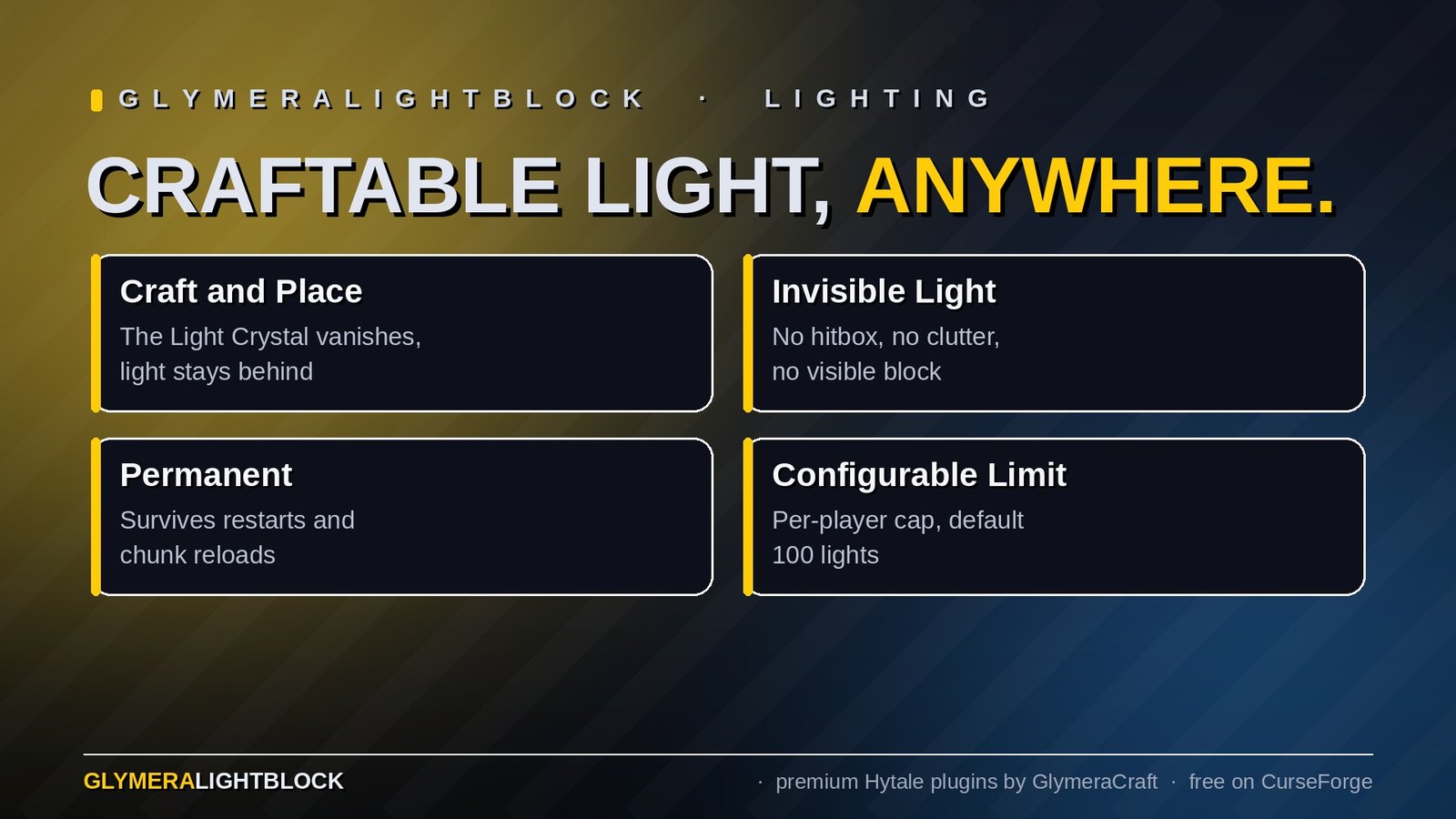
GlymeraLightBlock lets players craft turquoise Light Crystals and place them anywhere in the world. When placed, the crystal block disappears and an invisible, permanent light source remains at that position. No visible objects, no clutter - just light where you need it.
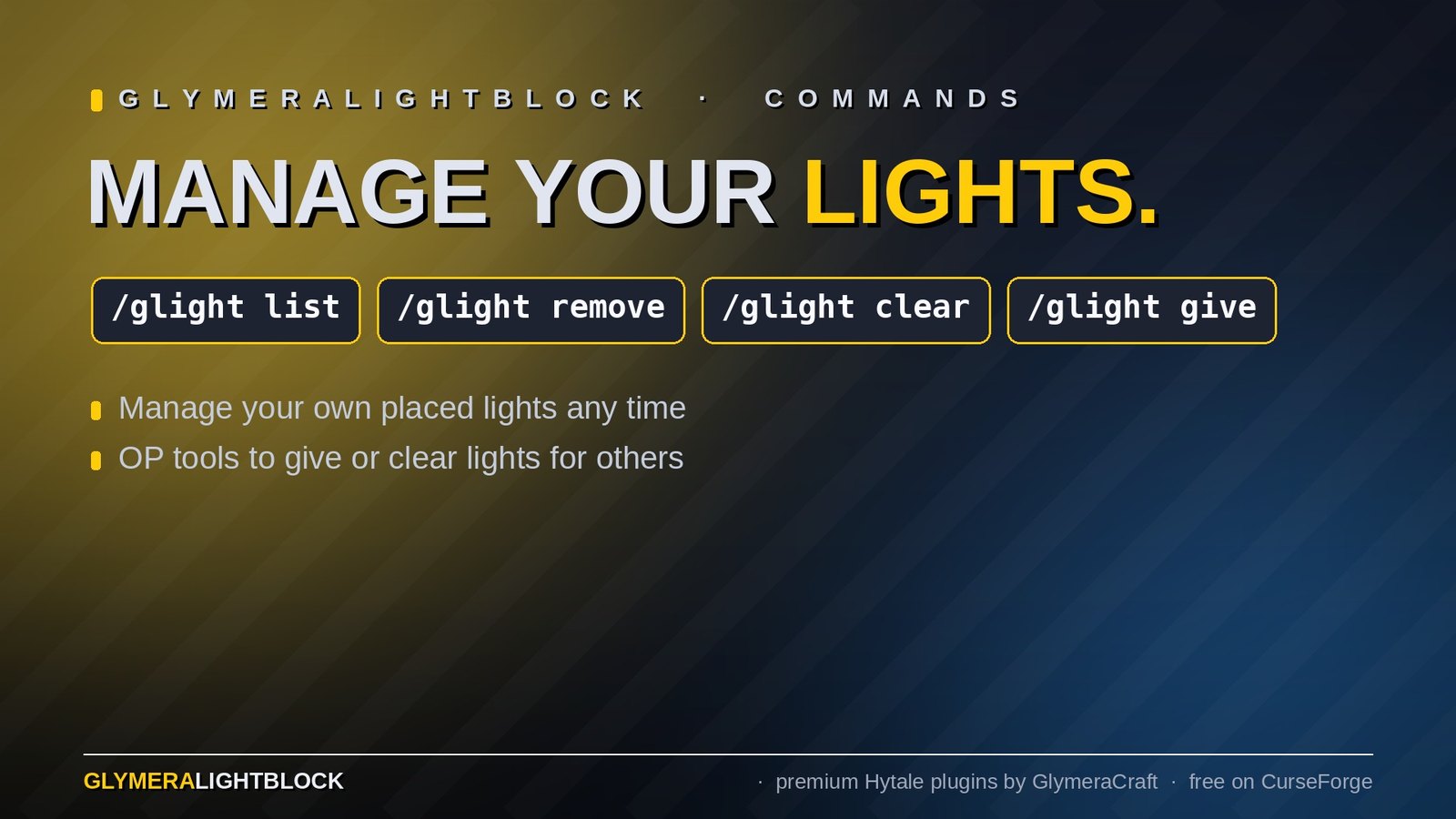
Players manage their lights with simple commands. Server admins can set a per-player limit and manage lights for all players.
Pure server-side plugin - no client mod required.
How It Works
- Craft a Light Crystal at the Workbench (1x White Crystal Block + 1x Crude Torch)
- Place it anywhere in the world
- The block vanishes instantly - a permanent light source stays
- Remove lights with
/glight removeor/glight clear
Behind the scenes, the visible block is replaced with an invisible light-emitting block (DrawType: Empty, Material: Empty). This block has no hitbox, no outline, and cannot be targeted or interacted with - it exists purely as a light source in the chunk data.
Commands
For All Players
| Command | Description |
|---|---|
/glight list |
Show your placed lights and remaining budget |
/glight remove |
Remove the nearest light you placed |
/glight clear |
Remove all your lights |
OP Only
| Command | Description |
|---|---|
/glight give |
Give yourself 16 Light Crystals |
/glight give --player Name |
Give another player 16 Light Crystals |
/glight list --player Name |
Show another player's light budget |
/glight remove --player Name |
Remove nearest light of another player |
/glight clear --player Name |
Remove all lights of another player |
Configuration
A config file is generated at first startup:
mods/de.glymera_GlymeraLightBlock/config.json
{
  "maxLightsPerPlayer": 100
}
| Setting | Default | Description |
|---|---|---|
maxLightsPerPlayer |
100 |
Maximum number of light sources per player |
Crafting Recipe
| Input | Bench | Output |
|---|---|---|
| 1x White Crystal Block + 1x Crude Torch | Workbench | 1x Light Crystal |
The Light Crystal appears as a turquoise crystal block in your inventory. Stack size: 64.
Installation
- Place
GlymeraLightBlock-1.0.0.jarin your server'smods/folder - Start (or restart) the server
- Done!
Features
- Craftable - No admin commands needed, players craft and place lights themselves
- Invisible light source - Block vanishes on placement, only light remains
- Permanent - Lights persist through server restarts and chunk reloads
- Per-player management - Each player manages their own lights
- Configurable limit - Admins set max lights per player (default: 100)
- OP tools - Admins can view, give and remove any player's lights
- No world clutter - No visible blocks, entities or particles at the light position
- Zero performance impact - Light blocks are just blocks, no ticking entities or AI
Performance
GlymeraLightBlock is extremely lightweight:
- Pure block-based - Light sources are invisible blocks in chunk data, not entities
- No tick overhead - Zero CPU cost per light (same as any other block in the world)
- Minimal memory - Ownership tracking only, lights themselves are stored as chunk data
- Lazy persistence - Ownership data is saved only when lights are added or removed
- Scales to thousands - A server can handle thousands of light blocks without any impact
Good to Know
- Light sources survive server restarts and chunk reloads natively (they are blocks, not entities)
- The light radius is 15 blocks (full brightness white light)
- Lights are only removable via
/glightcommands - they cannot be broken or interacted with - Compatible with all other Glymera plugins including GlymeraLantern and GlymeraInspect
Made with care by Glymera for the Hytale community
Changelog
GlymeraLightBlock - Changelog
v4.0.0 (2026-09-02) — Light menu, crystals come back, safe removal
- New menu.
/glightopens "Light Crystals": your budget, one row per placed light with its coordinates and distance, a Remove button per row, plus Remove nearest light and Remove all lights in this world. OPs get a name field to open another player's list. - Removing a light returns the crystal to your inventory (before it was simply gone).
- Removal is now safe: every light remembers the world it was placed in, and a light is only ever removed when the invisible light block really stands at that position. Lights saved by older versions have no world yet; they are verified against the world you are in and adopted automatically, so nothing else can be deleted by mistake.
- Placement is only counted once the crystal actually stands. If a protection plugin (e.g. a plot guard) cancels the placement, nothing is registered and your budget is untouched; hitting the limit now tells you so in chat.
data.jsonis migrated automatically on first start (backupdata.json.pre_v4). No configuration change; keep the plugin's data folder when upgrading.
v3.0.0 (2026-08-28) — Hytale 0.6.0 (Update 6)
- Rebuilt for Hytale 0.6.0 (Update 6). Requires server 0.6.0 or newer; this version does not run on 0.5.x, and older versions of this plugin do not run on 0.6.0.
- Migrated to the 0.6.0 APIs (network protocol hytale/3, new command-permission API, block/chunk/entity API changes). Everything that was open to players before is open to players again.
- Upgrade: delete the old jar from
mods/, drop in the new one and keep the plugin's data folder — configs and saved data carry over unchanged. Restart the server.
Only Marc can read this.