Gallery
Description
GlymeraLift - Smooth Physical Elevators
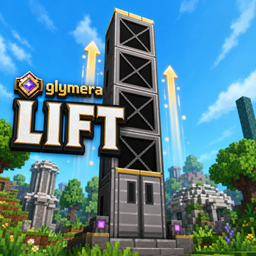
Build real elevators from a single block. Stack the block, click the door, and ride smoothly up or down - a genuine physical transport, no teleporting, no jerky snapping. Step in, ride, step out.
What is GlymeraLift?
GlymeraLift turns a simple stacked block into a working elevator shaft. Place the Glymera Lift block in a vertical column and the plugin automatically turns the top and bottom into elevator doors - the rest becomes the shaft. Walk up to a door, press use (F), and you are carried smoothly to the other end and stepped out onto the floor.
The ride is a real physical movement - your character actually travels through the shaft, standing upright the whole way. It is not a teleport and it does not stutter.
Pure server-side plugin - no client mod required.
Highlights
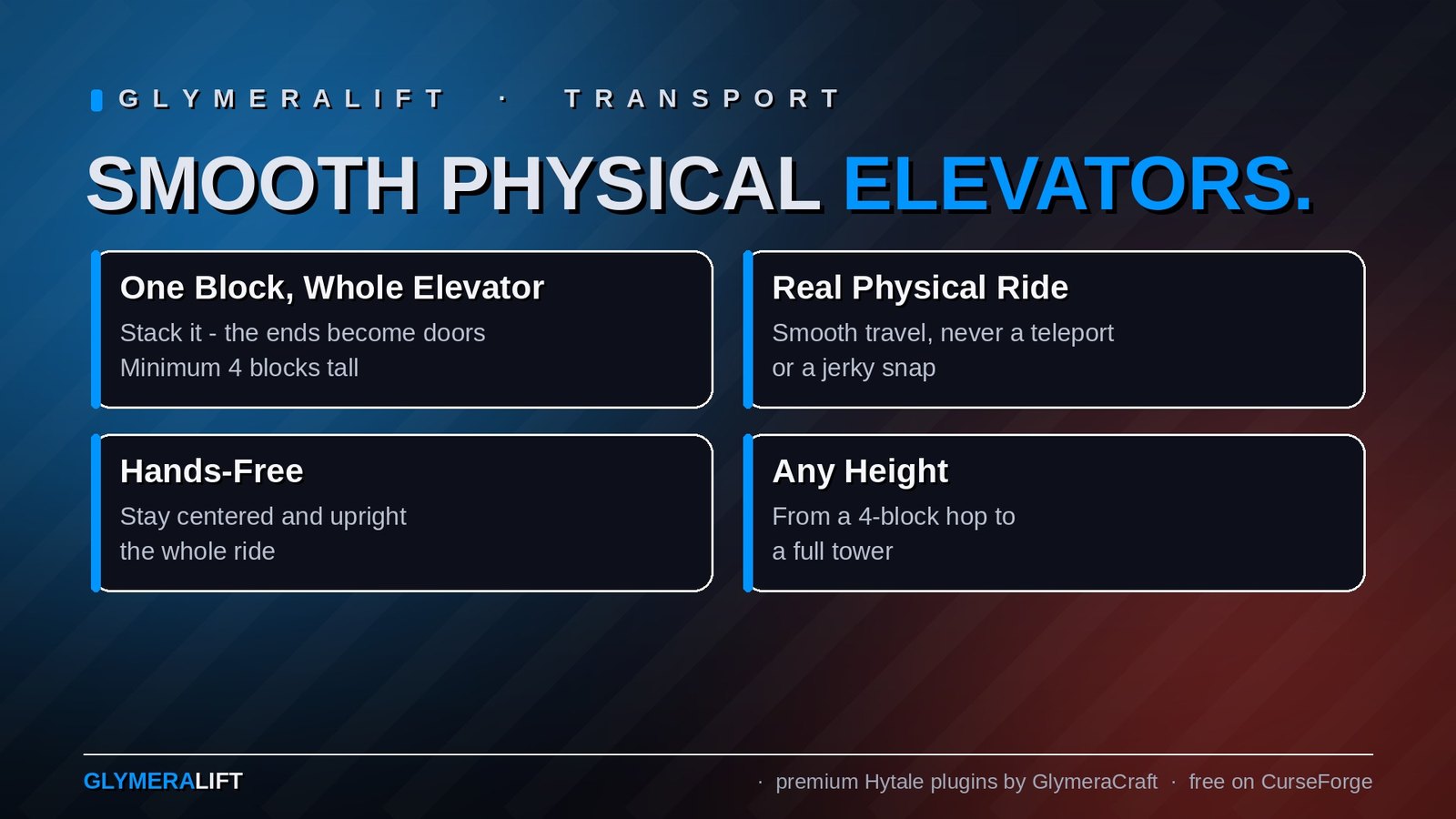
- One block, whole elevator - stack the Lift block; the ends become doors automatically (minimum 4 blocks tall)
- Smooth physical ride - carried up or down with fluid motion, never a teleport or a snap
- Ride standing, hands free - you stay centred and upright; controls are locked during the ride so you never drift into a wall
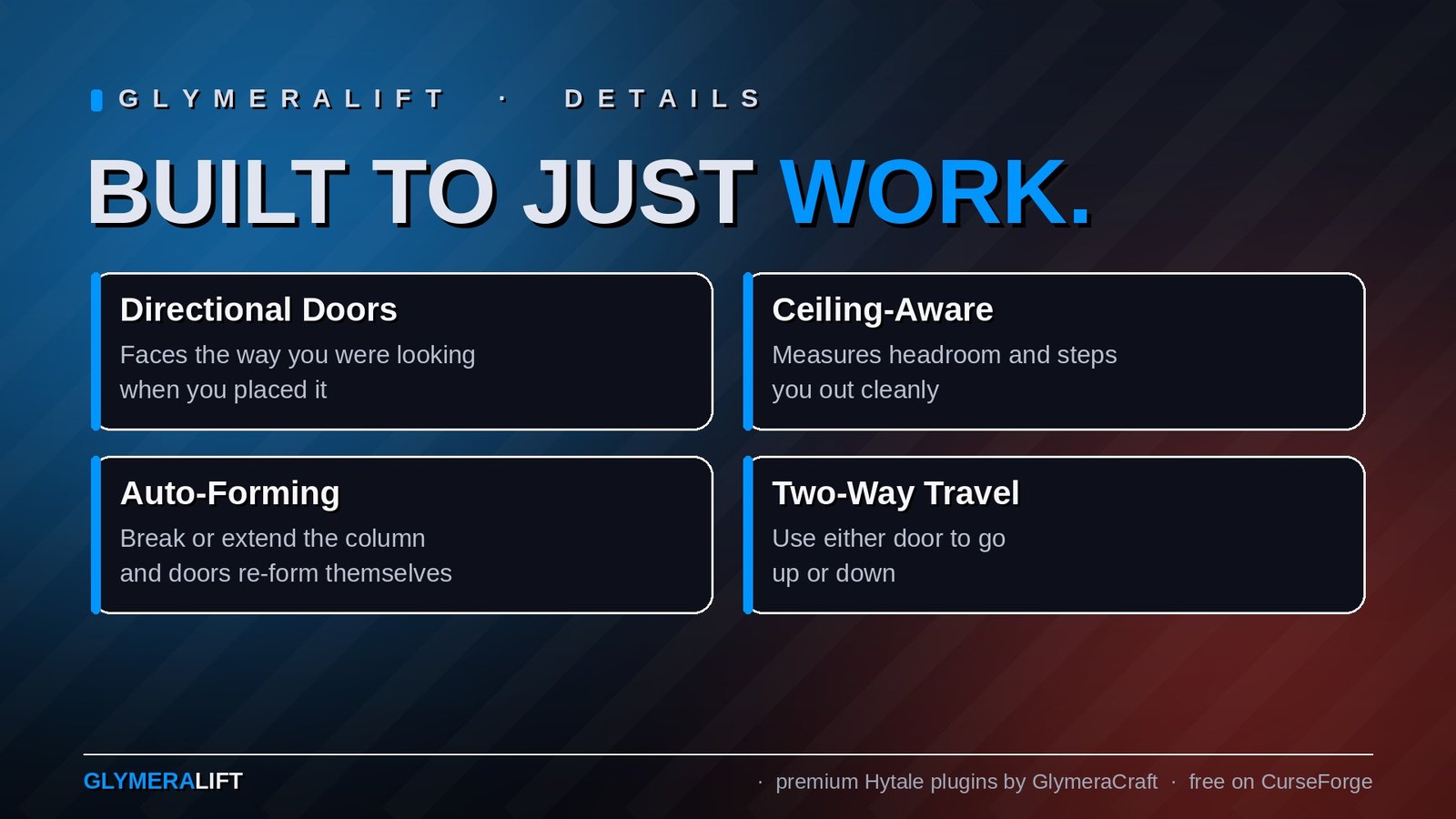
- Directional doors - the door faces the way you were looking when you placed it, and you are stepped out through that side; the texture shows the front
- Ceiling-aware exit - the plugin measures the headroom at your destination and lifts you exactly as high as it fits, so tight platforms work too
- Two-way - press use on the bottom door to go up, the top door to go down
- Auto-forming - break or extend the column and the doors re-form themselves; split a column and you get two independent elevators
- Any height - from a 4-block hop to a full tower
How To Use
- Craft the Glymera Lift block (see recipe below) or grab it from the creative menu.
- Stack it in a straight vertical column, at least 4 blocks tall.
- The top two and bottom two blocks turn into doors automatically.
- Press use (F) on a door - you ride to the other end and step out.
Face the direction you want the door to open while placing the block - the door front (and your exit) points that way.
Crafting Recipe
| Input | Bench | Output |
|---|---|---|
| 2x Iron Bar | Workbench | 4x Glymera Lift |
Configuration
Generated at first startup: plugins/GlymeraLift/config.json
| Setting | Default | Description |
|---|---|---|
rideSpeed |
4.5 |
Vertical travel speed in blocks per second |
enterSpeed |
3.0 |
Speed of the pull-in and step-out movement |
exitClearance |
0.45 |
How far above floor level you are lifted before stepping out (auto-capped to the available headroom) |
maxColumnHeight |
128 |
Safety limit for how tall a single elevator column can be |
maxRideMs |
60000 |
Absolute safety timeout for a ride, in milliseconds |
rotationOffset |
0 |
Calibration 0-3: rotate the door-front direction a quarter turn if it ever points the wrong way |
Installation
- Place
GlymeraLift-1.0.0.jarin your server'smods/folder - Start (or restart) the server
- Done!
Made with care by Glymera for the Hytale community
Changelog
GlymeraLift - Changelog
v3.0.0 (2026-09-18) — Door parts hidden from the creative inventory
- The three internal lift door parts no longer appear in the creative item library (variant flag). The Lift block itself stays in the library; doors are still built by the plugin.
- Nothing else changes: block ids, recipe and code are untouched.
v2.0.0 (2026-08-28) — Hytale 0.6.0 (Update 6)
- Rebuilt for Hytale 0.6.0 (Update 6). Requires server 0.6.0 or newer; this version does not run on 0.5.x, and older versions of this plugin do not run on 0.6.0.
- Migrated to the 0.6.0 APIs (network protocol hytale/3, new command-permission API, block/chunk/entity API changes). Everything that was open to players before is open to players again.
- Upgrade: delete the old jar from
mods/, drop in the new one and keep the plugin's data folder — configs and saved data carry over unchanged. Restart the server.
Only Marc can read this.