Gallery
Description
GlymeraHUD — Reposition Any HUD on Your Server
Move any custom HUD to exactly where you want it. One command, no client mods.
What is GlymeraHUD?
Hytale plugins draw their HUDs wherever their author hard-coded them — a minimap top-left, a money counter top-right, a scoreboard down the side. Sooner or later two of them land in the same corner and overlap, and there is nothing the player can do about it.
GlymeraHUD gives server operators a simple in-game tool to slide any HUD to a new position. Pick a HUD from a list, set two sliders, close the page — the HUD sits at its new spot. The new position is saved and applies to everyone on the server.
Install once. Reposition anything. No code, no config files to hand-edit.
How to Use
- Trigger the HUDs you want to manage at least once (open your money display, look at a block, etc.) so the plugin has seen them.
- Type
/ghudto open the positioning page (operators only). - Pick a HUD from the list on the left.
- Set the Horizontal and Vertical sliders. (On Hytale 0.6.0 the client hides all custom HUDs while a page is open, so you will not see it move yet.)
- Close the page. The position is saved and survives restarts.
That's it. Close the page — the HUD appears at its new position. No reconnect required; reopen /ghud to fine-tune.
Features
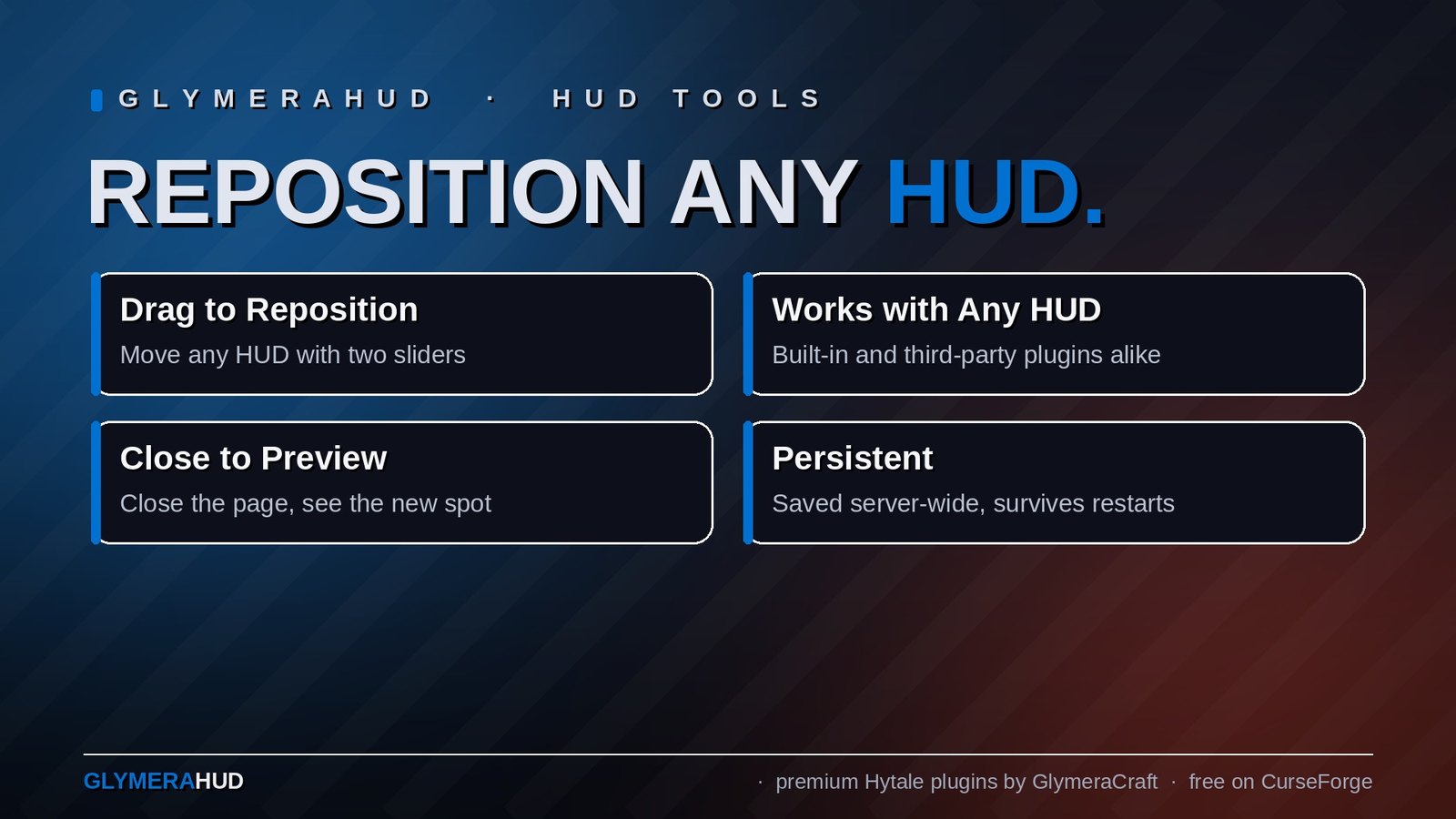
- Works with any HUD — built-in Glymera HUDs and third-party HUD plugins alike, whether they build their HUD inline or load it from a UI file.
- Close to preview — close the page and the HUD is at its new spot; reopen
/ghudto nudge it further. (Before Hytale 0.6.0 the HUD moved live while dragging; the 0.6.0 client hides custom HUDs behind open pages.) - Server-wide positions — an operator sets a layout once; every player sees the same arrangement.
- Persistent — positions are stored on the server and restored automatically after a restart.
- Server-side only — no client mods, no resource packs, nothing for your players to install.
- Safe by design — GlymeraHUD never rewrites a plugin's HUD structure. It only nudges the position, and if it ever can't position a HUD cleanly it leaves it untouched rather than risk breaking it.
- Operator-gated — only operators can open
/ghud; regular players cannot move HUDs.
Commands
| Command | Who | Description |
|---|---|---|
/ghud |
Operators | Open the HUD positioning page |
Installation
- Place
GlymeraHUD-3.0.0.jarin your server'smods/folder. - Start (or restart) the server.
- Done — run
/ghudin-game to start positioning.
Good to Know
- One HUD won't move while you drag it? A few HUDs are sent only once and then quietly updated (some money/balance displays work this way). GlymeraHUD re-triggers the selected HUD when you change a slider so it repositions anyway — no reconnect needed.
- A third-party HUD won't move at all? A small number of HUDs are built in a way that hides their position from the server (no identifiable root element). GlymeraHUD will simply leave those alone — it never guesses, so it can never break them. Everything else repositions normally.
- Modern Hytale already shows multiple HUDs at once. You no longer need a compatibility layer just to see several HUDs together — the game handles that natively. GlymeraHUD's job is the part the game does not do: letting you arrange them.
Compatibility
- Works with all GlymeraCraft HUD plugins (GlymeraInspect, GlymeraMerchant, etc.).
- Works with third-party HUD plugins that use Hytale's standard custom-HUD system.
- Does not interfere with interactive pages (shops, menus) — those are a separate system.
Made with care by Glymera for the Hytale community.
Hytale 0.6.0 note: the client now hides all custom HUDs while a custom page is open, so you will not see the HUD move while the slider page is up. Close the page — the HUD appears at its new position. The offset is saved as usual.
Changelog
GlymeraHUD — Changelog
v5.0.0 (2026-09-01) — Fixed positions: corners and edge centers
Why this version exists
Until now GlymeraHUD could only shift a HUD by a number of pixels from wherever its author anchored it. That shift is measured in absolute pixels, so the result depends on each player's screen resolution and UI scale: a window pushed 1,600 px to the right sits perfectly on a 2560-wide screen, is cut off on a 1920-wide one, and is off-screen entirely on a laptop. One operator, three players, three different layouts.
What changed
- New: 8 fixed positions per HUD — the four corners (Top Left, Top Right, Bottom Left, Bottom Right) and the four edge centers (Top Center, Bottom Center, Middle Left, Middle Right). Pick one in
/ghudand the HUD is re-anchored to that edge, so it lands in the same spot on every screen size and UI scale. - Sliders become a gap. With a fixed position selected, the two sliders set the distance from the chosen edge(s) instead of a raw pixel shift. On a centered axis the slider is ignored (the page shows (centered)).
- "Original" keeps the old behaviour. The middle button of the grid leaves the HUD on its own anchor and applies the sliders as a pixel shift, exactly as in 3.x/4.x.
- Switching between Original and a fixed position resets the sliders (to 20/20 or 0/0), so an old large shift does not turn into an equally large gap.
- File-based HUDs (loaded from a
.uiasset) now also accept stretched anchors (Horizontal/Vertical) when a fixed position is chosen; a plain shift on such an anchor is still left untouched, as before.
Compatibility / upgrade
- Drop-in replacement. Swap the jar and keep the plugin's data folder. Existing
offsets.txtentries load unchanged and behave exactly as before (they are treated as Original + shift); the file is only extended with a position column once you pick a fixed position for a HUD. Verified against a real customer configuration. - All positions persist across server restarts, as before.
- Built and verified against Hytale 0.6.x; server-side only, no client changes. Verified in-game for all eight positions.
- Recommendation: HUDs you previously pushed a long way with the sliders — open
/ghud, pick the corner you actually wanted, and set a small gap. That fixes the "looks different for every player" problem.
v4.0.0 (2026-08-28) — Hytale 0.6.0 (Update 6)
- Rebuilt for Hytale 0.6.0 (Update 6). Requires server 0.6.0 or newer; this version does not run on 0.5.x, and older versions of this plugin do not run on 0.6.0.
- Known 0.6.0 limitation: the client hides all custom HUDs while a custom page (such as the settings GUI) is open, so the live preview of the sliders is not visible while adjusting them. The settings are applied normally once the page is closed.
- Migrated to the 0.6.0 APIs (network protocol hytale/3, new command-permission API, block/chunk/entity API changes). Everything that was open to players before is open to players again.
- Upgrade: delete the old jar from
mods/, drop in the new one and keep the plugin's data folder — configs and saved data carry over unchanged. Restart the server.
3.0.0
Complete rewrite. GlymeraHUD is now a HUD positioning tool.
Why this version exists
Earlier versions of GlymeraHUD existed to solve one problem: older Hytale only showed a single custom HUD at a time, so two HUD plugins would overwrite each other. v1/v2 worked around this by intercepting every outgoing HUD packet, guessing which plugin sent it, rewriting its UI commands into a private master container, and blocking the originals.
Two things changed:
- Hytale now multiplexes HUDs natively. The engine keeps all custom HUDs side by side (keyed per HUD), so the merging workaround became unnecessary.
- The workaround caused disconnects. Because it rewrote each HUD's UI selectors into a container it managed itself, the client could receive commands pointing at an element that didn't exist, producing a
failed to apply customhud ui commandserror and kicking the player. This was reported by a customer running the latest game version with multiple HUD mods.
What changed
- Removed all packet merging, stack-trace source-guessing, the private master container, and reflection-based command injection — i.e. everything that caused the kick. The kick is structurally impossible in this version.
- Kept and rebuilt the positioning feature as the plugin's sole purpose.
- HUDs are now identified by their own packet key, not by guessing the source plugin from the call stack.
How positioning works now
GlymeraHUD observes outgoing HUD packets and, if an offset is configured for that HUD, adjusts only the numeric anchor values of the HUD's own root element. It never adds selectors or containers of its own, so it cannot create an unresolvable reference.
Two HUD construction styles are supported:
- Inline HUDs (the HUD layout is in the packet): the anchor values are shifted directly in place.
- File-based HUDs (the HUD is loaded from a
.uiasset, e.g. WiFlowScoreboard): GlymeraHUD reads the referenced asset from themods/jars, learns the root element id and its original anchor (cached), and appends a singleSet <root>.Anchorcommand to the same packet — targeting an element that packet itself just created, so it always resolves.
If a HUD's asset can't be found, its root can't be determined unambiguously, or it uses anchor properties that can't be safely rebuilt, GlymeraHUD leaves the packet untouched rather than risk breaking it.
Live preview
Changing a slider in /ghud now re-triggers the selected HUD via the engine's public show() method, so it re-sends and repositions immediately while you drag. This matters for HUDs that are sent once and then only text-updated (such as a money/balance display), which previously only moved after a reconnect. The re-trigger is best-effort and fault-isolated: if it ever fails, the offset is still saved and applies on the next refresh — it can never cause a kick or crash.
Compatibility
- Built and verified against the current Hytale stable release.
- Server-side only; no client changes.
Only Marc can read this.