Gallery
Description
GlymeraDeadChest - Death Items Stored in a Grave
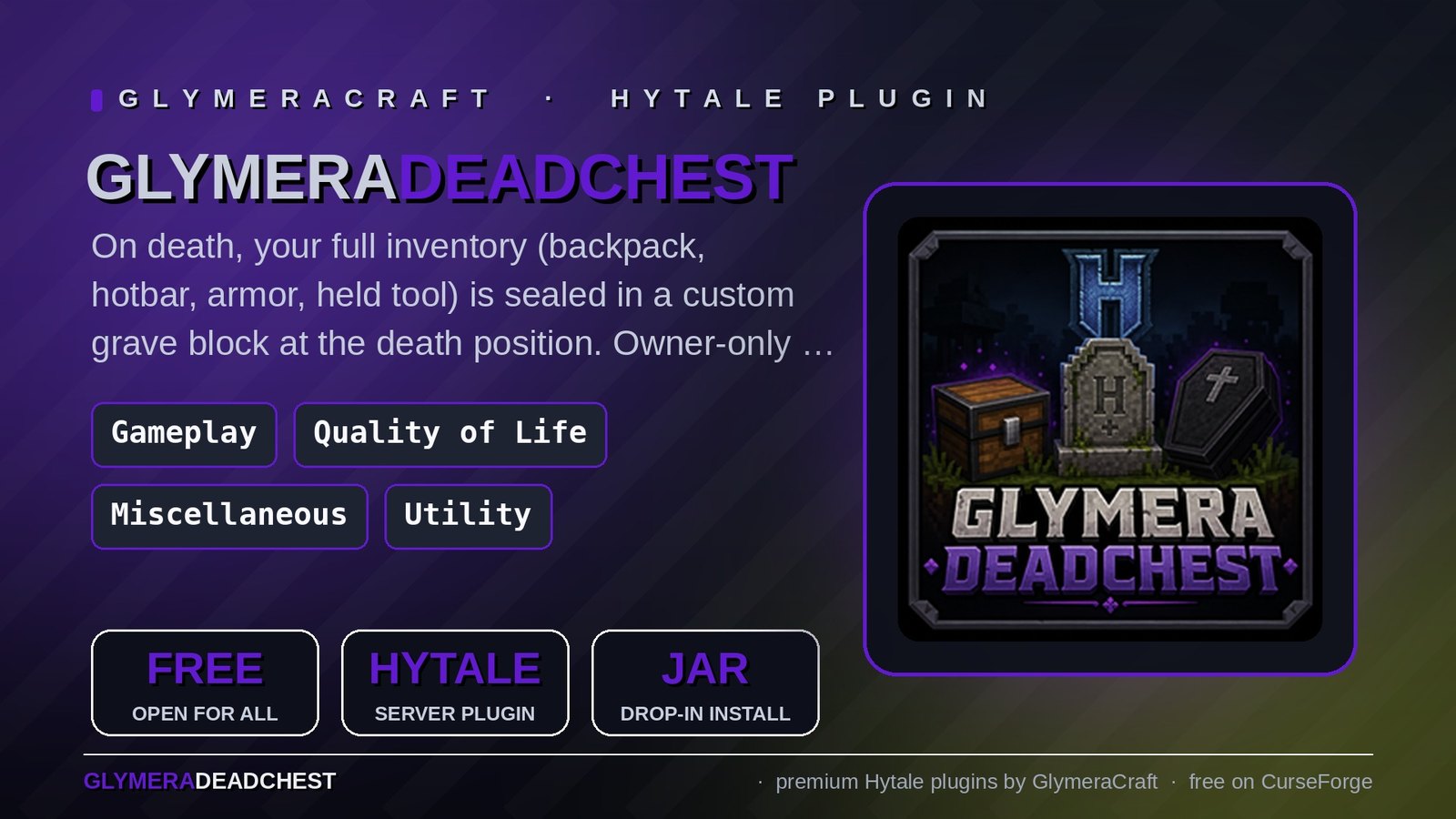
On death, all your items (backpack, hotbar, armor, equipped tool) are placed in a grave block at your death position. Pick them back up before the timer runs out.
What is GlymeraDeadChest?
When a player dies, their entire inventory would normally drop on the ground and despawn. GlymeraDeadChest replaces that with a grave block that holds the items safely until the owner returns. Designed to be griefer-proof: the grave does not drop as an item, cannot be destroyed by other players, and survives terrain edits underneath.
Includes its own asset pack with three custom grave block types. Standard chests and tombstones in the world are not affected by this plugin.
Features
Death Capture
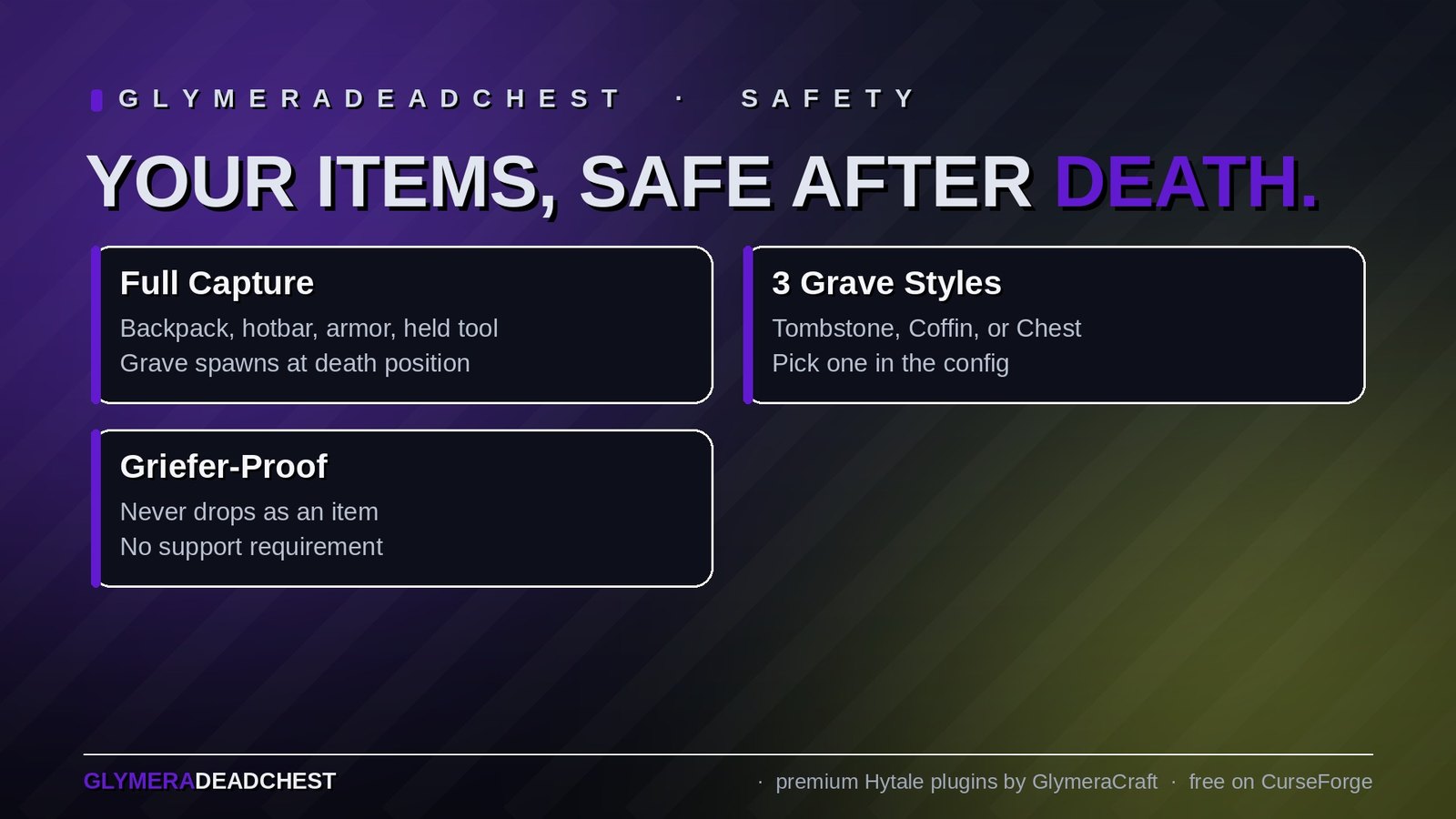
- All items are captured on death: backpack, hotbar, armor, and the tool currently held
- A grave block spawns at the death position (or up to 5 blocks higher if the spot is blocked)
- If no free spot is found, items drop normally as a fallback
- Creative mode players are skipped (matches Hytale's default no-drop behaviour in creative)
Three Custom Grave Block Types
Pick one in the config:
- GlymeraGrave_Tombstone (default) - looks like a stone tombstone
- GlymeraGrave_Coffin - looks like a stone coffin
- GlymeraGrave_Chest - looks like a wooden chest
All three are plugin-only blocks with no crafting recipe, no item drop when broken, and no support requirement. They are visually identical to the original Hytale models, but functionally separate from the regular furniture blocks.
Anti-Griefing
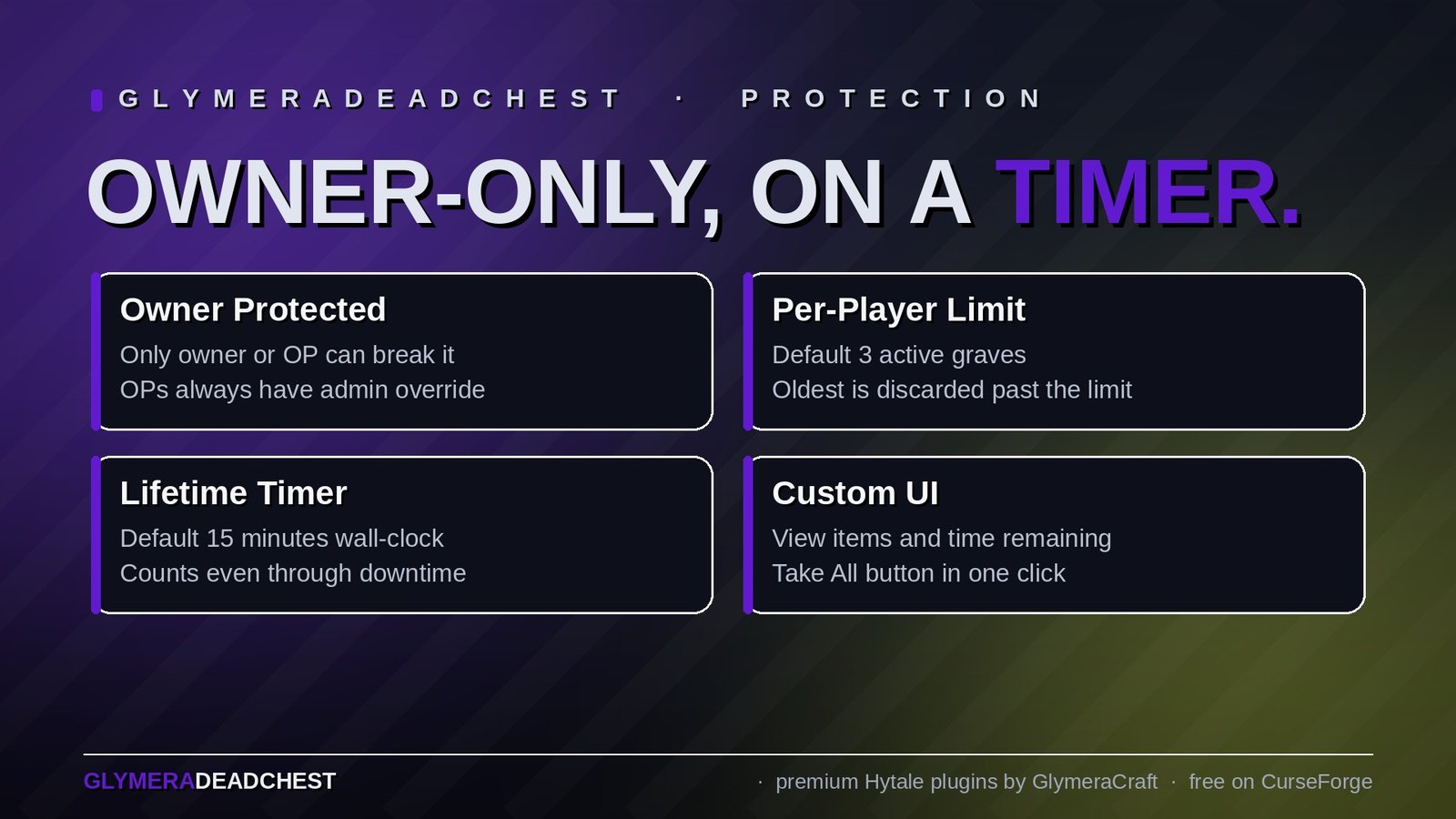
- Grave blocks cannot be damaged or broken by other players when
ownerOnlyis true (default) - Grave blocks have no support requirement - removing the floor underneath does not destroy them
- Grave blocks have an empty drop list - they never produce an item, even if forced
- OPs can always interact (admin override)
Per-Player Limit
- Each player can have a configurable number of active graves (default: 3)
- When the limit is reached and a new grave would spawn, the oldest grave is automatically discarded along with its contents
Lifetime Timer
- Each grave has a configurable lifetime (default: 15 minutes, server wall-clock time)
- After expiry, the grave block and all its items are removed
- Server downtime counts toward the timer
- Expired graves are cleaned up immediately on server start
Custom UI for Inventory View
- Press the use key (F) on any grave to open a custom UI listing all stored items with quantities and remaining lifetime
- "Take All" button transfers everything back to the player's inventory in one click
- Items that don't fit stay in the grave - make room and open it again
Break-Mode for Tombstones
- Graves can also be broken to retrieve items - all stored items go directly into the inventory, anything that doesn't fit drops on the ground
- The grave block itself never drops as an item
Persistence
- Grave data is stored as JSON per grave UUID under
plugins/GlymeraDeadChest/data/ - Survives server restarts and chunk unloads
- Owner mapping, world, coordinates, items (with durability and metadata), and spawn timestamp are all preserved
Commands
For Everyone
| Command | Description |
|---|---|
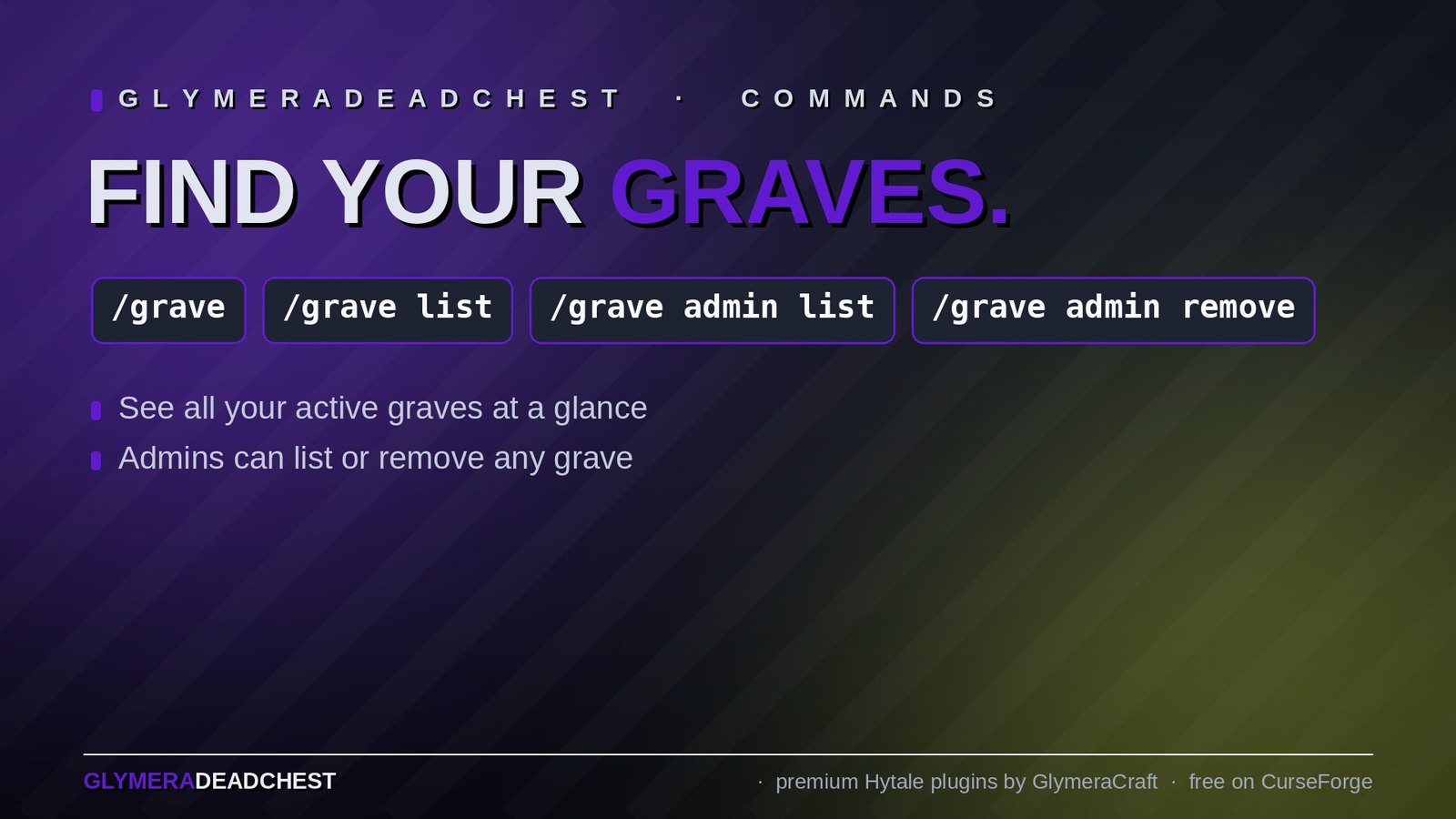
/grave or /grave list |
Open a UI listing your active graves with world, coordinates, item count, and time remaining |
For OPs Only
| Command | Description |
|---|---|
/grave admin list |
Chat list of all graves on the server |
/grave admin remove <id-prefix> |
Remove a specific grave (matches by ID prefix) |
Configuration
config.json (plugins/GlymeraDeadChest/config.json)
graveBlock        : GlymeraGrave_Tombstone   (or _Coffin / _Chest)
lifetimeMinutes   : 15
maxActiveGraves   : 3
ownerOnly         : true
| Field | Description |
|---|---|
graveBlock |
Which custom grave block to spawn. Plugin-provided options: GlymeraGrave_Tombstone, GlymeraGrave_Coffin, GlymeraGrave_Chest |
lifetimeMinutes |
How long a grave exists before it (and the items inside) are deleted |
maxActiveGraves |
Maximum simultaneous graves per player. When exceeded, the oldest is discarded |
ownerOnly |
If true, only the owner (and OPs) can damage, break or open the grave. If false, anyone can |
Grave Data (plugins/GlymeraDeadChest/data/<uuid>.json)
Automatically managed - one JSON file per grave with the owner UUID, position, item list (with durability and metadata), block type, and spawn time.
Installation
- Place
GlymeraDeadChest-1.0.0.jarin your server'smods/folder - Start (or restart) the server
- Done! Config is auto-generated on first run.
How It Works
Grave Spawn Flow
- Player dies (non-creative)
- Plugin runs before Hytale's default item-drop system
inventory.dropAllItemStacks()empties the inventory and returns every stack (including armor and tool)- If a free spot is found near the death position, the configured grave block is placed there
- Owner UUID, world, coordinates, all items, and spawn timestamp are persisted to disk
- The default Hytale drop logic finds an empty inventory and drops nothing
Owner Protection
The plugin registers three ECS event systems:
- DamageBlockEvent - cancels block damage from non-owners (prevents tool-mining the grave)
- BreakBlockEvent - cancels break attempts from non-owners
- UseBlockEvent.Pre - cancels native interaction and routes owner clicks to the custom UI
OPs bypass all owner checks (admin override).
Drop Resistance
The custom grave block types are defined with no Support field and Material: Solid, which causes the physics system to treat them as floating decoration - they never drop due to lost ground support. As a defence in depth, the plugin also calls BlockPhysics.markDeco() on every grave block.
Good to Know
- The grave block contents are not stored in a native Hytale container - the plugin keeps its own JSON state. This means a grave can hold a player's full inventory regardless of how many backpack slots they have unlocked
- All three variants (Tombstone, Coffin, Chest) open with the use key (F) and can also be broken to retrieve the items
- In areas where another plugin forbids using blocks (for example claims of other players), that plugin's rules apply to graves as well
- All grave blocks are added by this plugin only and have no crafting recipe - players cannot obtain them through normal play
- Grave timer ticks every 30 seconds, so a grave may persist up to ~30 seconds beyond its configured lifetime in the worst case
Made with care by Glymera for the Hytale community
Changelog
GlymeraDeadChest - Changelog
v10.0.0 (2026-10-21) — works together with GlymeraRevive
- Fix: with GlymeraRevive the grave no longer ends up in the sky. While a player is downed, Revive moves them high up out of the monsters' reach. When they gave up or the timer ran out, DeadChest put the grave at that spot up in the air. DeadChest now asks Revive where the player really went down and puts the grave exactly there.
- Everything goes into the grave. Revive no longer takes its own share of the items before the grave is filled, so the grave holds the same as without Revive. Needs GlymeraRevive 14.0.0 or newer.
- Without GlymeraRevive nothing changes.
- Upgrade: replace the jar in
mods/and restart. Config and graves carry over.
v9.0.0 (2026-10-18) — choose what you keep on death
- New:
keepHotbar—true= everything in the hotbar stays with the player instead of going into the grave. - New:
keepArmor—true= all armor stays with the player: the pieces you wear AND armor lying in your inventory or hotbar. - New:
keepWeapons—true= all weapons stay with the player, wherever they are. This counts everything Hytale treats as a weapon, including shields, bows, arrows, bombs and sickles. - All three are
falseby default, so nothing changes unless you switch them on. They work independently and can be combined (e.g.keepHotbar+keepArmor: you keep your hotbar and armor, the rest of the inventory goes into the grave). - Kept items really stay. When DeadChest handles a death, Hytale's own item loss (dropping part of the items on the ground) is switched off. Hytale's normal durability loss on death still applies to the items you keep.
- Upgrade: replace the jar in
mods/and restart. The three new settings are added to your existingconfig.jsonautomatically; your other settings are kept.
v8.0.0 (2026-10-15) — config in the mod's own folder
- Fix: config.json now lives where you expect it. The config and the grave data used to be written to
plugins/GlymeraDeadChest/, relative to wherever the server was started from. In singleplayer and on some hosts that is not the server folder, so the config ended up somewhere unexpected or was never created at all. Everything now lives in the mod's own data folder:mods/Glymera_GlymeraDeadChest/(config.jsonanddata/). The exact path is printed in the server log on every start. - Your settings and graves are kept. On the first start, 8.0.0 copies your existing
config.jsonand all graves from the oldplugins/GlymeraDeadChest/folder into the new one. The old folder is left untouched as a backup and gets aMOVED_TO_NEW_FOLDER.txtnote; it is no longer used, so edit the config in the new folder from now on. - Fix: a config with a typo is no longer overwritten. If
config.jsoncan't be read (for example a missing comma), DeadChest now leaves the file exactly as it is, logs a warning with the reason and uses the defaults until you fix it. Before, the file was silently replaced with default values. - The config is now written safely (temporary file, then replaced), so a crash during saving can't leave a half-written file.
- Upgrade: replace the jar in
mods/and restart the server. Nothing else to do.
v7.0.0 (2026-10-15) — no more lost items in instances
- Fix: dying in a portal/breach instance no longer costs you everything. Hytale itself lets you keep your inventory when you die in instances (portals/breaches, Forgotten Temple, Deepworks). DeadChest used to ignore that and put everything into a grave inside the instance — and the grave disappeared together with the instance. DeadChest now follows the world's own death settings: where Hytale keeps the inventory, no grave is created and you keep your items. New config
respectWorldDeathSettings(defaulttrue;false= old behaviour). - New:
disabledWorlds. List of world names where DeadChest is switched off and Hytale's normal death handling applies. An entry also matches every world whose name starts with it, so"instance-"covers all instance worlds at once. Default: empty (active everywhere). - Every config setting now has its explanation and default value directly above it; existing configs keep their values and get the new settings automatically.
- Upgrade: replace the jar in
mods/, keep the plugin's data folder — existing graves and configs carry over. Restart the server.
v6.0.0 (2026-10-12) — Hytale 0.7.0 (Update 7)
- Rebuilt for Hytale 0.7.0 (Update 7 / Chapter 1). Requires server 0.7.0 or newer; this version does not run on 0.6.x, and the previous version does not run on 0.7.0 (the server removed the old block and chunk API).
- Migrated to the 0.7.0 world API: block reads and writes now go through the chunk store and block sections (
BlockOperations), chunk ticking through the engine's new marker component, spawn points through the asynchronous spawn provider. - Mod icon added (
icon-256.pngin the jar) so the plugin shows its picture in the world's mod list instead of a question mark. - Upgrade: delete the old jar from
mods/, drop in the new one and keep the plugin's data folder — configs and saved data carry over unchanged. Restart the server.
v5.0.0 (2026-10-07) — English button label
- Fix: the "Take All" button in the grave window was labeled in German ("Alles aufnehmen"). It now reads "Take All" like the rest of the window.
- No other changes; existing graves and configs carry over.
v4.0.0 (2026-09-29) — graves open with the use key
- Fix: graves could not be opened. The grave blocks had no use interaction, so pressing F on them did nothing and the only way to get your items back was breaking the grave. Where breaking is not allowed (for example in claims), the items were out of reach. All three variants (Tombstone, Coffin, Chest) now open with the use key and show the item list with the "Take All" button. Breaking still works as before.
- Fix: "Take All" no longer deletes items when the inventory is full. Items that don't fit now stay in the grave; make room and open it again. The grave disappears once it is empty.
- Grave removal after "Take All" or expiry now runs on the world thread.
- Weapons and tools keep their durability and all item data, as before.
- In areas where another plugin forbids using blocks (for example claims of other players), that plugin's rules apply to graves as well.
- Existing graves keep working; no config changes.
v3.0.0 (2026-08-28) — Hytale 0.6.0 (Update 6)
- Rebuilt for Hytale 0.6.0 (Update 6). Requires server 0.6.0 or newer; this version does not run on 0.5.x, and older versions of this plugin do not run on 0.6.0.
- Migrated to the 0.6.0 APIs (network protocol hytale/3, new command-permission API, block/chunk/entity API changes). Everything that was open to players before is open to players again.
- Upgrade: delete the old jar from
mods/, drop in the new one and keep the plugin's data folder — configs and saved data carry over unchanged. Restart the server.
Only Marc can read this.