Gallery
Description
GlymeraChunkLoader - Keep Chunks Alive!
Permanently keep chunks loaded and ticking without any player nearby. Survives server restarts.
What is GlymeraChunkLoader?
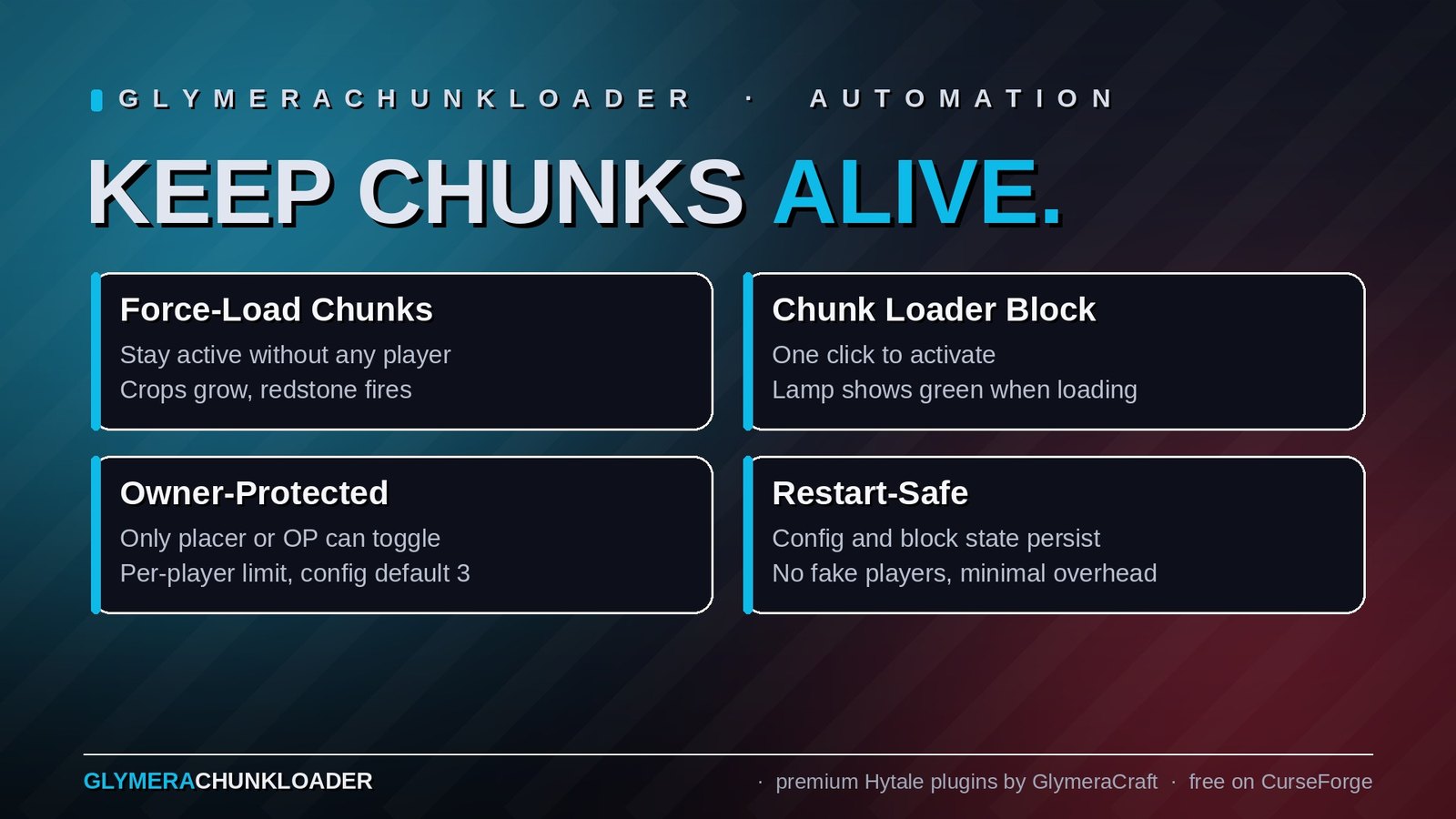
GlymeraChunkLoader lets server operators force-load specific chunks so they remain active even when no player is present. Loaded chunks keep ticking — crops grow, redstone fires, entities move, everything behaves as if a player is standing right there.
All configured chunks persist across server restarts via a simple JSON config that can also be edited by hand.
The Chunk Loader Block (v4)
Want your players to keep chunks loaded — without giving them commands? Place the
Chunk Loader block: a little clock on a stone base with a status lamp on top.
- One click = active: the lamp turns green and the chunk the block stands in stays
loaded and ticking. Click again: lamp turns red, the chunk unloads normally. - No crafting recipe on purpose — hand it out with
/cl give <player>or sell it in your
server store / economy plugin (item id:Glymera_Chunk_Loader). - Owner-protected: only the placer (or an OP) can toggle or break it. Breaking it always
returns the item. - Per-player limit:
maxLoadersPerPlayerin the config (default 3,-1= unlimited). - Restart-safe: placed loaders and their on/off state survive restarts.
- Fits its shape: collision and aiming outline match the actual clock model (half a block
wide, ~3/4 high) — no invisible full-block box around it.
Commands
All commands are OP-only (regular players just use the block).
Load & Unload
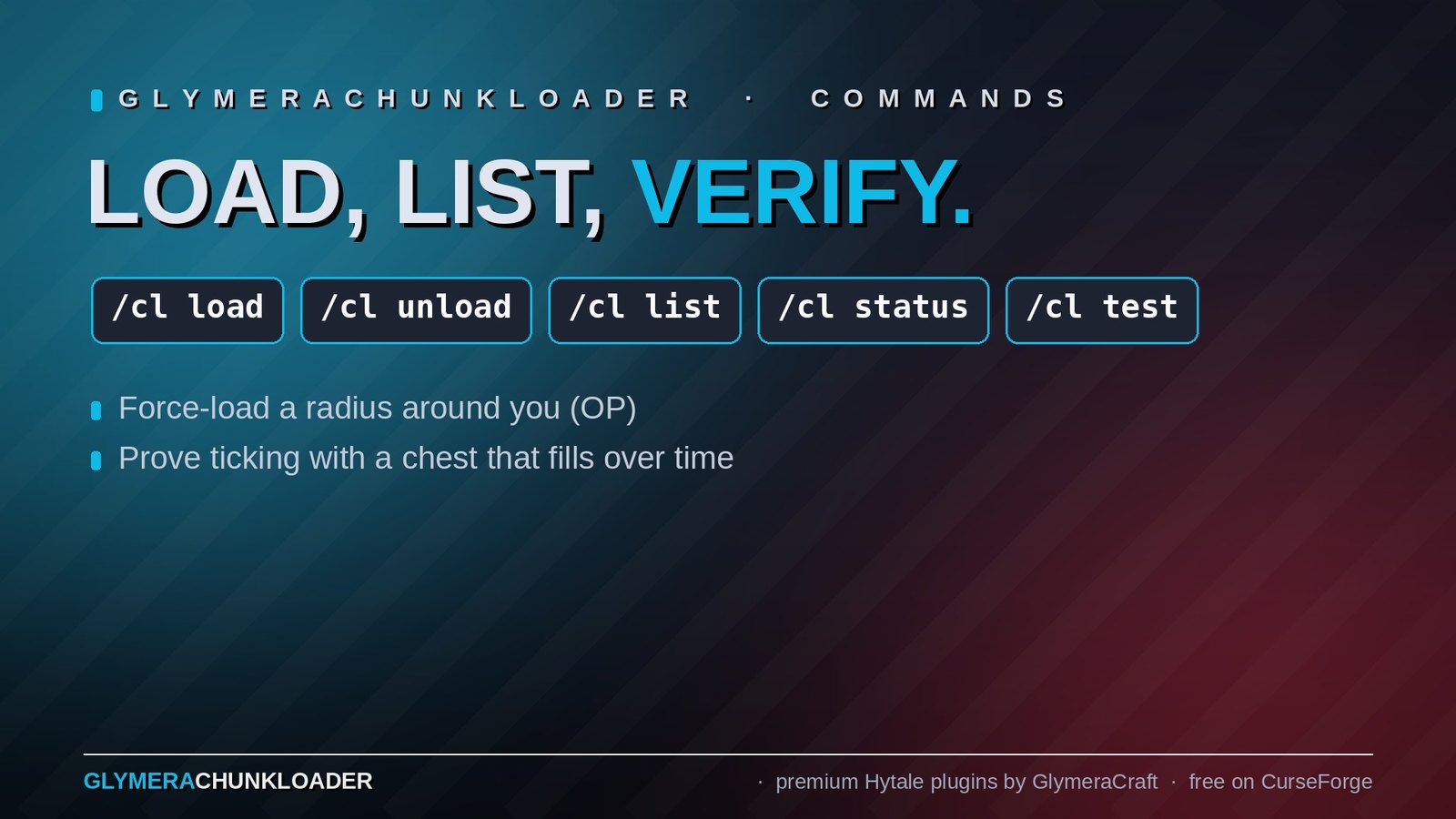
/cl load [radius]  - Force-load the chunk you're standing in (radius 0-16, default 0)
/cl unload         - Release the chunk you're standing in
Radius example: /cl load 3 force-loads a 7x7 area (49 chunks) centered on your position.
Management
/cl list           - List all force-loaded chunks (grouped by world)
/cl status         - Verify which chunks are actually loaded and ticking right now
/cl reload         - Reload config from disk after manual edits
Tick-Test Clock
/cl test           - Mark a nearby chest as a tick-test clock
/cl test off       - Stop the tick-test
Stand next to a chest and run /cl test. The plugin will add 1 Rock_Stone every 60 real seconds to the chest. Walk away, come back later, count the stones — that's how many minutes the chunk was actively ticking in your absence.
- Chest full? Pauses automatically, resumes when space is freed.
- Chest destroyed? Test stops automatically.
Config
Located at plugins/GlymeraChunkLoader/config.json. Can be edited manually — use /cl reload to apply changes.
{
  "chunks": [
    {
      "world": "default",
      "x": -56,
      "z": 47
    },
    {
      "world": "plains_1",
      "x": 10,
      "z": -3
    }
  ]
}
Each entry specifies the world name and chunk coordinates (not block coordinates). Chunks from different worlds are fully supported.
How It Works
- Uses Hytale's native
WorldChunk.addKeepLoaded()API (ref-counted, prevents unloading) - A maintenance task runs every 5 seconds to ensure all configured chunks stay loaded and ticking
- Sets the
TICKINGflag and resetskeepAlive/activeTimerto prevent the unload system from evicting chunks - Chunks are loaded asynchronously via
getChunkReferenceAsync()on first activation - All chunk operations run on the world thread for thread safety
- No fake players, no network overhead — minimal performance impact
Installation
Drop GlymeraChunkLoader-1.0.0.jar into your server's mods/ folder and restart. No asset pack required.
Requirements
- Hytale Server (any version)
- OP permissions to use commands
Changelog
GlymeraChunkLoader - Changelog
v7.0.0 (2026-08-28) — Hytale 0.6.0 (Update 6)
- Rebuilt for Hytale 0.6.0 (Update 6). Requires server 0.6.0 or newer; this version does not run on 0.5.x, and older versions of this plugin do not run on 0.6.0.
- Verified on 0.6.0: a loader keeps its own chunk ticking with no player nearby (chest/machine test). Reminder: a loader pins only the 32×32 chunk it stands in — place it in the same chunk as the machines it should keep running.
- Migrated to the 0.6.0 APIs (network protocol hytale/3, new command-permission API, block/chunk/entity API changes). Everything that was open to players before is open to players again.
- Upgrade: delete the old jar from
mods/, drop in the new one and keep the plugin's data folder — configs and saved data carry over unchanged. Restart the server.
v6.0.0 (2026-07-26)
Farm-world support: no more ghost pins after a world reset
- Many servers use disposable "farm worlds" that admins periodically delete and
recreate to keep world data small. Chunk Loader blocks placed in such a world
disappeared together with it - but their chunk pins survived in the plugin's
config and kept force-loading empty chunks in the recreated world forever
(wasted RAM and tick time, invisible to everyone). - The integrity check now also removes a loader whose position verifiably holds
a different block for 10 consecutive maintenance cycles (about 50 seconds),
even if that loader was never seen in the current server session. The loader
item is returned to its owner if they are online. - Command pins created with
/cl loadare intentionally NOT touched by this -
they are admin-managed and may outlive a world reset on purpose. Use
/cl unloador/cl listto manage them.
v5.0.0 (2026-07-25)
Critical fix: activating a Chunk Loader block silently disabled it
- On current Hytale builds, switching a loader block ON made the plugin forget it within a
few seconds: the clock stayed in the world with a green lamp, but the chunk was not
kept loaded, owner protection was gone, and a replacement loader item quietly appeared in
the owner's inventory. Toggling or breaking the orphaned clock did nothing anymore. - If your loaders "stopped working" or your chunks unloaded despite a green lamp, this was
the cause. Affected clocks are plain decoration now - break them and place fresh loaders
after updating.
Technical Details
- Root cause: the lamp toggle moves the block into its
Activeblock state. At runtime
a state variant is a separate block id whose asset name is
*Glymera_Chunk_Loader_State_Definitions_Active- with a leading asterisk. The integrity
check that detects loaders destroyed without a break event (explosions, area tools)
compared raw block ids, so every activated loader looked "destroyed" and was cleaned up
about 5 seconds after activation. - Fix: the integrity check now resolves the block's asset name, strips the leading
*and
matches by name prefix - the loader is recognized in every lamp state. Unresolvable ids
are treated as unknown and never trigger a cleanup.
v4.0.0 (2026-07-06)
New: Placeable Chunk Loader block (requested by xXTheHumbleXx)
- A physical Chunk Loader block in the style of a small grandfather clock: stone base,
bronze housing with a clock face on all four sides, and a status lamp on top. - Click to toggle: one click activates it — the lamp turns green and the chunk the
block stands in stays loaded and ticking, exactly like/cl load. Click again to turn it
off — the lamp turns red and the chunk unloads normally. - Made for server stores: there is intentionally no crafting recipe. Server owners
hand the item out via/cl give [player]or sell it through their store/economy plugin
(item id:Glymera_Chunk_Loader). - Owner protection: only the placer (or an OP) can toggle or remove the block. Removing
it always returns the item. - Per-player limit: new config option
maxLoadersPerPlayer(default 3,-1= unlimited,
OPs are exempt) caps how many loader blocks each player can place. - Restart-safe: placed loaders and their on/off states survive server restarts; active
chunks are re-pinned automatically on boot. - Grief-safe bookkeeping: if the block is destroyed by something that bypasses normal
breaking (explosions, area tools), the plugin notices, releases the chunk and returns the
item to the owner if they're online. - New OP command
/cl blockslists all placed Chunk Loader blocks with owner and status. - Accurate hitbox: collision and the aiming outline match the actual clock shape (half a
block wide, about 3/4 high) instead of a full block — you can stand right next to it and
aiming at it feels precise.
Fixed
- Config saving is now crash-safe (write-to-temp-then-rename).
v2.0.0 (2026-04-21)
Bug Fixes
- Fixed
/cl load <radius>not accepting positional argument: The command rejected calls like/cl load 3with the error"The wrong number of required argument was specified. Expected; 0, actual; 1"and forced users to use the named-arg syntax/cl load --radius=3. This contradicted the documented usage/cl load [radius]. - Fixed
/cl test offwith the same root cause: Stopping the tick-test clock required/cl test --off=offinstead of the documented/cl test off.
Technical Details
- Root cause: Hytale's
withOptionalArg(...)produces anOptionalArgthat is parsed as a named argument (--name=value) only, not as a positional token. There is no positional-optional arg type in the command API. - Fix: Split each affected command into two usage variants via
addUsageVariant()(same pattern as/poiin GlymeraLocate): LoadCommandstays no-arg (radius = 0, loads just the chunk the player is standing in)- New
LoadRadiusCommandvariant accepts a positionalRequiredArg<Integer>radius (0-16) TestCommandstays no-arg (starts the test)- New
TestOffCommandvariant accepts a positionalRequiredArg<String>("off") to stop the test - Shared load logic extracted to static helper
applyLoad(...)to avoid duplication between the two load variants.
v1.0.0 (2026-04-11)
- Initial release
- Force-load chunks that stay active without player presence (survives restarts)
/cl load [radius],/cl unload,/cl list,/cl status,/cl reload/cl testtick-test clock (1 Rock_Stone per 60s into a nearby chest)- Persistent JSON config at
plugins/GlymeraChunkLoader/config.json - Uses Hytale's native
WorldChunk.addKeepLoaded()API with 5-second maintenance task
Only Marc can read this.